Group 6 Operation – Elements and procedures Page 73
JET2 neo Release R1.12 en
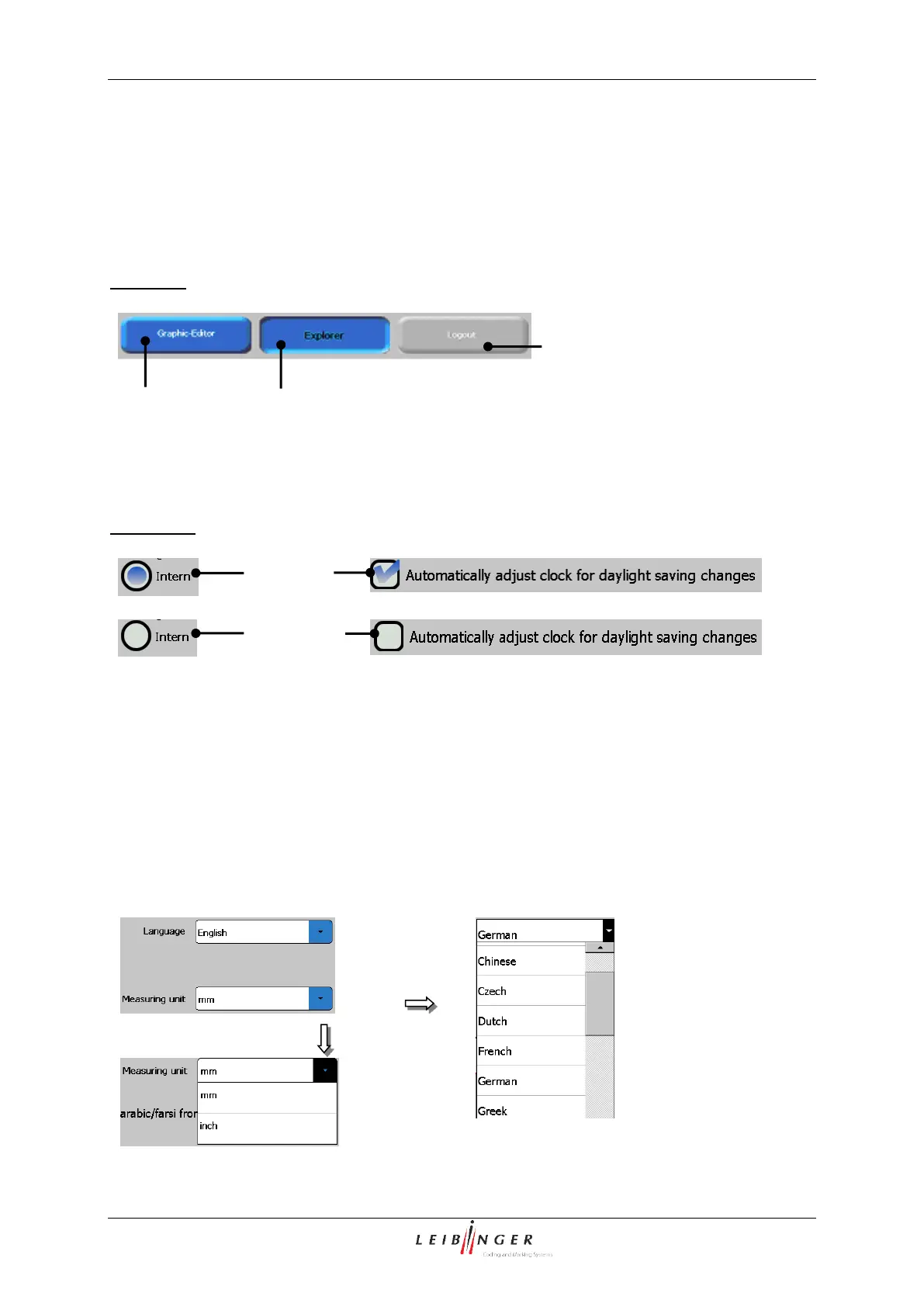
Display of functions:
If a function (menu item) is displayed blue, it is available. If a function is displayed grey, it is
not available at the moment
If a function is activated or currently being performed, the button is disabled (negative) during
the process.
Example:
Function of control boxes:
Individual settings can be selected by control boxes.
Examples:
Pop-up window:
If several functions can be selected in one menu point or different parameters can be set, the
selection happens by a so-called pop-up window.
If a pop-up window is bigger than the available display area, a vertical scroll bar is also
displayed.
Menu layout (Pop-up window)



 To Next Page