Page 74 Operation – Elements and procedures Group 6
Release R1.12 en JET2 neo
Control elements:
Serve for saving settings or exiting menus. The following commands are assigned to the
elements depending on the menu or function:
Control elements
(Buttons)
Overtake
Carry out
OK/Yes
6.7 Other settings and functions
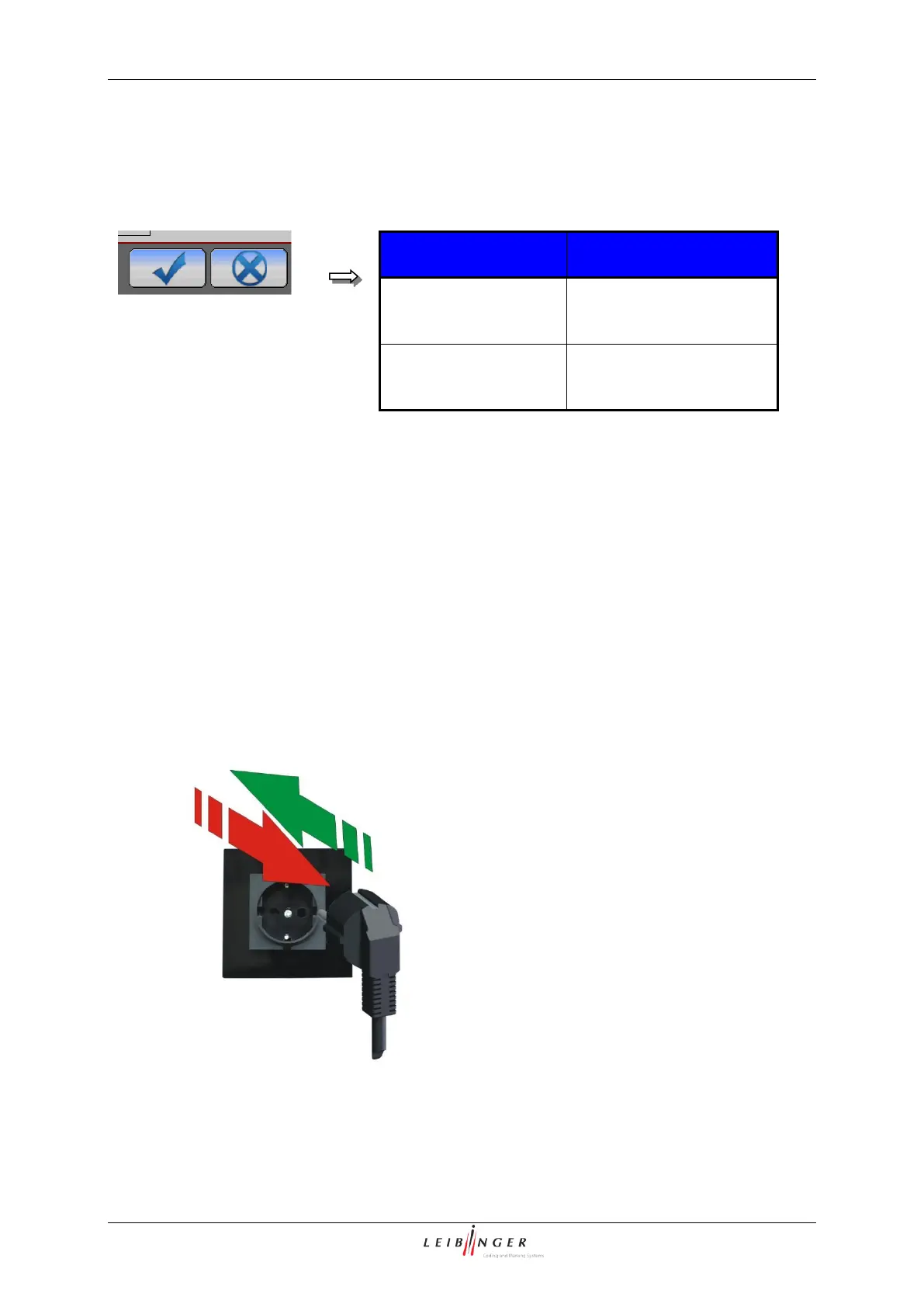
6.7.1 Carry out Hardware Reset
Unplug and plug in again the mains plug:
This will reset the printer’s electronic in case of malfunctions. The nozzle seal has to be
closed during a hardware reset.
The hardware reset is performed by unplugging the mains plug and pluggin it in again.
Hardware reset by unplugging and plugging in again (Hardware Reset)



 To Next Page