Page 134 Data entry/Programming Group 7
Release R1.12 en JET2 neo
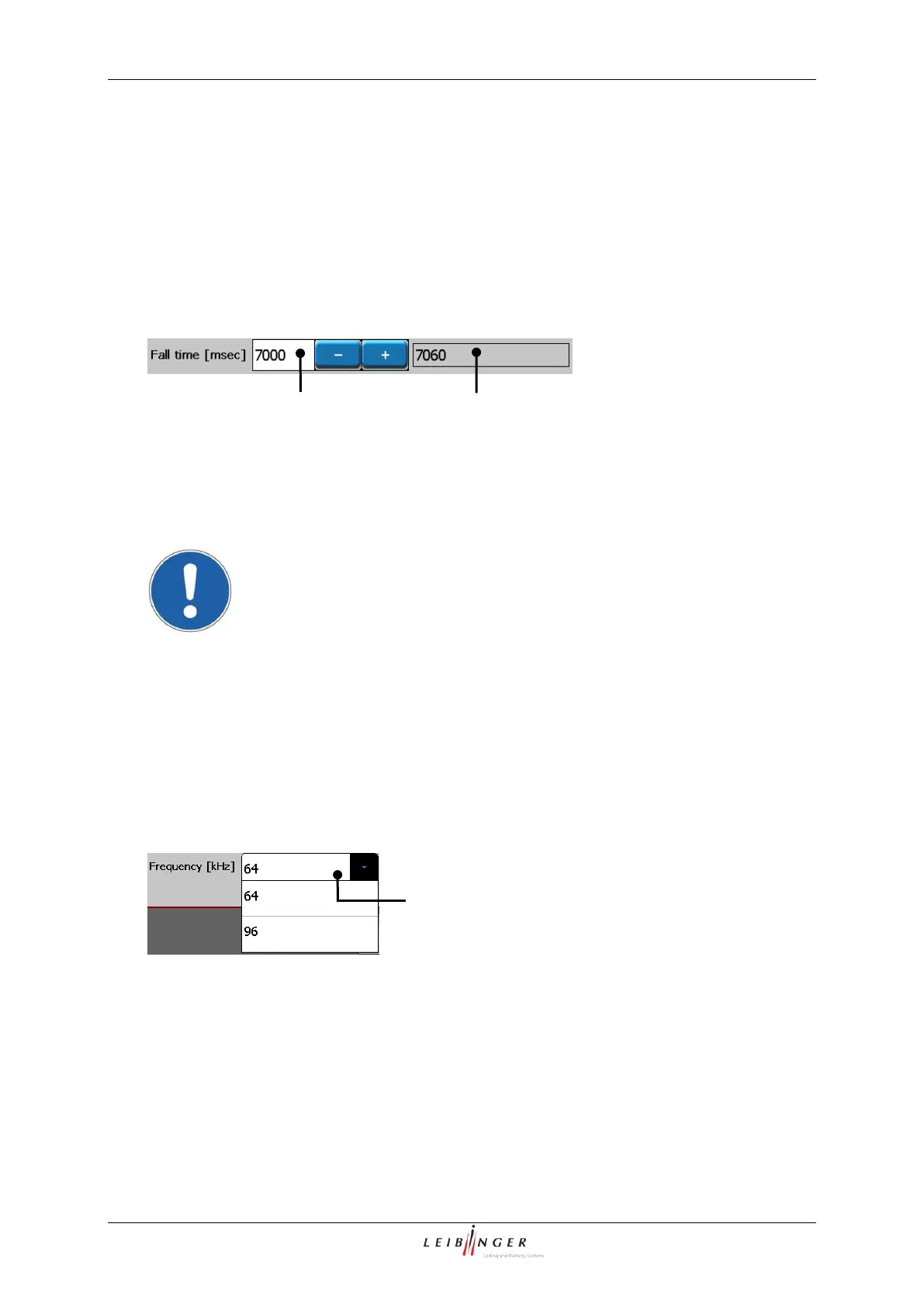
The fall time is changed with the setting. The entry is in msec.
The set value is displayed in the display field <Fall time (Set point)> (1). In the display
field <Fall time (Actual value)> (2) the currently measured fall time in msec. is displayed.
After approx. 15 seconds the value is updated.
1 – Display field <Fall time (Set point)>
2 – Display field <Fall time (Act. value)>
7.2.3.3.5 Oscillator voltage
For further information please contact the Leibinger-Service Department or
your authorized dealer!
7.2.3.3.6 Set oscillator frequency
Depending on the used ink, the necessary oscillator frequency must be set. The
appropriate frequencies are listed in the pop-up window <Oscillator frequency> (1).
Hydraulic (Oscillator frequency)
1 – Pull-down menu <Oscillator frequency>



 To Next Page