Group 5 Transport/Start up Page 49
JET2 neo Release R1.12 en
In the following table you will find the minimum pulse widths which are required to release
the assigned function at the X4 plug.
Gauger synchronization signal
The function allocations of the inputs 1 up to 3 happen by the software of
the JET2neo in the menu Main menu Settings
I/O settings Inputs.
You will find a circuit diagram of the interface in the appendix of this
manual!
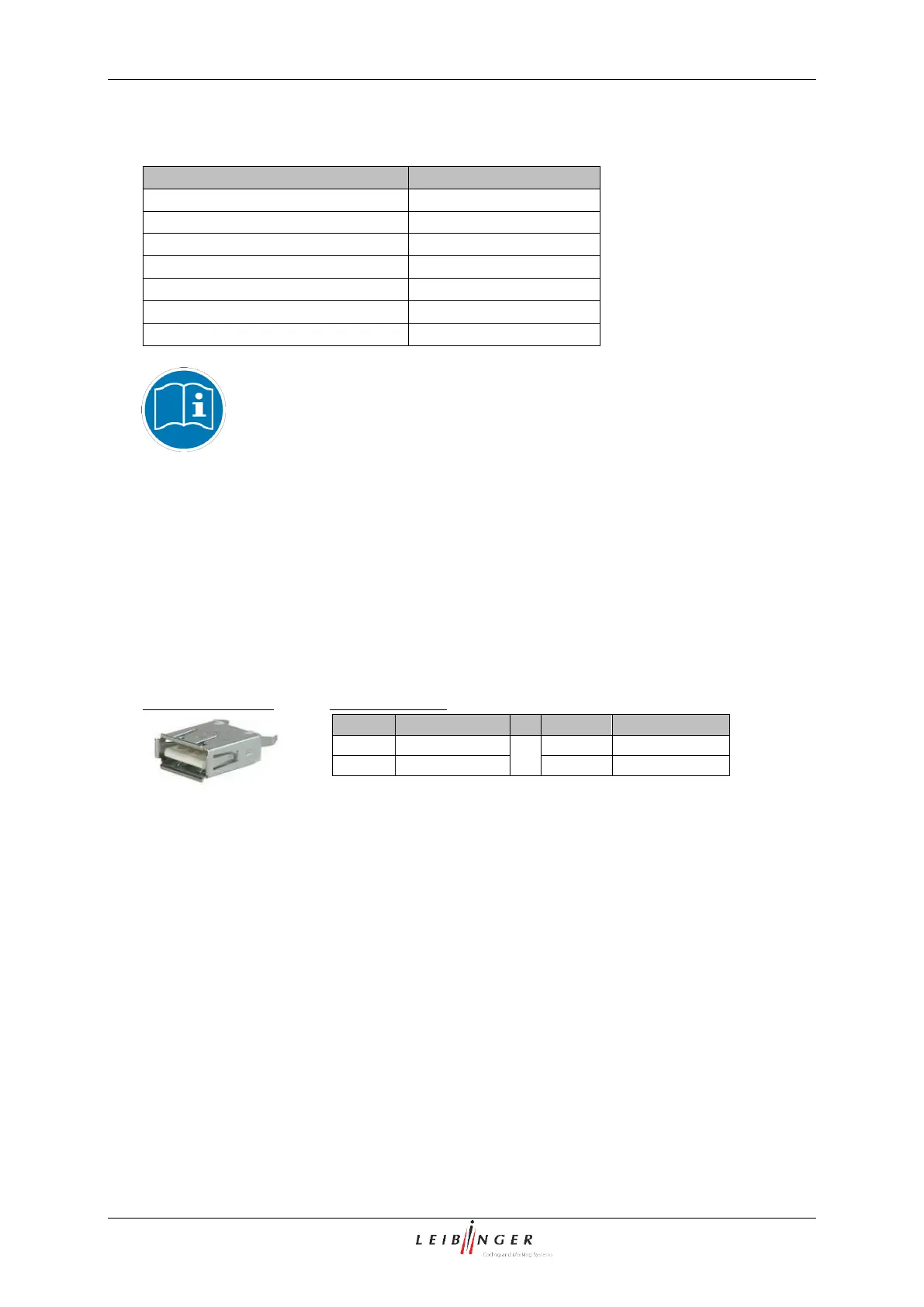
By the USB-connection you can connect all common USB-devices as e.g. mouse,
keyboard or USB-stick very simply. All data can be exchanged comfortable and simply by
the USB-connection. Software updates, exchange of variable printing data or memory
expansions can be carried out simply with the USB-stick.
(1)
All 24V inputs marked by (1) are fused by a common self-resetting 700mA fuse.
(2)
When changing the Jobselect inputs, the change must have been made within the bounce time, i.e.
the new Jobselect no. is not detected as valid until the end of this time.



 To Next Page