Group 7 Data entry/Programming Page 145
JET2 neo Release R1.12 en
Press on the register card <Outputs> (2) to select the functional area.
Press on the arrow button of the pop-up window of the output 1 [X3.1] (3). The
pop-up window opens for selection.
Now select the required event/signal.
You will find further information also in the chapter Interface X3
(Outputs) (page 47)!
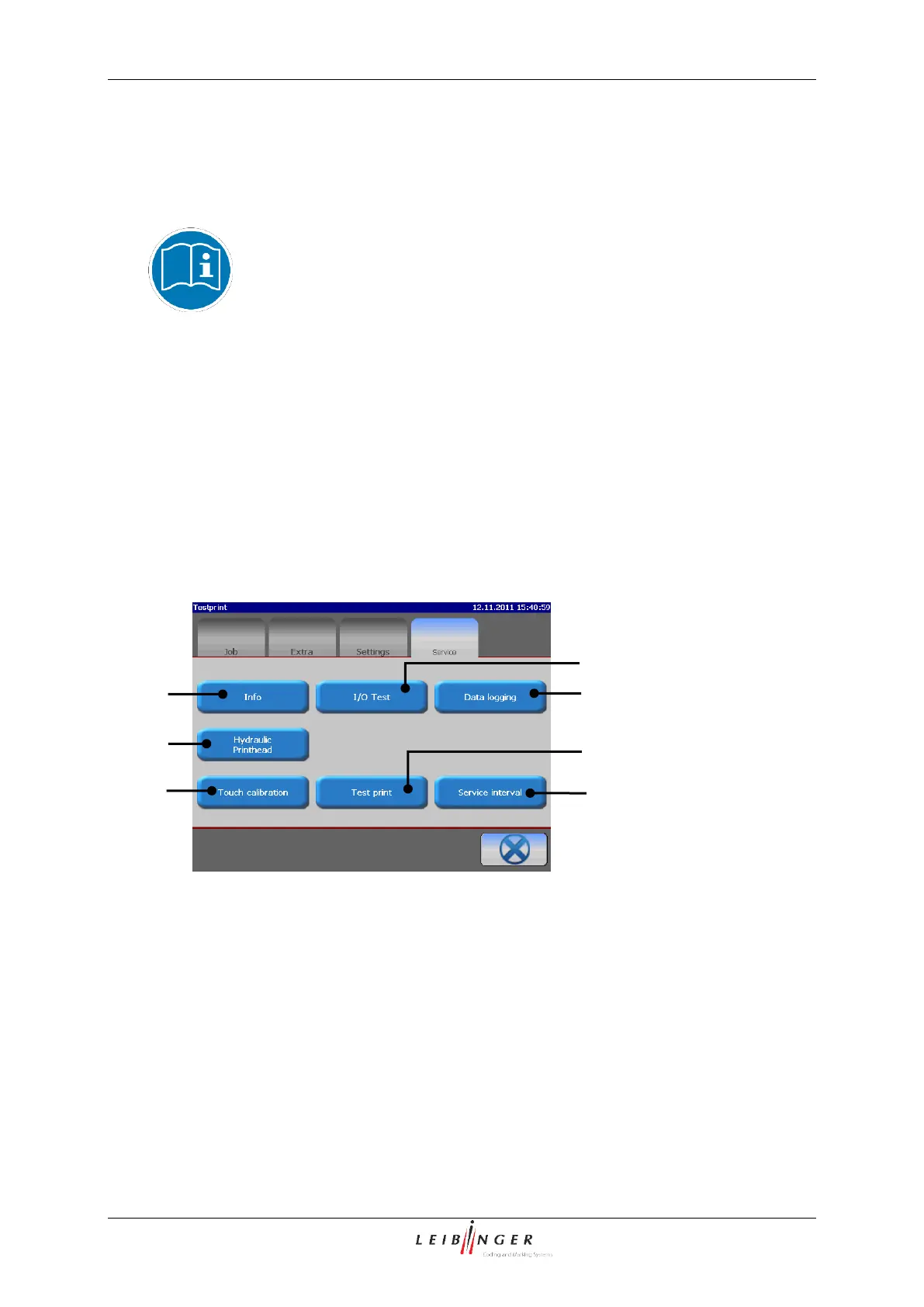
7.2.4 Functional area Service
In the functional area <Service> the following submenus are available:
Functional area „Service"
5 – Button <Touch calibration>
3 – Button <Data logging>
7 – Button <Service interval>
4 – Button <Hydraulic/Printhead>



 To Next Page