Page 188 Job editor Group 8
Release R1.12 en JET2 neo
You will find further information regarding the calling of the several
submenus and the processing of settings in the chapter Parameter
setting tools!
8.5.1 Printstyle position and Printstyle (values)
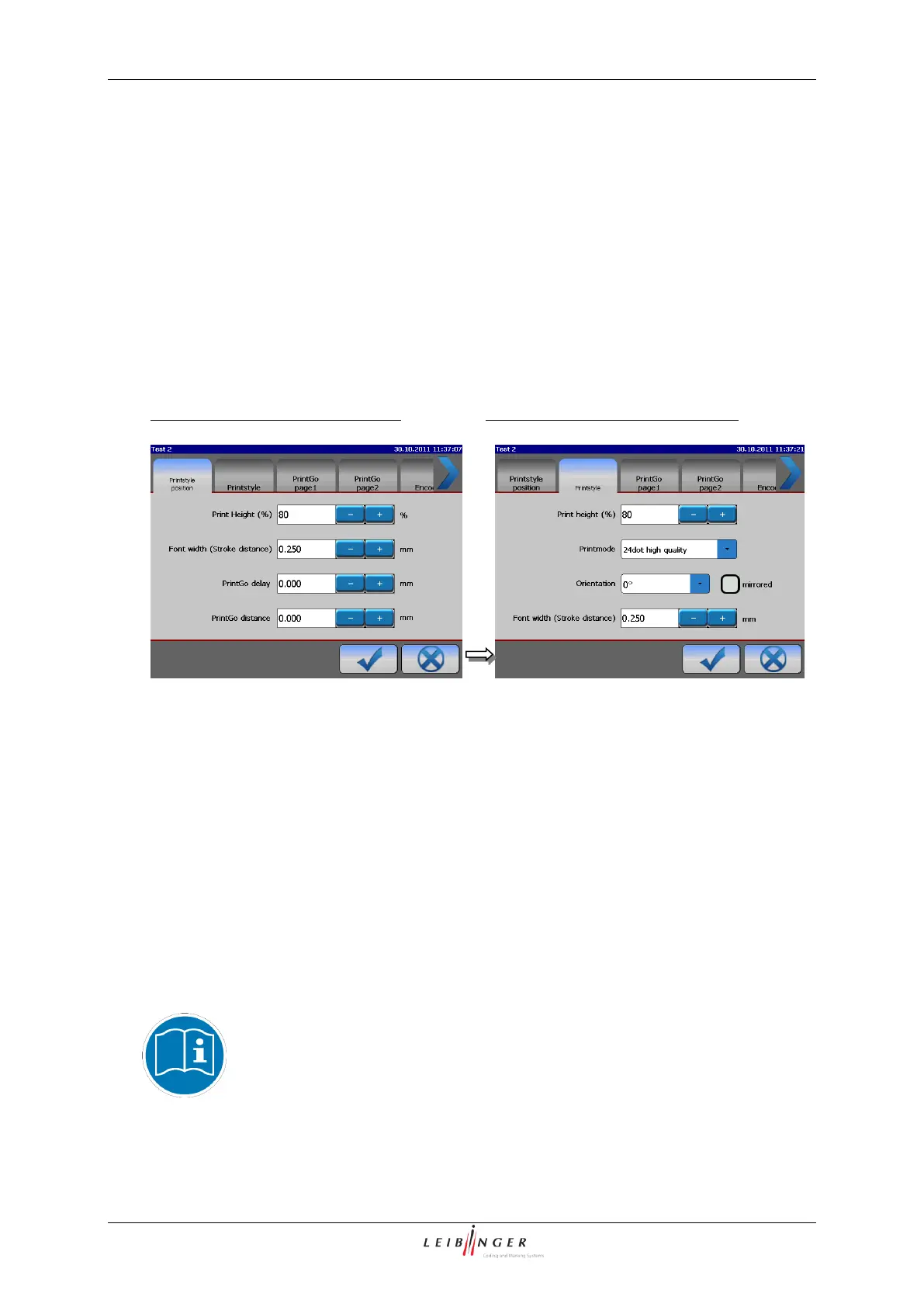
The two functional areas <Printstyle position> and <Printstyle (values)> allows the
design of the text layout.
Functional area <Printstyle position>
Functional area <Printstyle (values)>
The following settings can be carried out:
Selection of print height
Selection of orientation
Selection of font width (Stroke distance)
Selection of print mode
The functional areas are structured redundantly in subsections to minimize unnecessary
scrolling during the settings.
In the <Printstyle position> functional area the PrintGo values
Further information about setting the print parameter values can be found
in the chapters PrintGo-delay (page 194) and PrintGo-distance (page
194)!



 To Next Page