Group 8 Job editor Page 217
JET2 neo Release R1.12 en
With the button <Barcode Format> the parameters necessary for displaying the barcode
can be defined.
The submenu „Barcode parameter“ is opened for this.
Further information about how to set the barcode parameters can be found
in the chapter Barcode parameter (page 218)!
The following printing elements and their replacements can be integrated with this function
by pressing the appropriate button.
Date/Time: to integrate a date and/or time.
Counter: to integrate a counter.
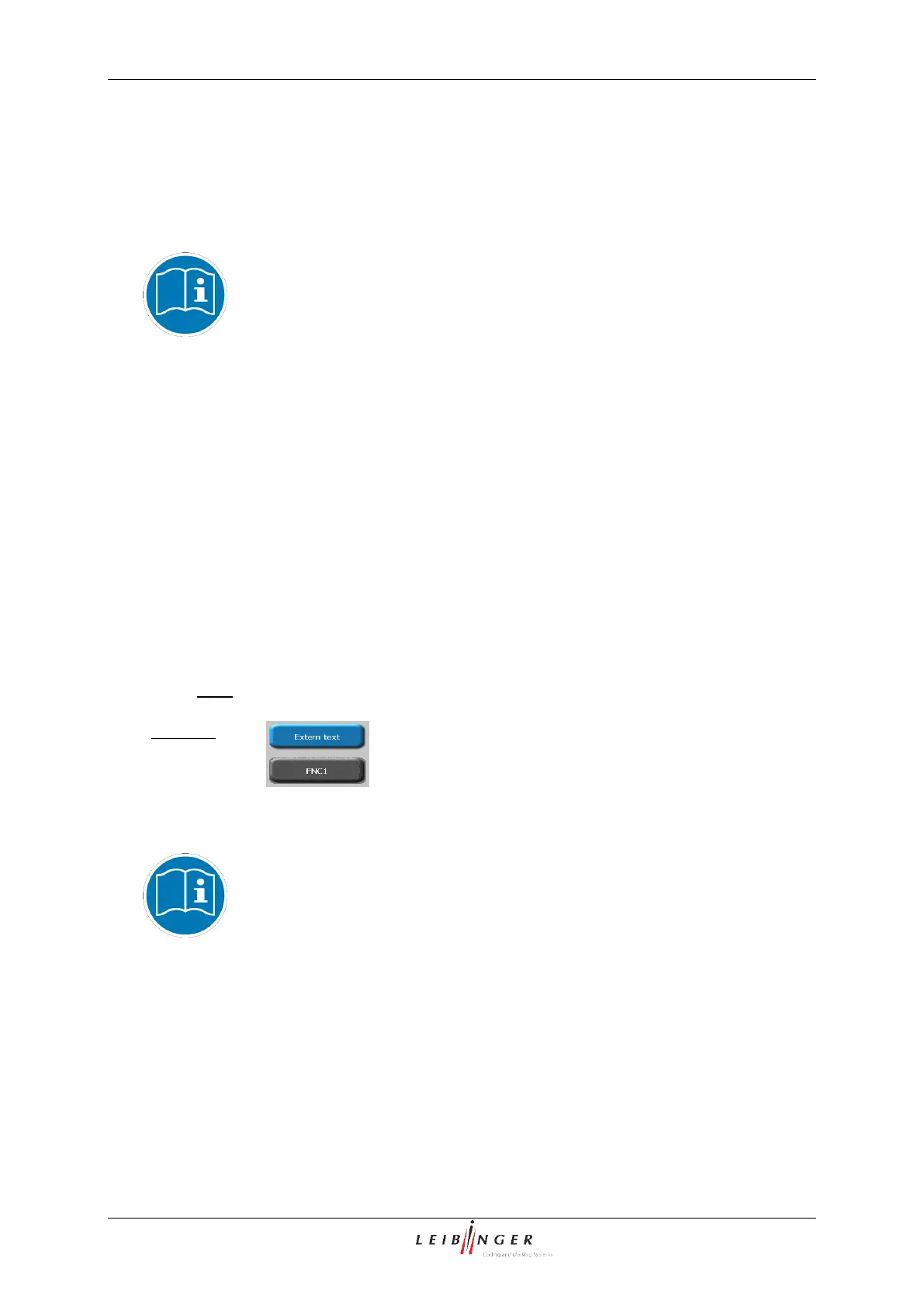
Extern text: to integrate an external text (variable data)
FNC1:
The necessary functional areas are displayed for this after pressing a button.
The buttons of print elements which are not available for a selected barcode type are
shown grey.
Further information about the appropriate printing elements can be found
in their respective chapters.
Additional information about the integration of printing elements in
barcodes can be found in the chapter Integration of printing elements
into barcodes (page 220)!
Additional information about replacements in barcodes can be found in the
chapter Replacements in barcodes (page 220)!



 To Next Page