Page 194 Job editor Group 8
Release R1.12 en JET2 neo
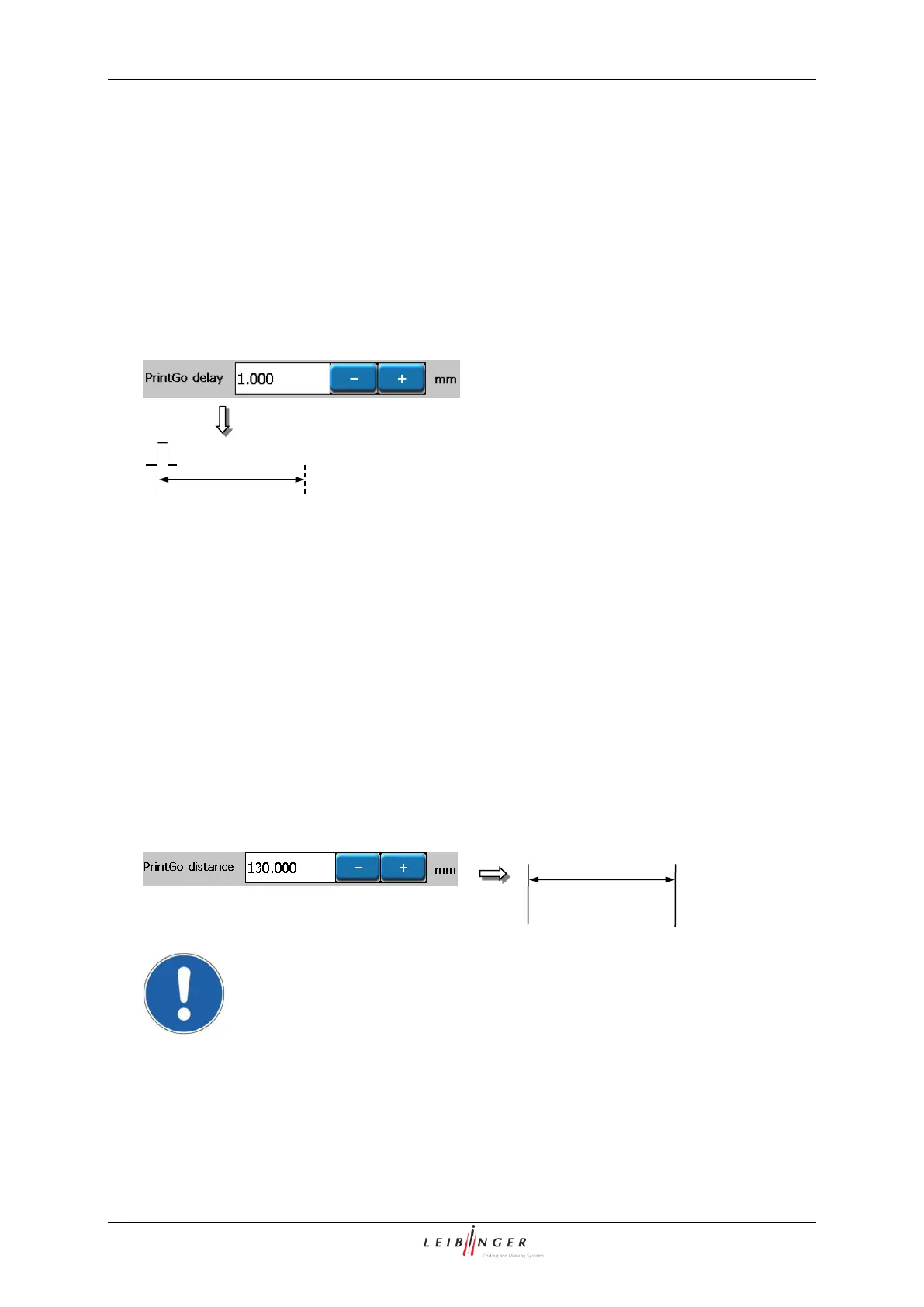
The setting allows the delay of the text output by the entered value. The input happens in
the measurement which has been selected in the basic settings.
The set value is shown on the accordant display field.
As higher the entered value, as later starts the print.
8.5.2.1.2 PrintGo-distance
The setting defines the distance by the set value between the several text outputs. The
input happens in the measurement which has been selected in the basic settings.
The set value is shown on the accordant display field.
As higher the entered value, as higher is the distance between the single prints.
Attention! If the Print-Go distance has been selected too small, Print-Go
errors can be caused, because a print has been not printed completely
during a new print should be already started!



 To Next Page