Page 182 Job editor Group 8
Release R1.12 en JET2 neo
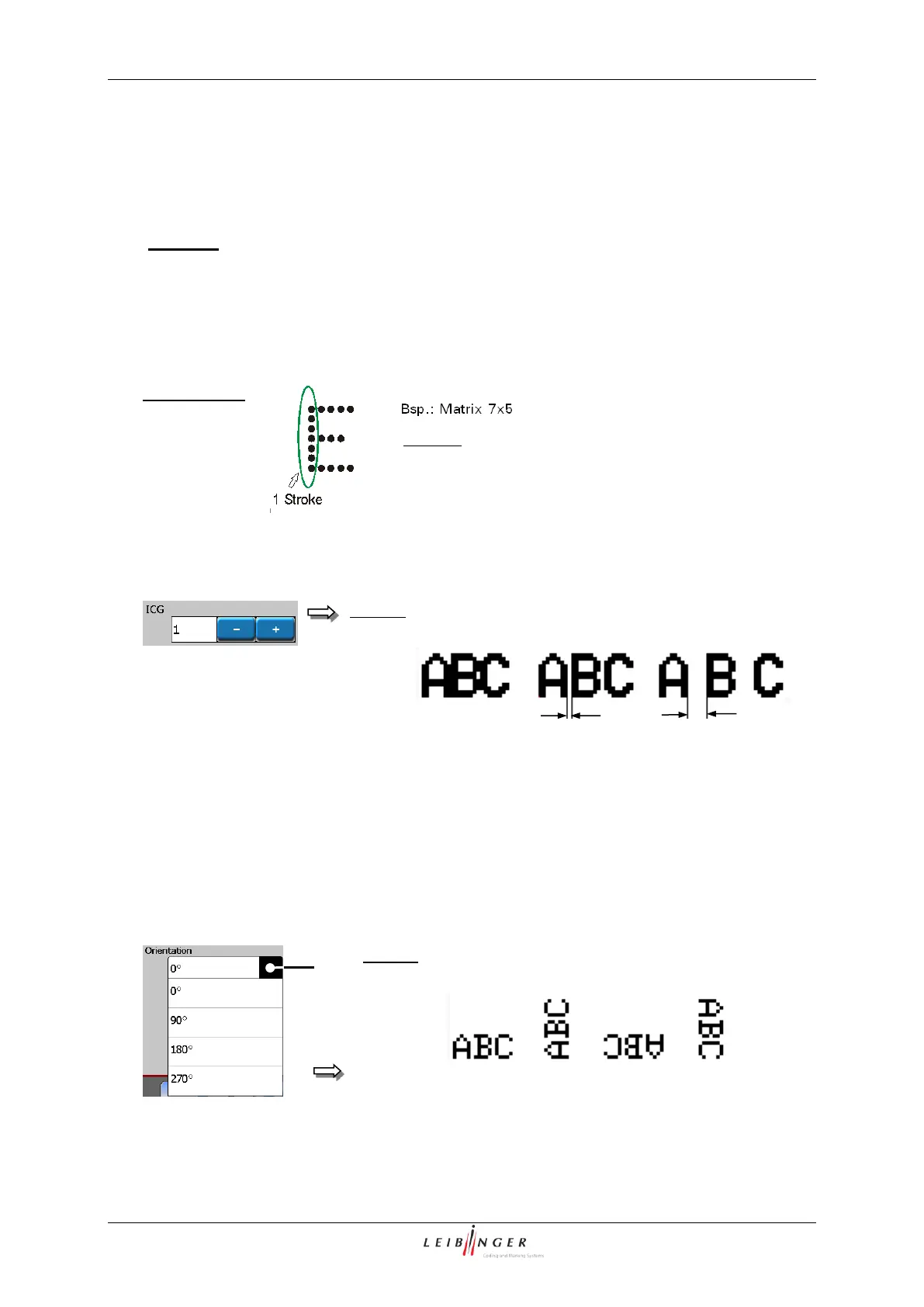
The setting determines the distance between the several characters. As larger the
character distance has been selected, as more „Blank strokes“ are inserted between the
single characters. The value can be set between 0 – 7.
0 = no distance between the characters
1 = 1 blank stroke is generated between the characters
7 = 7 blank strokes are generated between the characters
The set value is shown on the accordant display field.
A stroke is a complete dot line in
vertical direction (dot height).
Character pitch (ICG-value)
With the pop-up window <Orientation> (1) you can rotate the printing object by 90°/180°
or 270° .
1 – 1 – Pop-up window <Orientation>



 To Next Page