Page 72 Operation – Elements and procedures Group 6
Release R1.12 en JET2 neo
Press the button <Off> (1).
A safety query (2), if the printer should be really switched off is faded in.
Confirm the shut down of the device by pressing the button <Yes> (3) or cancel the
process with the button <No> (4).
Now the device is turned off. During the shut down the message <Shutdown> (5) is
displayed.
Comment: If the nozzle is still open during the turn-off procedure, it will be closed
automatically.
Turning off the device is only possible after a print stop has been
carried out! If necessary a corresponding message (6) is faded in.
After turning off you have to wait approx. 5 sec. to turn on the
device again.
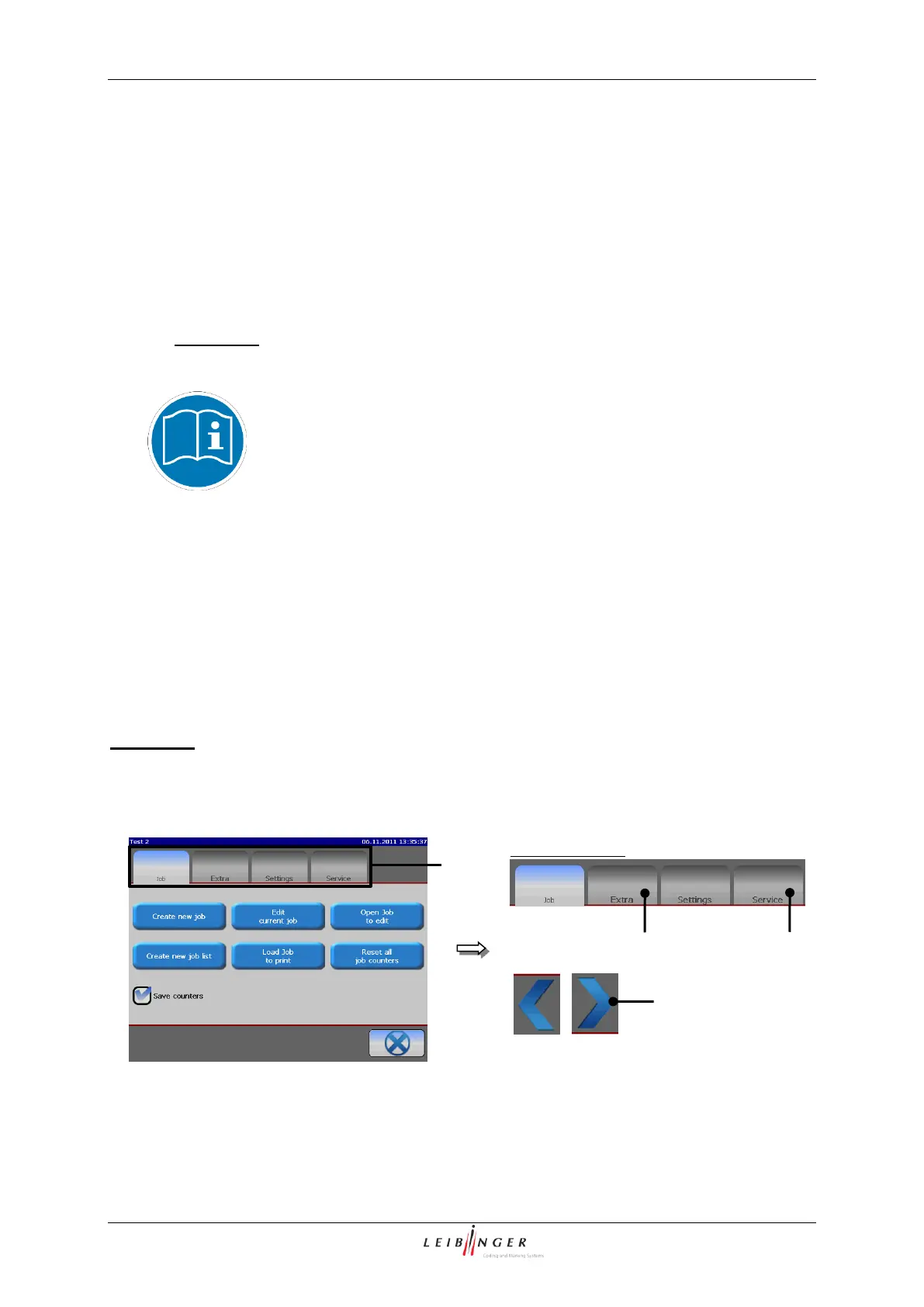
Register cards:
Complex menus are divided into so-called registers to get a better clearness. A register
arranges the several menu points to logical functional areas. The selection of a functional area
happens by clicking on the corresponding register card. If more register cards are available
than can be displayed at the same time on the display, appropriate arrow keys are displayed
for scrolling.
Comment: The proceeding corresponds to the Window™-standard procedure.
Menu layout (Register cards)
3 – Non-selected register



 To Next Page