Group 7 Data entry/Programming Page 135
JET2 neo Release R1.12 en
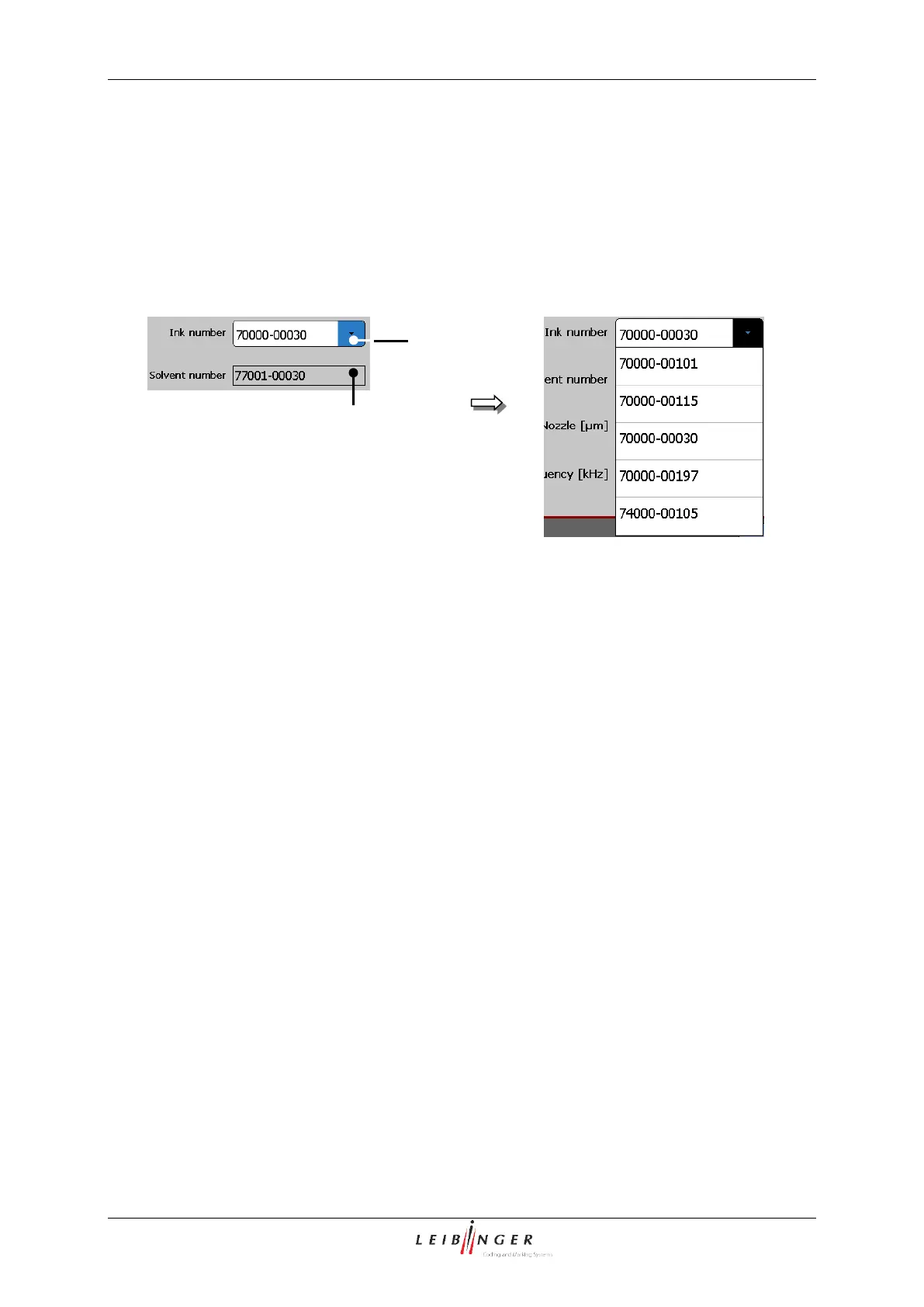
7.2.3.3.7 Select ink no. and display of the solvent no.
For correct TAG detection it is absolutely essential to set the numbers of the used ink. All
the inks approved for the device are listed in the pop-up window <Ink number> (1).
The corresponding thinner no. is displayed in the display field <Solvent number> (2).
Hydraulic (Ink- and solvent no.)
1 – Display field <Ink number)>
2 – Display field <Solvent number>
7.2.3.3.8 Set nozzle diameter
Different nozzle sizes are also used depending on the used ink.
In the display field <Nozzle> the corresponding value of the installed nozzle can be
entered. The entry is in µm.



 To Next Page