Page 56 Operation – Elements and procedures Group 6
Release R1.12 en JET2 neo
Zoom Function
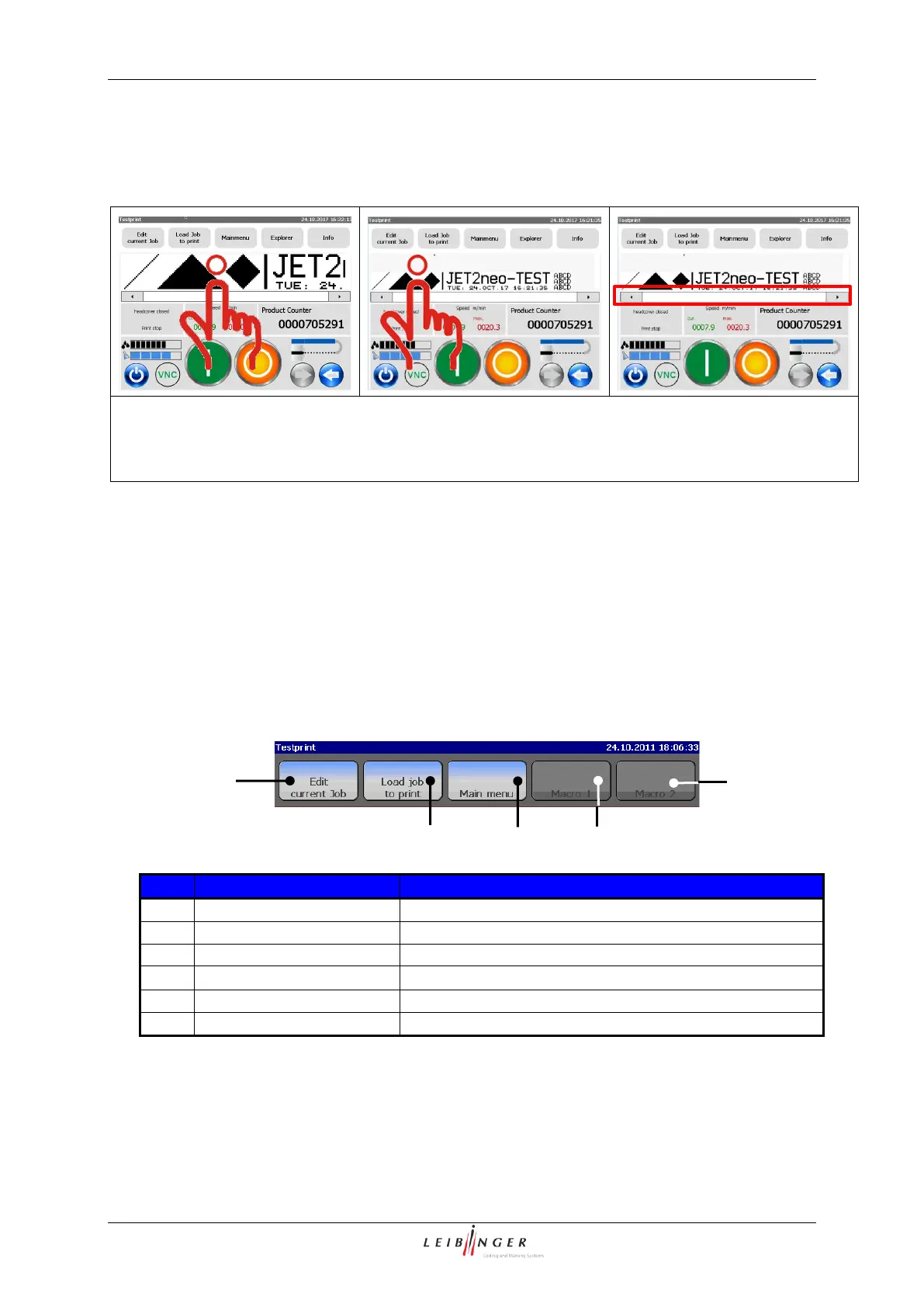
The WYSIWYG preview of the main window of the JET2neo provides a zoom function.
A click on the WYSIWYG preview zoom the display.
- A click on the WYSIWYG preview window scales the view down.
- The next click on the preview window brings back the previous view.
You may use the scrollbar in case the print job does not fit into the preview window.
Scroll bar of the display area (3): You can view the whole display area if necessary by
using the scroll bar.
Menu bar (4): The appropriate menus or specific functions of the JET2neo can be opened
with the buttons in the menu bar. The following buttons are available:
Editor with the current loaded job opens.
Job selection menu opens.
Freely definable button 1
Freely definable button 2



 To Next Page