Group 6 Operation – Elements and procedures Page 57
JET2 neo Release R1.12 en
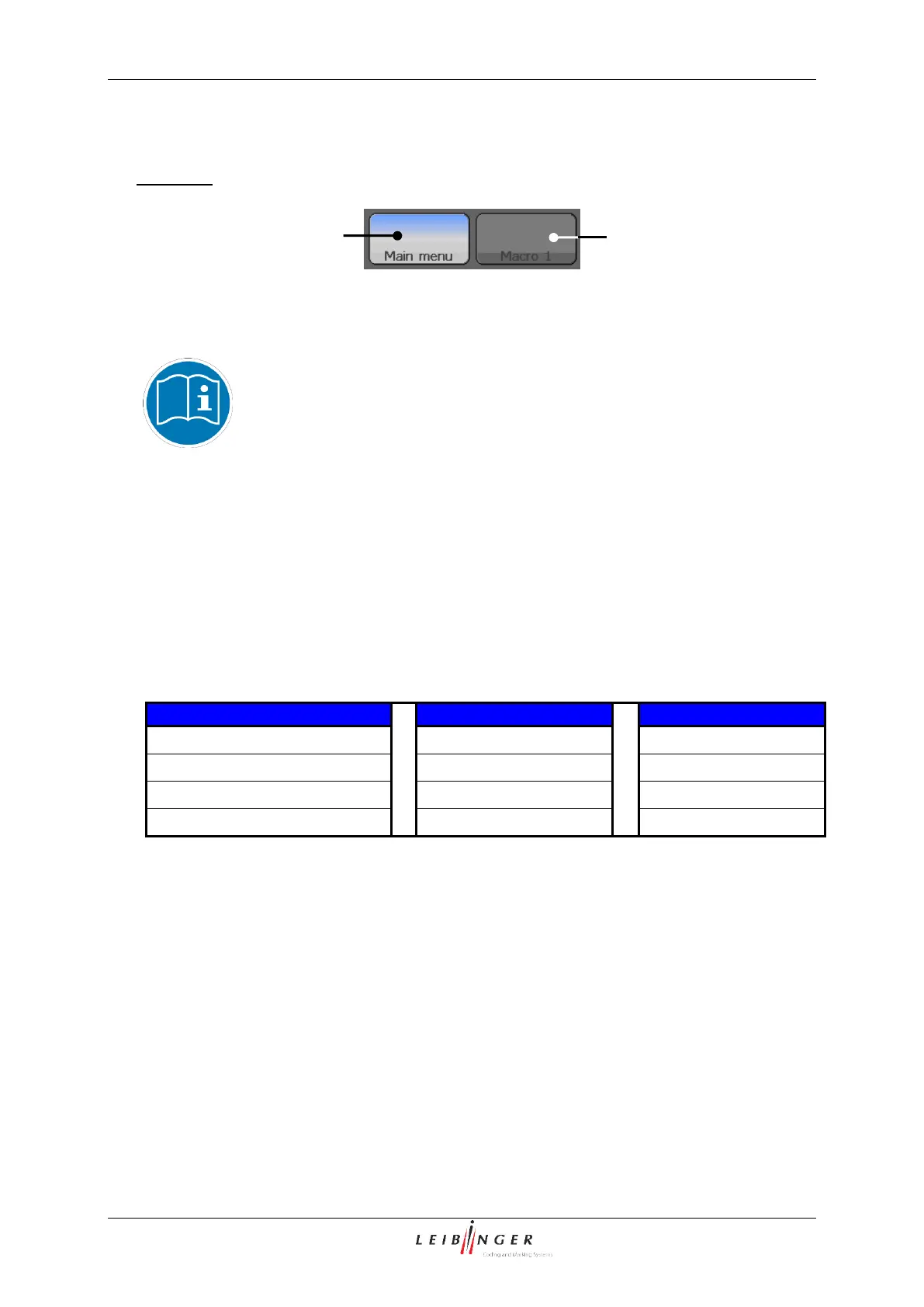
If a button appears in grey, it is not available at the moment.
Example:
The two <Macro…> buttons can be freely defined to call frequently used menus or
functions directly for example.
Further information about the macro buttons can be found in the chapter
Macro generator (page 111)!
Status field <Printing speed> (5): In this field the current reached printing speed as well
as the max. possible printing speed under consideration of the made settings are displayed.
The display is carried out in the measurement m/min or inch/min, de-pending on the
selected adjustments in the basic settings.
Status field <General> (6): In this field the current operating condition of the nozzle as
well as the status of the head cover and the ink supply are displayed.
Operating conditions nozzle
Status field <Product counter> (7): The current value of the production counter is
displayed in the field. By pressing on the field you can change or reset the value of the
counter.
If a print stop is defined after a pre-defined amount of prints, the value is also shown in the
status field. For better visualization that a pre-defined print stop has been defined, the field
is displayed with a red frame.



 To Next Page