Group 7 Data entry/Programming Page 127
JET2 neo Release R1.12 en
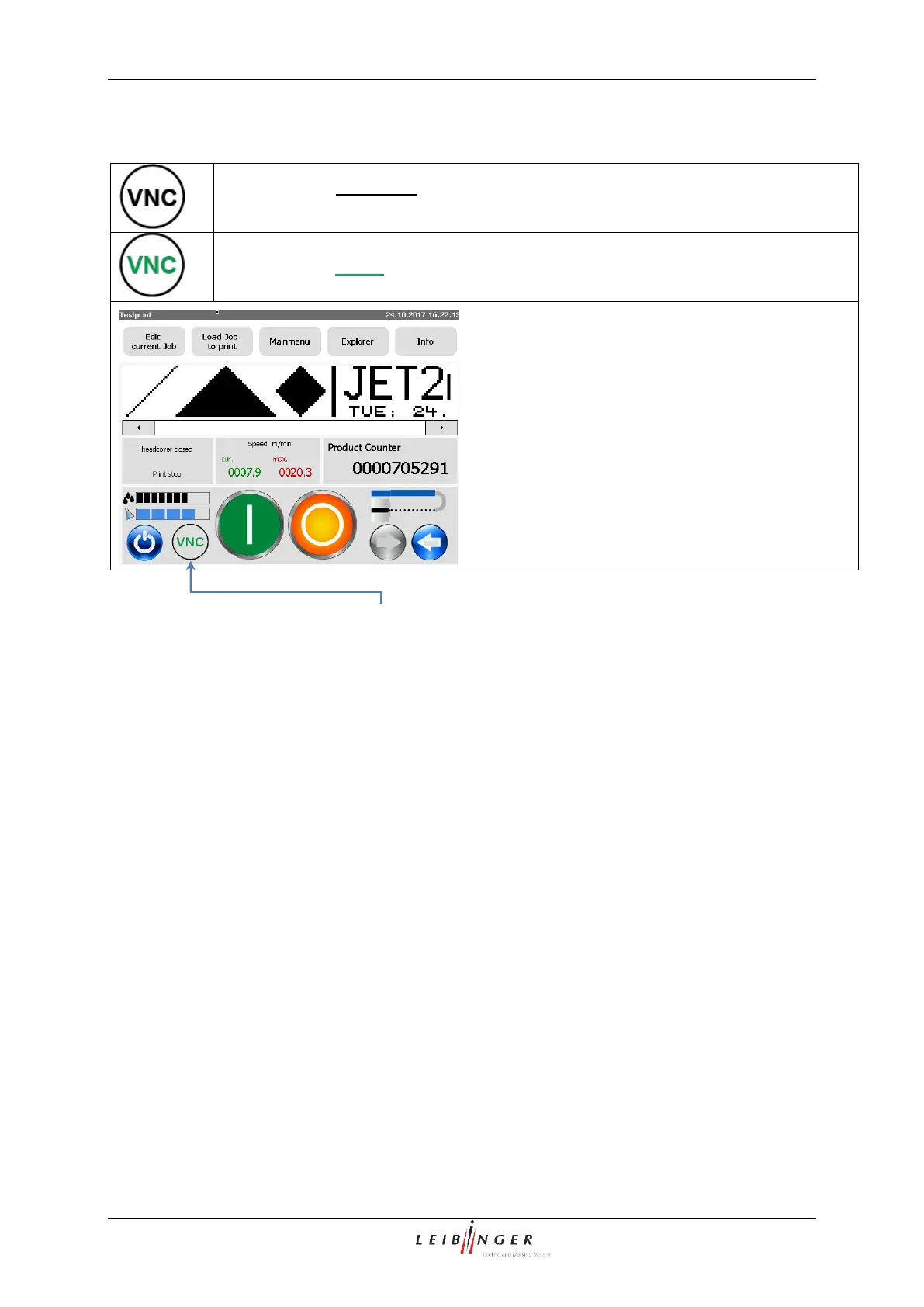
The VNC Server is activated by a button on main window. The button also works as indicator:
VNC server is not active. If the button is pressed the VNC server is switched on.
And the labelling turns green.
Remote Control – Set up
With the VNC server running (indicated in the main window) it is possible to access the VNC
server with a VNC client running on an external device like a desktop PC, a notebook or a
tablet computer. In order to establish a connection between a VNC client and the VNC server
of the JET2neo printer the following settings are required:
The VNC server on the JET2neo printer must be started
The IP address of the JET2neo printer has to be adjusted to the network the VNC client
is running on.
For a successful connection the password set for the VNC server of the JET2neo
printer is required.



 To Next Page