TROUBLESHOOTING
Sysmex SF-3000 Operator's Manual -- Revised September 1995 8-83
3.13 Version Check
Use this program to check the program versions of the system.
The version check program checks whether programs are correctly read from a floppy
disk or PROM. It does this by checking if the registered correct check sum values are the
same as the current check sum values.
(1) Press [Mainte.] keypad in the root menu. The Maintenance second menu will be
displayed.
NOTE: If the [Mainte.] keypad is not displayed on the LCD, press [More] key
to change the displayed root menu.
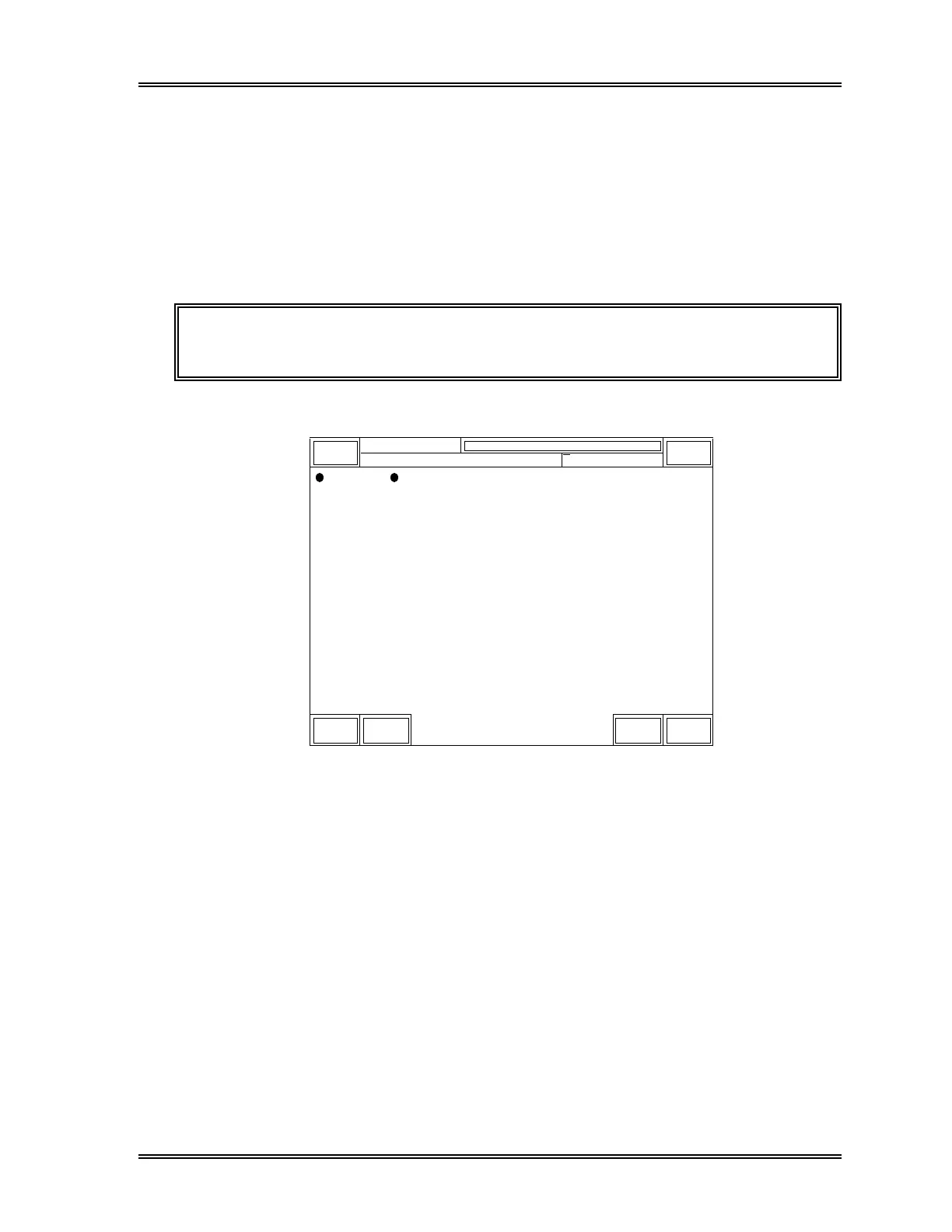
(2) Select [More] and [Version Check] from the Maintenance second menu.
Sysmex
Ready
DP:1234567890123
Manual Mode Next No. 1234567890123
Sampler
XM HC GP DP SU
Maintenance
Format
FD
Version
Check
More Return
Figure 8-27: Maintenance Second Menu Screen (Altered)
(3) The Version Check screen will appear. All the program versions will be displayed.
The system reads and displays the current check sum values.
If the read values match the set values, "Complete" appears on the right of the
values.



 To Next Page