SAMPLE PROCESSING, Manual Closed Mode Procedures
Sysmex SF-3000 Operator's Manual -- Revised September 1995 2-41
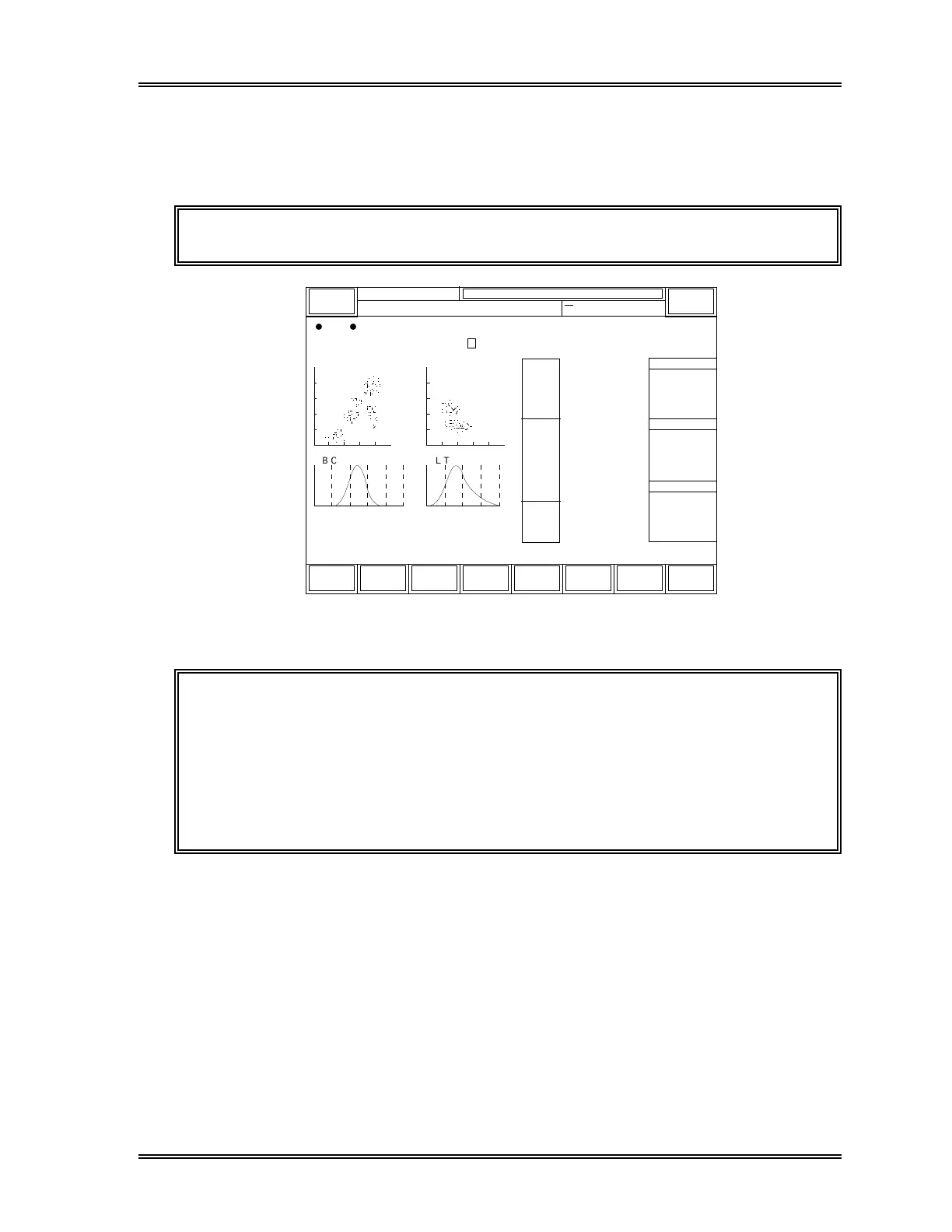
6 . Display Analysis Results
After analysis is complete (approximately 85 seconds after the sample is aspirated), the
results are displayed on the screen.
NOTE: "P" in green back light is added to the left of Sample ID No.
XM
12345
Last
NO.
R B C P L T
D I F F W B C / B A S O
[g/dL]
[fL]
WBC
NEUT
LYMPH
MONO
EO
BASO
RBC
HGB
HCT
MCV
MCH
MCHC
RDW-SD
RDW-CV
PLT
PDW
MPV
P-LCR
250fL 40fL
RBC Flag
PLT Flag
WBC Flag
DP:1234567890123
Sysmex
Ready
Sampler
3
[x10 /uL]
[%]
[%]
[%]
[%]
[%]
6
[x10 /uL]
[g/dL]
[%]
[%]
[%]
[fL]
[fL]
[fL]
3
[x10 /uL]
[pg]
Closed Mode
Next No.1234567890123
HC GP D P SU
7.23
4.62
1.55
0.71
0.18
0.17
4.74
14.1
41.6
87.8
29.7
33.9
46.4
15.7
213
9.8
10.3
24.3
63.9
21.4
9.8
2.5
2.4
R:0000-00
15:48 1996/6/30
Status
Work
List
QC
Stored
Data
GP
Print
Return
DP
Print
Replace
Reagent
P
Figure 2-33: Analysis Results Screen (Closed Mode)
CAUTION: If all the following conditions are met, the sample is assumed blank and
the analysis result will be neither stored nor judged against any
flagging criteria.
WBC < 1.00 x 10
3
/µL
RBC < 0.30 x 10
6
/µL
HGB < 1.0 g/dL
PLT < 20 x 10
3
/µL
7 . Output Analysis Results
If automatic output has been set, the analysis results will be sent to the Graphic Printer,
Data Printer, and/or Host Computer.
If automatic output has not been set, the operator must select the data and destination for
the output. See Chapter 4: Result Interpretation/Reports.



 To Next Page