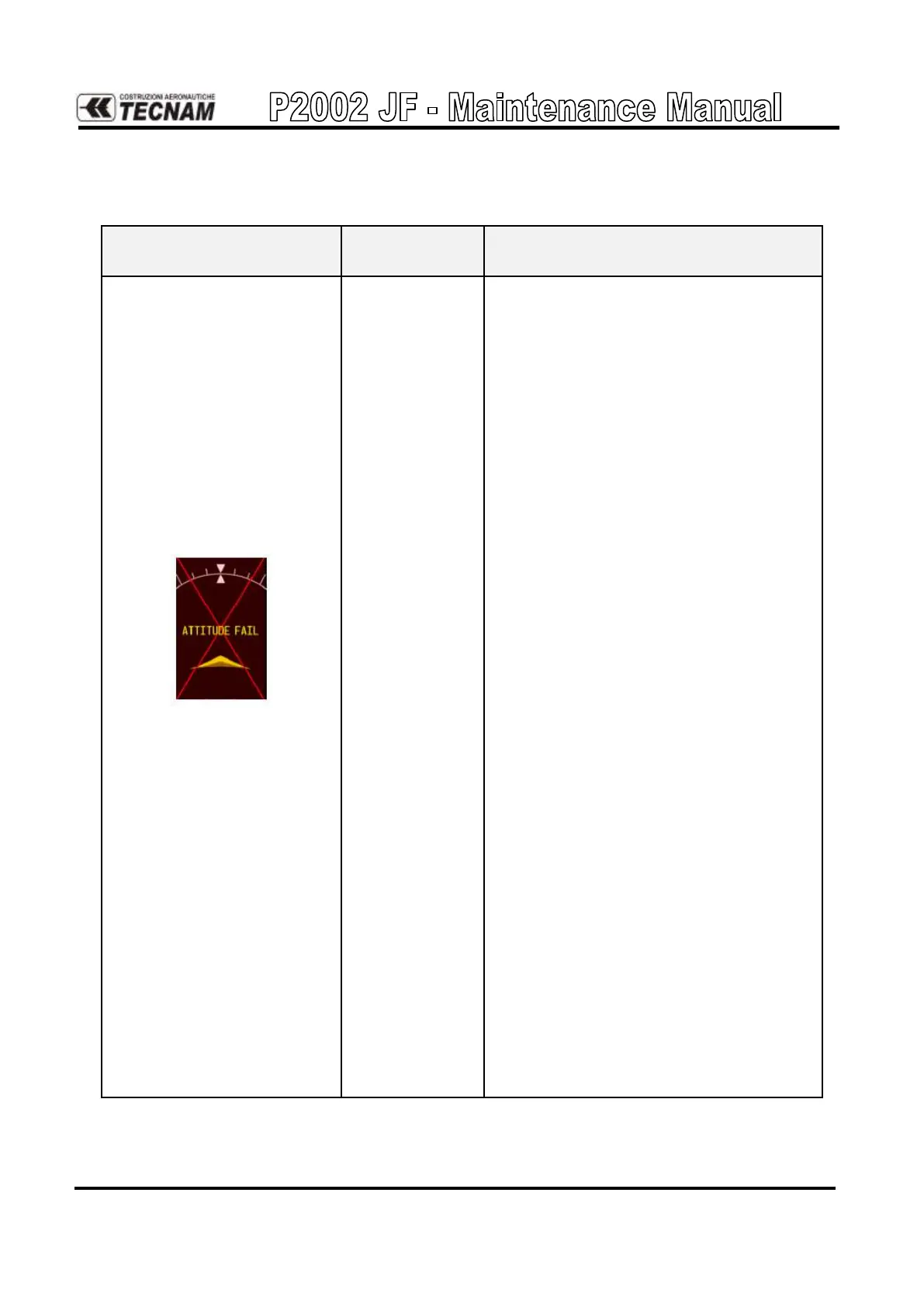
Ensure that a cell phone or a device using
cell phone technology is not turned on
(even in a monitoring state) in the cabin.
Ensure metal objects (tool boxes, power
carts, etc.) are not interfering with the
magnetometer and aircraft is not in hangar,
near other buildings, parked over metal
drainage culverts or on hard surfaces that
may contain steel reinforcements
Check PFD Alert Window for GRS con-
figuration, software or failed data path er-
ror messages. Correct any errors before
proceeding.
Ensure GRS 77 unit connector is secure
and proper wire harness strain relief is
provided.
Ensure the GRS 77 is fastened down tight-
ly in its mounting rack and that the mount-
ing rack is not loose (CAUTION ‐ do not
loosen the mounting rack hardware to the
airframe shelf or the aircraft will need to
be re‐leveled and the PITCH/ROLL OFF-
SET procedure performed).
Cycle GRS 77 power to restart initializa-
tion.
Ensure GPS has acquired at least four sat-
ellites, has a 3D navigation solution, and a
DOP of less than 5.0. This is particularly
important for an ATTITUDE FAIL that
appears during ground operation only.
Perform an Engine Run‐Up Test to check
if engine vibration is causing the GRS 77
to go offline.
Replace the GRS 77 Configuration mod-
ule.
If problem persists, replace GRS 77.
Contact Garmin Aviation Product Support
if condition continues after replacing the
GRS 77 and config module for additional
assistance.



 To Next Page