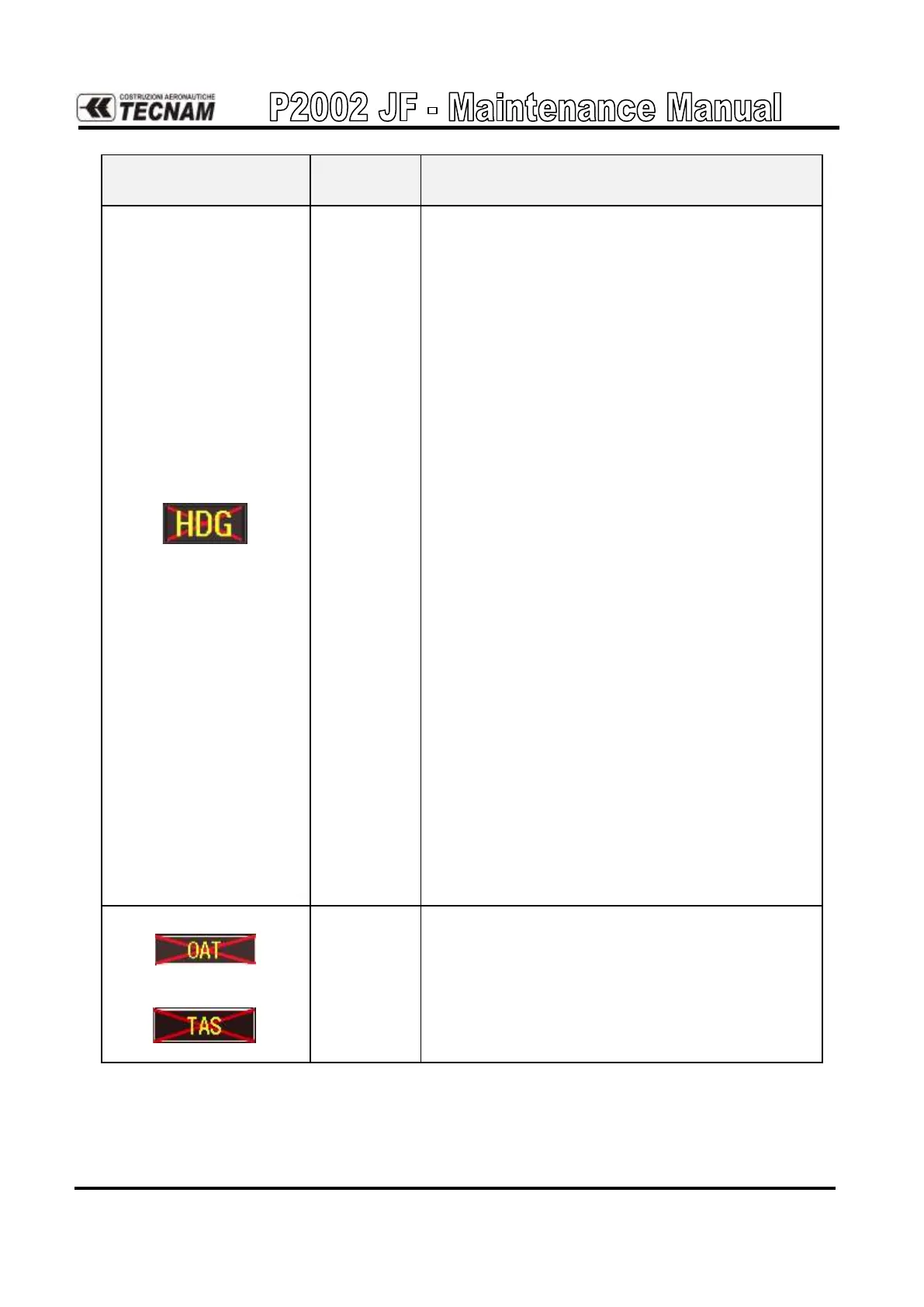
Check PFD Alert Window for PFD, MFD or
GRS configuration, software or failed data path
error messages. Correct any errors before pro-
ceeding.
Ensure metal objects (tool boxes, power carts,
etc.) are not interfering with the magnetometer
and aircraft is not in hangar, near other build-
ings, parked over metal drainage culverts or on
hard surfaces that may contain steel reinforce-
ments
Ensure that a cell phone or a device using cell
phone technology is not turned on (even in a
monitoring state) in the cabin.
Cycle power after moving aircraft away from
metal objects to determine if metal objects were
the source of the interference. Allow up to five
minutes for the heading to reinitialize.
Perform a Magnetometer Interference Test to
check for interference from onboard electrical
system components (e.g. NAV lights). Pay par-
ticular attention to any new electrical devices
that have been installed since the aircraft was
new. Correct any discrepancies that do not al-
low this test to pass before continuing.
Ensure GRS 77 and GMU 44 connectors are se-
cure.
Check the wiring and any inline connectors be-
tween the GRS and GMU for faults.
Recalibrate the GMU 44.
Replace the GMU 44.
If problem persists, replace the GRS 77.



 To Next Page