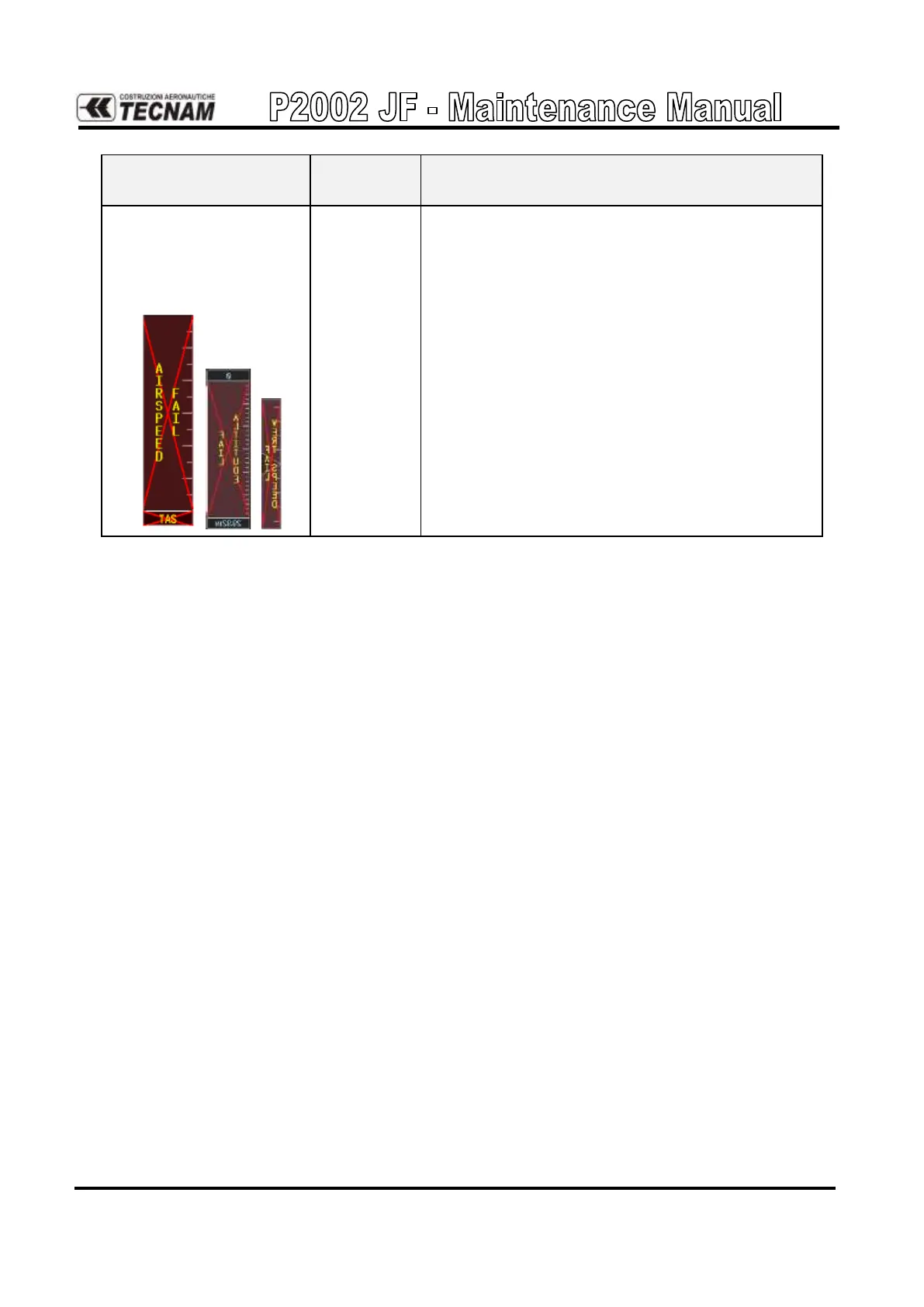
Ensure that a cell phone or a device using cell
phone technology is not turned on (even in a
monitoring state) in the cabin.
Check PFD Alert Window for PFD, MFD or
GDC configuration, software or failed data path
error messages. Correct any errors before pro-
ceeding.
Inspect GDC 74A pitot/static ports and plumb-
ing for blockage.
Check GDC 74A configuration settings. Reload
if unsure they are correct.
If configuration settings are correct, replace the
GDC 74A configuration module.
If problem persists, replace the GDC 74A.



 To Next Page