SUPPLEMENT SG-3
CHAPTER 31 - INDICATIONG SYSTEM
Single LRU Software upload procedure
Additional info
&References
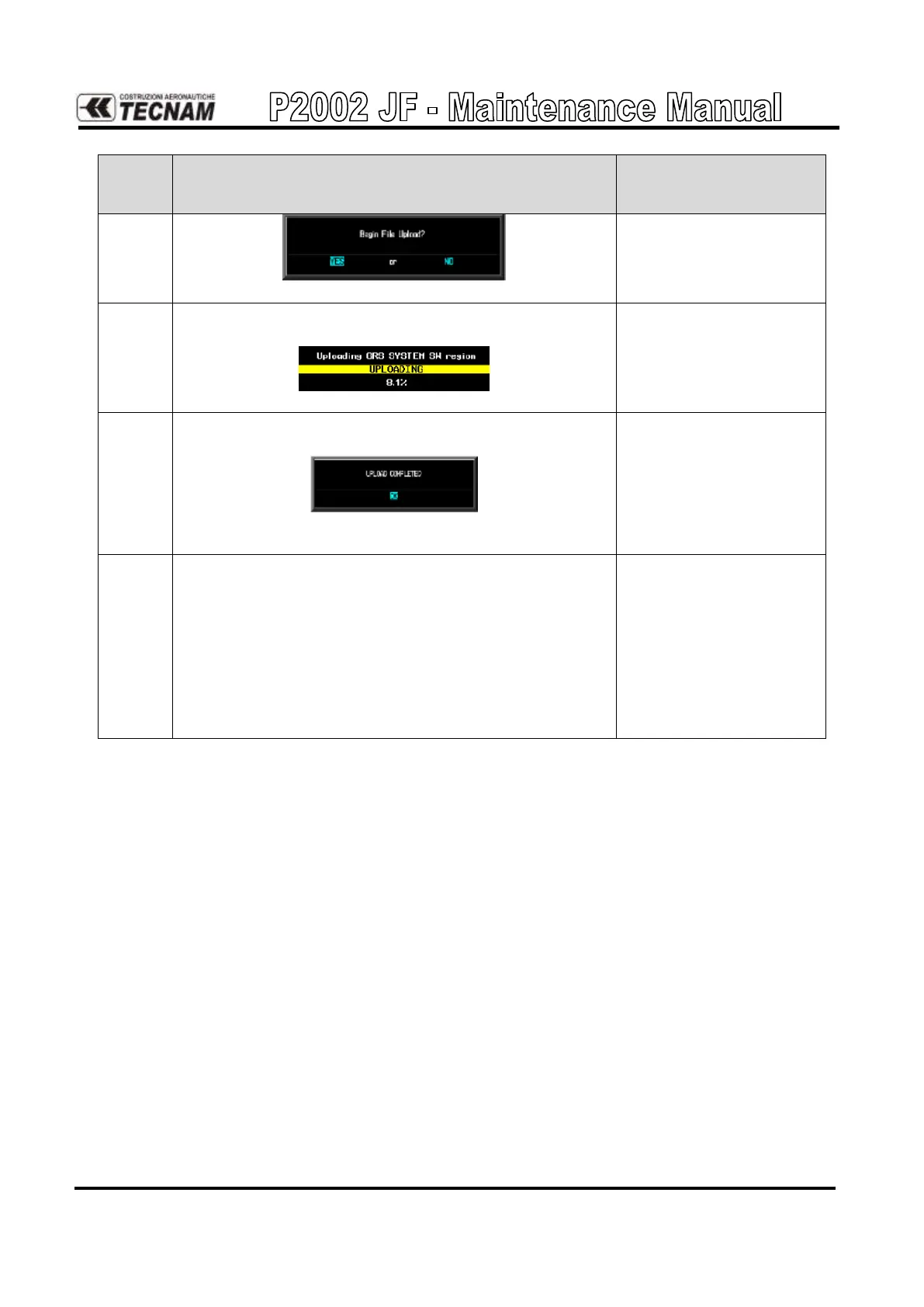
Press ENT key to start the software upload.
A progress bar showing the percentage of the upload
process completed is shown:
When the upload procedure is completed an “Upload
complete” message will be shown:
When this message is shown press the ENT key to
acknowledge the process completion.
Go to the MANIFEST CONFIGURATION page
in the SYS page group. The manifest will be empty
on first use.
1. Wait for the GRS 77, GMU 44 and GDC 74A to
power up.
2. Press the MANIFEST soft key to automatically
populate the manifest.



 To Next Page