2
nd
Edition - Rev 0
SUPPLEMENT SG-1
CHAPTER 34 - NAVIGATION
Page 31
Step
no.
Software upload procedure
Additional info
&References
10.
ENSURE that power will remain applied to the system.
Press the ENT key to load new software.
shots used in this
provide visual
reference only.
All information
depicted in screen
shots, including
software file
names, versions
and part numbers,
is subject to
change and may
not be up to date.
11.
New software is loaded to the GDU620.
When complete, the following message is shown:
Press any soft key to acknowledge the prompt.
The number of
files updated may
vary depending
on the software
version to be
uploaded.
The GDU620 software has now bee loaded to the LRU
The GDU620 starts in configuration mode
14.
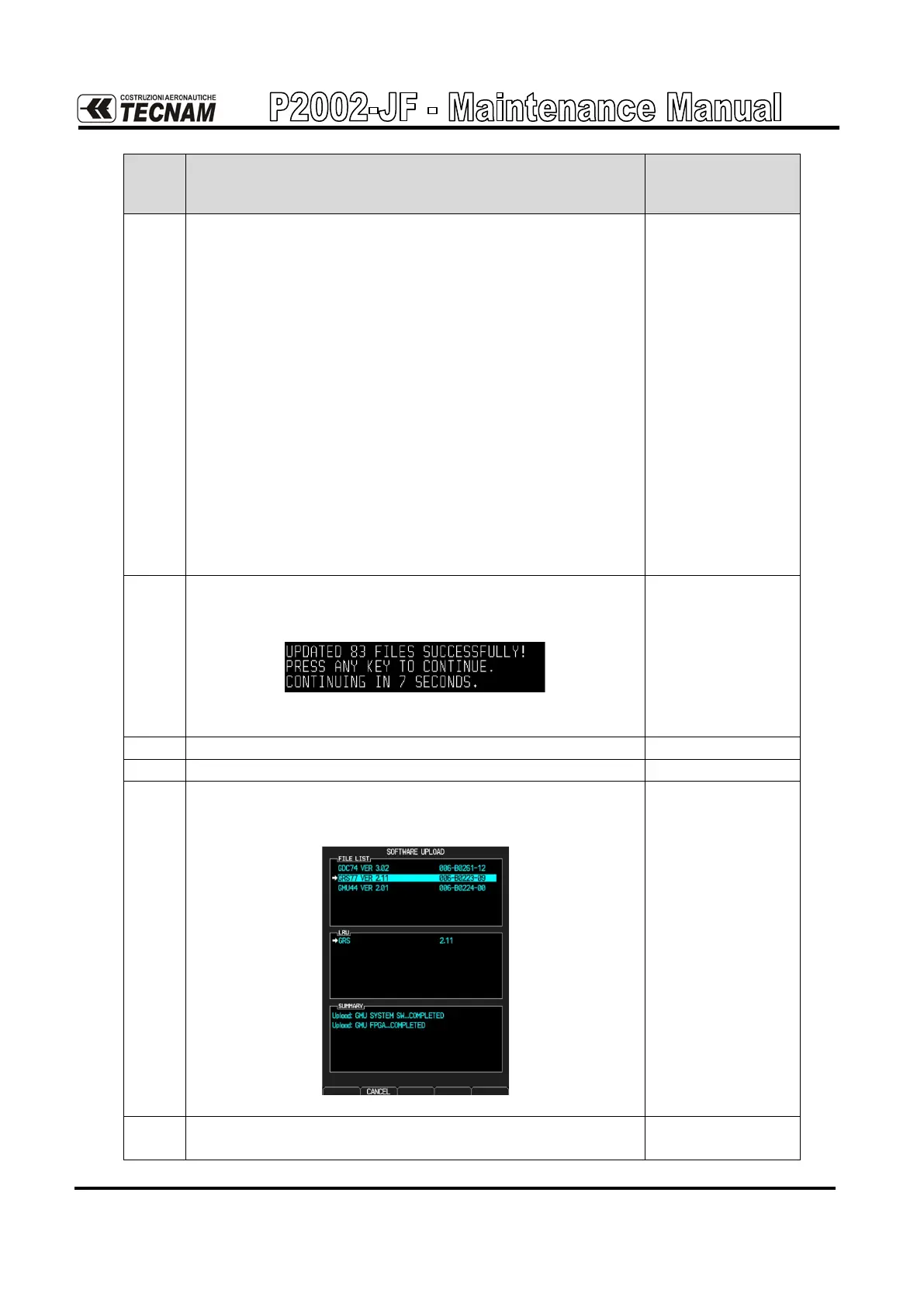
Go to the “Software Upload” page rotating the knob on the
PFD:
15.
Select GRS77 to install the software and press the LOAD
soft key



 To Next Page