2
nd
Edition - Rev 0
SUPPLEMENT SG-1
CHAPTER 34 - NAVIGATION
Page 32
Step
no.
Software upload procedure
Additional info
&References
16.
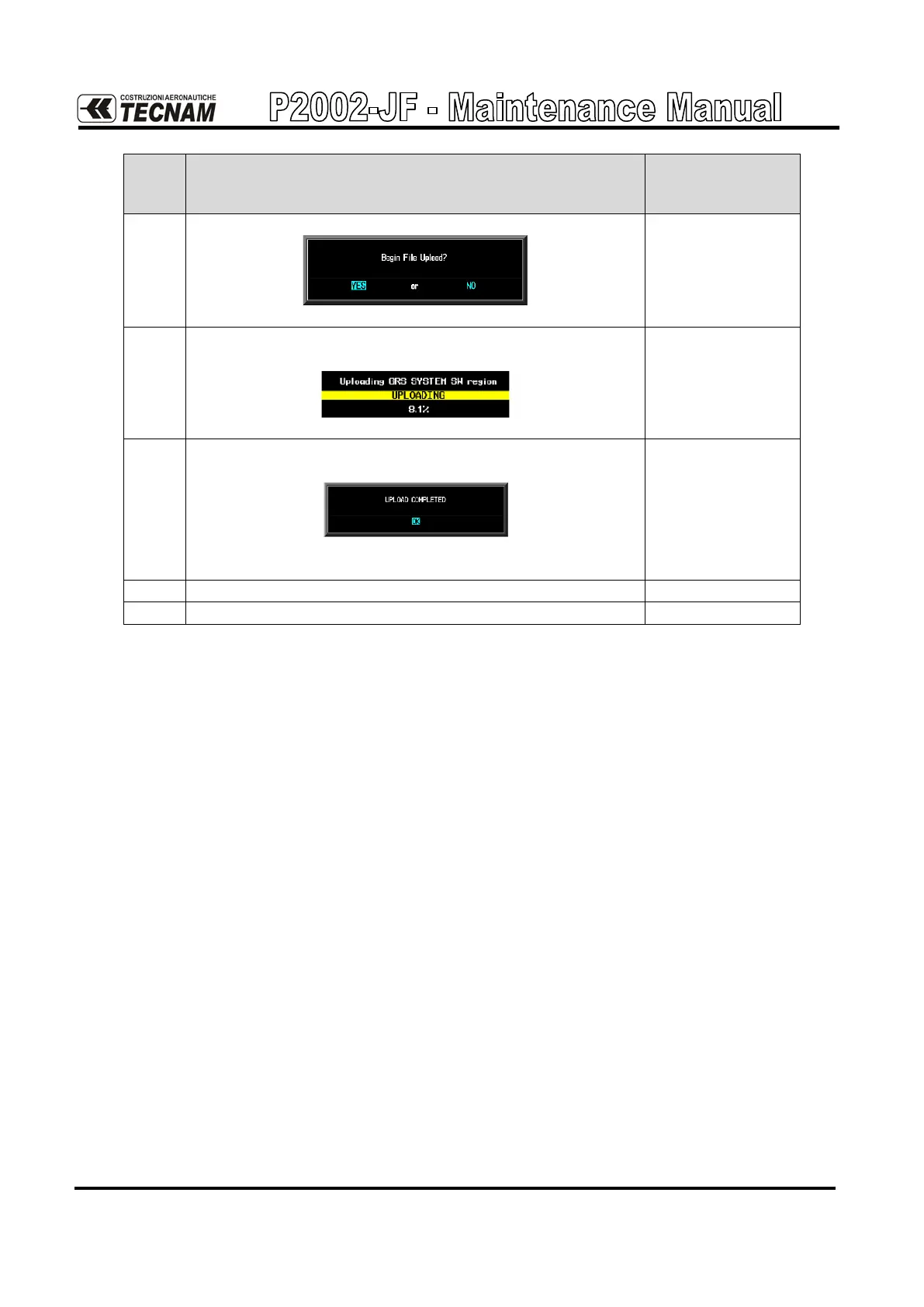
A prompt like this will be shown to the user:
Press ENT key to start the software upload.
17.
A progress bar showing the percentage of the upload
process completed is shown:
18.
When the upload procedure is completed an “Upload
complete” message will be shown:
When this message is shown press the ENT key to
acknowledge the process completion.
Repeat steps from 14 to 18 selecting GDC74
Repat steps from 14 to 18 selecting GMU44



 To Next Page