TEEJET 5000 OPERATORS MANUAL FERTILISER DISTRIBUTOR, BREDAL K RAMP
4.79
+XX%: Percentile increase of the encoded application rate. The size of
the steps is altered in encode.
-XX%: Percentile reduction of the encoded application rate. The size of
the steps is altered in encode.
NORMAL: (Only displayed if the step feature has been used)
Normal application rate. Regardless of how many steps the
application rate has been increased/decreased by, pressing this
key will return the application rate to normal.
DOSE RATE: Pressing this key allows the application rate to be altered directly
from the operation screen (see also DOSE RATE in encode).
Pressing the “NEXT PAGE” key displays the next functions.
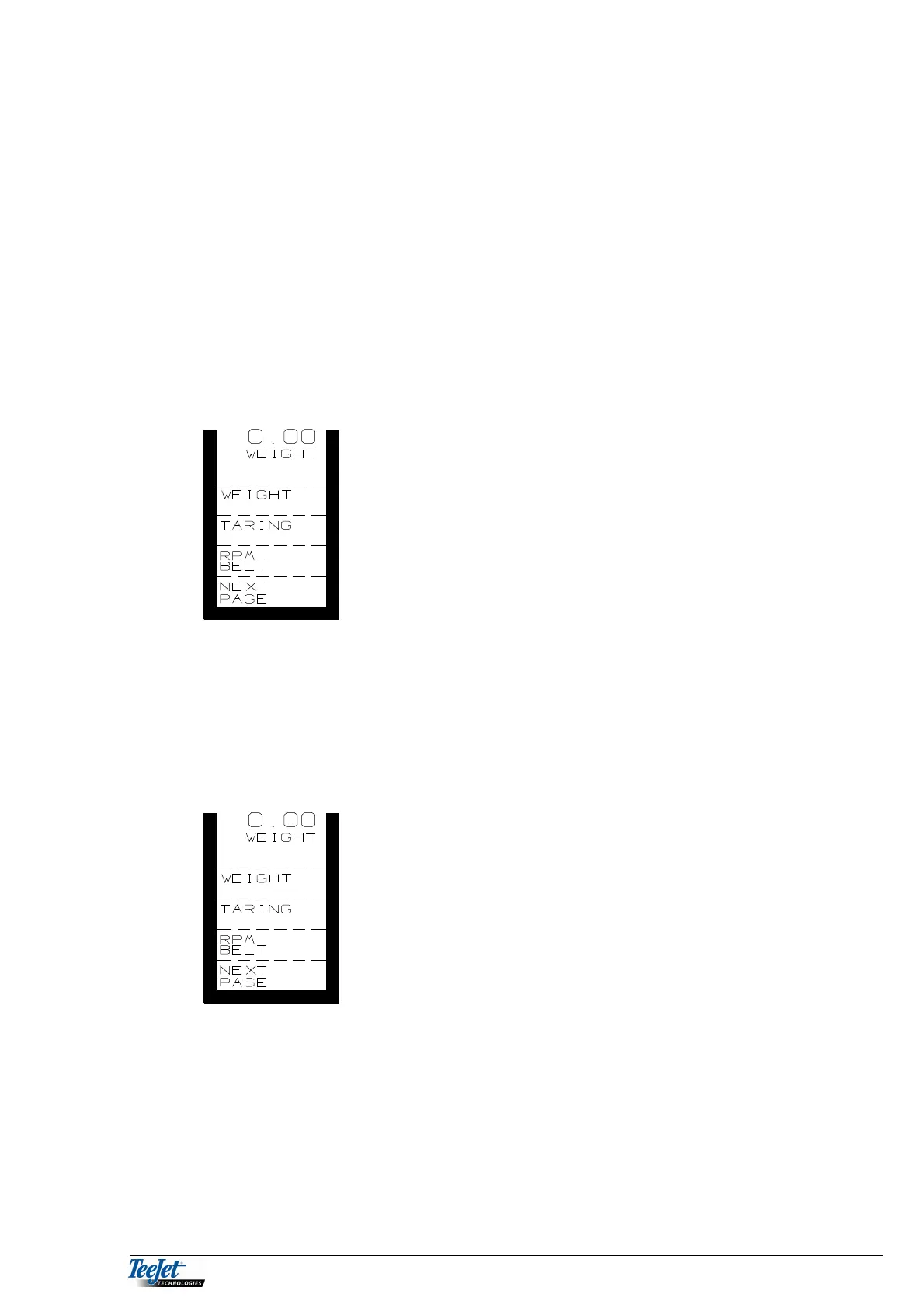
WEIGHT: Weighing in KG using weigh cells fitted
on the spreader (only displayed if
WEIGHING ON is selected under
encode).
TARRING: Tarring the weigh cells, this key must
be held down for approx. 3 seconds
(only displayed if WEIGHING ON is
selected under encode).
RPM BELT: Belt speed in RPM.
Using weighing (if the system is fitted with weigh cells).
Calibrating the weigh cells is a condition for correct operation. The calibration
procedure is described under “ENCODE”.
Press “TARRING” for approx. 3 seconds whilst at a
standstill, “WEIGHT” will change to 0, which is the same
as 0 KG.
There are 2 possibilities:
a: Start spreading with the weight displayed, and at each weighing the amount
left in the spreader can be seen.
b: Each time “TARRING” is pressed for approx. 3 seconds with something in
the spreader; the displayed KG will be 0. It is now possible to see how much
has been used (negative weighing). It is not possible to see how much
fertiliser is left in the spreader.



 To Next Page