FERTILISER DISTRIBUTOR, RAUCH AERO TEEJET 5000 OPERATORS MANUAL
4.98
3. Switch the main on/off switch to on and the feed
rollers will start turning.
The present feed roller RPM and the time in
seconds will be displayed during the calibration
procedure.
To ensure an accurate calibration, the TeeJet 5000
must count minimum 500 pulses before the
procedure can be stopped
As soon as the computer has counted 500 pulses
the screen will change and the calibration procedure
can be stopped when required by switching the main
on/off switch to off.
NB: Calibrating as much fertiliser as possible
(filling the bucket) will ensure greater
accuracy.
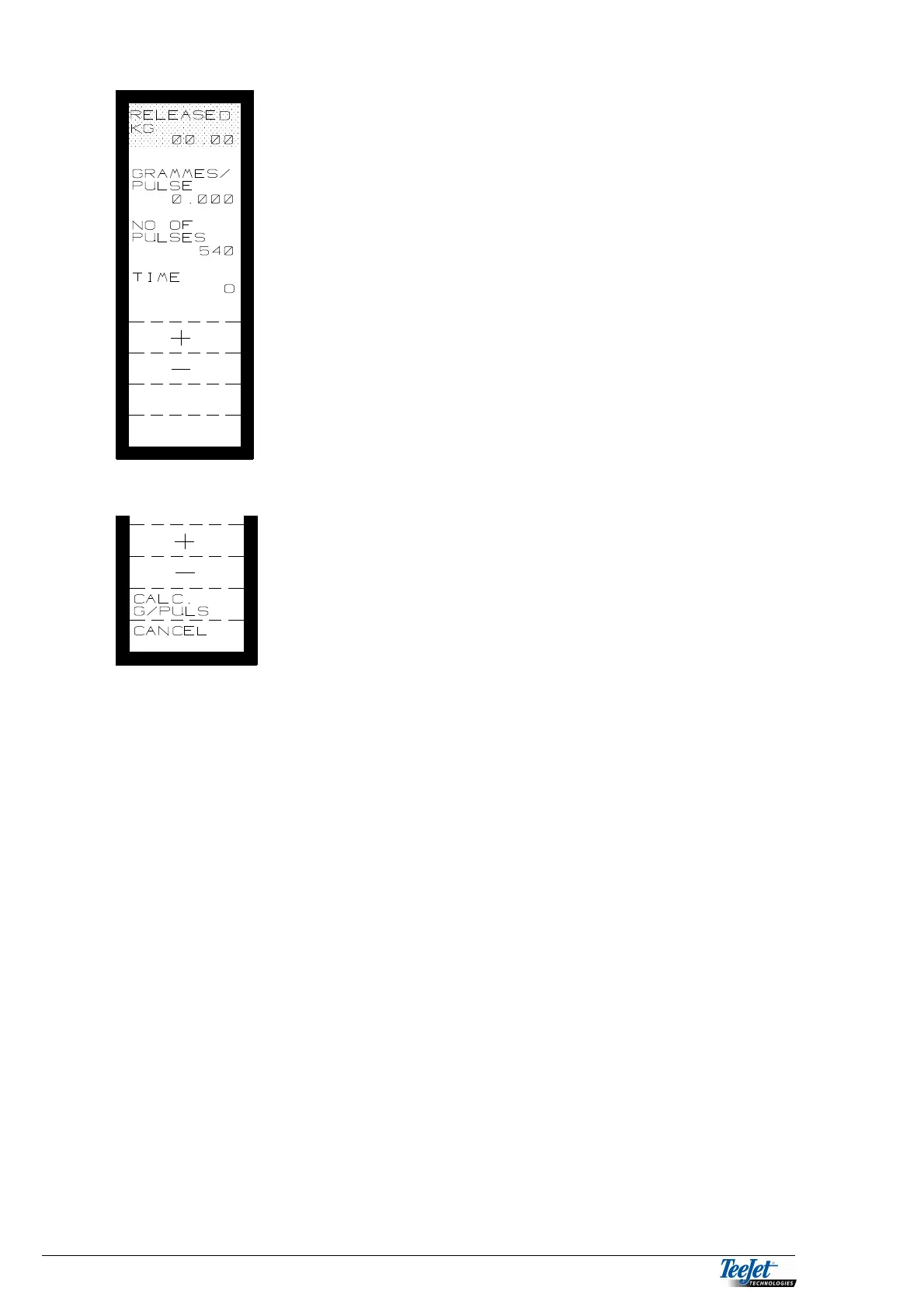
4. Switch the main switch to off and the shown keys
will be displayed.
If for some reason, you do not wish to continue with
the calibration procedure then press the “CANCEL”
key.
5. Weigh the amount released into the bucket exactly,
remembering to deduct the weight of the bucket.
Encode the amount released with 2 decimals using
the numerical keypad (displayed at the top of the
screen).
6. Press the “CALC. G/PULSE” key, and the computer calculates the amount
released per pulse and displays the amount at the top of the screen.
If you are satisfied with the result of the calibration pressing the “ACCEPT”
key will allow you to save the calibration in 1 of 3 positions. Select which
position to save the calibration in using the arrow keys, press thereafter the
“SELECT” key.
If the “CALCULATE” key is pressed, the calibration will be used until
another calibration procedure takes place or another calibration
(previously saved) is selected.
If however, through experience you know that the calculated amount released
per pulse is incorrect then press “CANCEL” and a new calibration test must
be carried out.
The calibration procedure relates closely to the encoded working width. The
computer will give a warning if the working width is changed without re-
calibrating the spreader.
If there are previously saved calibration results the procedure is as follows:



 To Next Page