SLURRY SPREADER, OTHER TYPE TEEJET 5000 OPERATORS MANUAL
7.6
DAILY USE OF THE SLURRY PROGRAM WITH A FLOWMETER
Once all of the encodements have been accepted, proceed as follows:
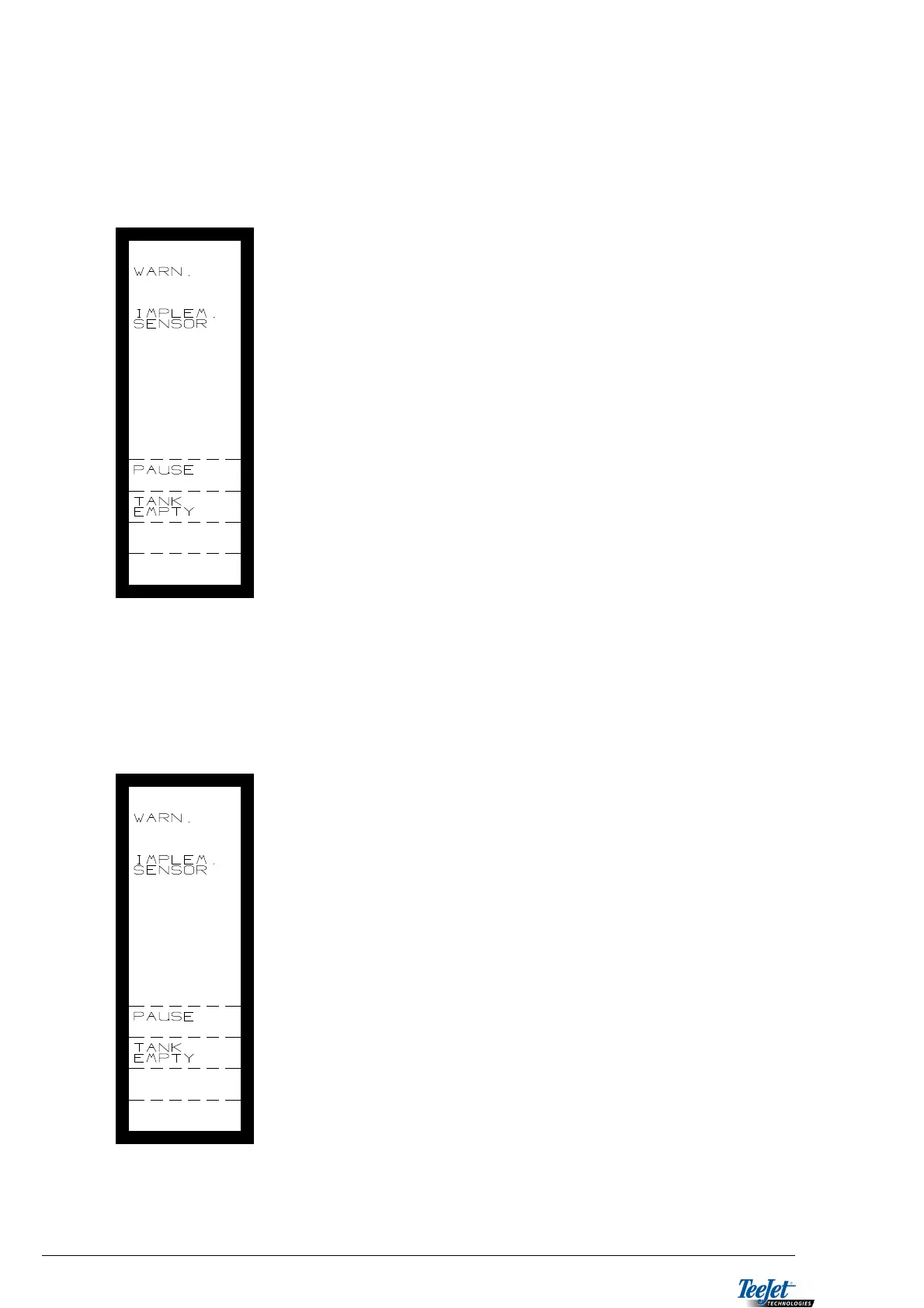
Start spreading and each time the area override sensor is activated (implement
sensor) the following warning is displayed:
When this screen is displayed you have the following
options:
If the machine is turning at the headland, then continue
driving and the warning screen will disappear when
spreading starts again.
If you stop spreading temporarily without the tank being
empty, press “PAUSE” to remove the warning. The
warning screen will disappear when spreading starts
again.
If the tank is empty, press “TANK EMPTY”. The value
encoded under “TANK VOLUME” will be automatically
transferred to “TON/M3 LEFT”.
DAILY USE OF THE SLURRY PROGRAM WITHOUT A FLOWMETER:
Once all of the encodements have been accepted, proceed as follows:
Start spreading and each time the area override sensor is activated (implement
sensor) the following warning is displayed:
When this screen is displayed you have the following
options:
If the machine is turning at the headland, then continue
driving and the warning screen will disappear when
spreading starts again.
If you stop spreading temporarily without the tank being
empty, press “PAUSE” to remove the warning. The
warning screen will disappear when spreading starts
again.
If the tank is empty, press “TANK EMPTY”. The
following 2 things will happen automatically:
“TANK VOLUME” is transferred to “TON/M3” counter.
“TANK VOLUME” is added to the total counter for
consumed amount, which can be found in
“DATA/DELETE”.



 To Next Page