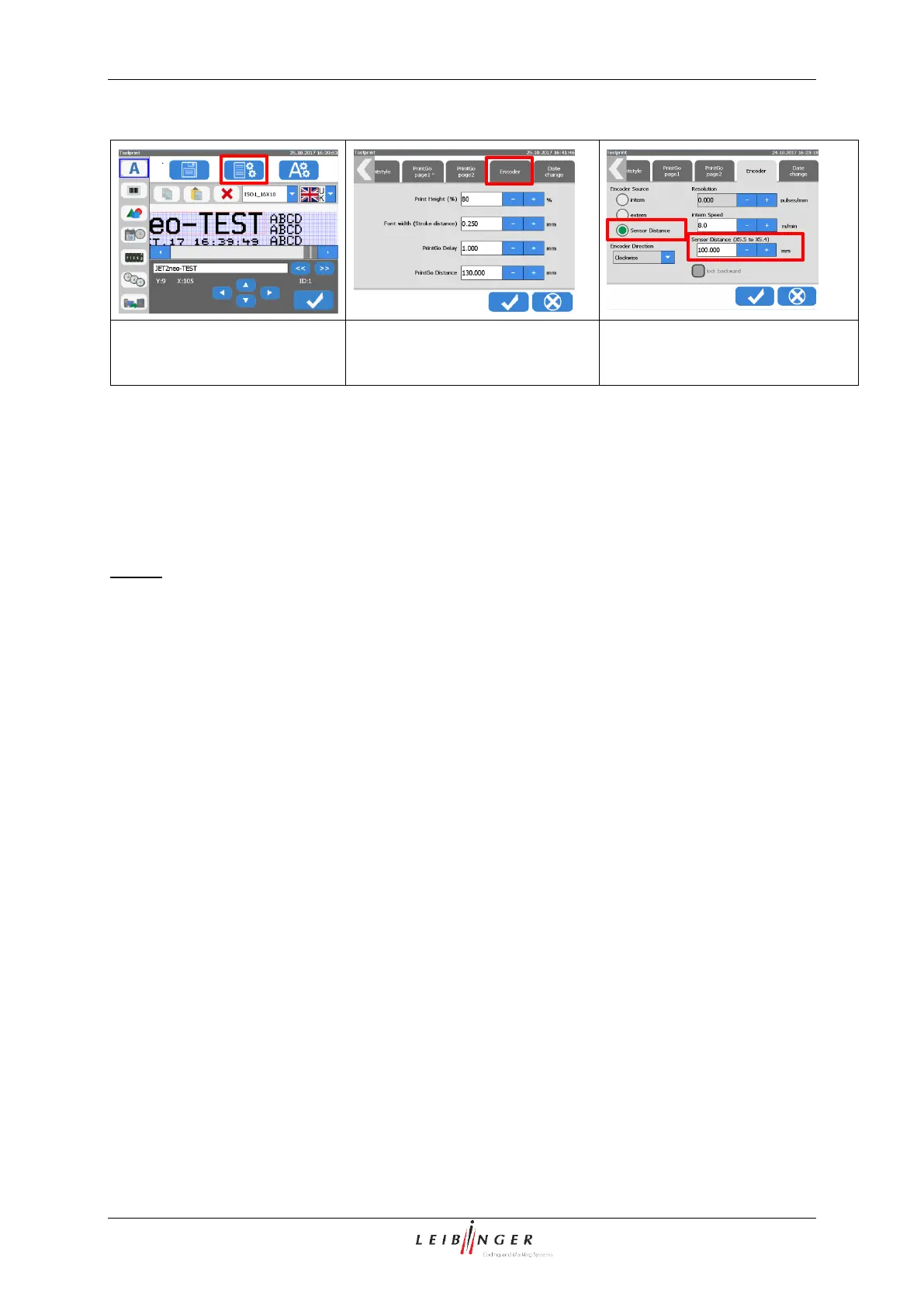
With a product, passing the first sensor (sensor 1) the speed measurement starts (7).
The measurement is stopped as soon as the product passes the second sensor (8) (sensor
2). This second sensor (8) works also as the <PrintGo> sensor and controls the start of the
printout.
It is mandatory that sensor 1 (start sensor for speed measuring) is always mounted
before sensor 2 (stop sensor for speed measuring and PrintGo sensor).
The production speed is calculated from the time measured and the distance entered. Working
with short distances it may happen that right after the start of the production line there are no
values of the measured speed available. For this case, the internal speed set (9) is taken as
default.



 To Next Page