Group 8 Job editor Page 237
JET2 neo Release R1.12 en
Shoot & Print
Alternatively the data can be sent with a bar code scanner connected to the Ethernet
interface. The data is coded as bar code, read with a bar code scanner and finally sent to
the printer through the Ethernet interface. Working with this method avoids errors by
wrong data input.
For this option a bar code scanner with an Ethernet interface is required!
A bar code scanner with a USB interface (HID device) cannot be used in
combination with the <Extern Text for serial interface>.
Interface settings
With the JET2neo interface setting <Extern Text Ethernet> the JET2neo printer does
not expect any control characters. Each character sent will be interpreted as data. This
will also be true for control characters like <line feed>, <form feed> or <carriage
return>.
Requirements <Mailing>
For the <Mailing> function you will have to set the parameters for the external
data source.
To use the <Mailing> function you will have to create an <Extern Text> object.
The parameters for the object are set in the <Extern Text> dialog box. You can
define which field of a data set should be assigned to the object and you can set
<Wildcards> for this field.
The JET2neo printer also offers the possibility of controlling print job
selection and print out using s special script language. Data and
commands can be sent by Ethernet interface using a terminal software.
Shoot & Print
Data and commands can also be coded as bar codes and transferred with
a bar code scanner connected to serial interface to the JET2neo printer.
For this option a bar code scanner with Ethernet interface is required!
A bar code scanner with a USB interface (HID device) cannot be used
in combination with the script language.
Regarding the JET2neo script language and the possibilities of Shoot &
Print detailed documentation is available separately.
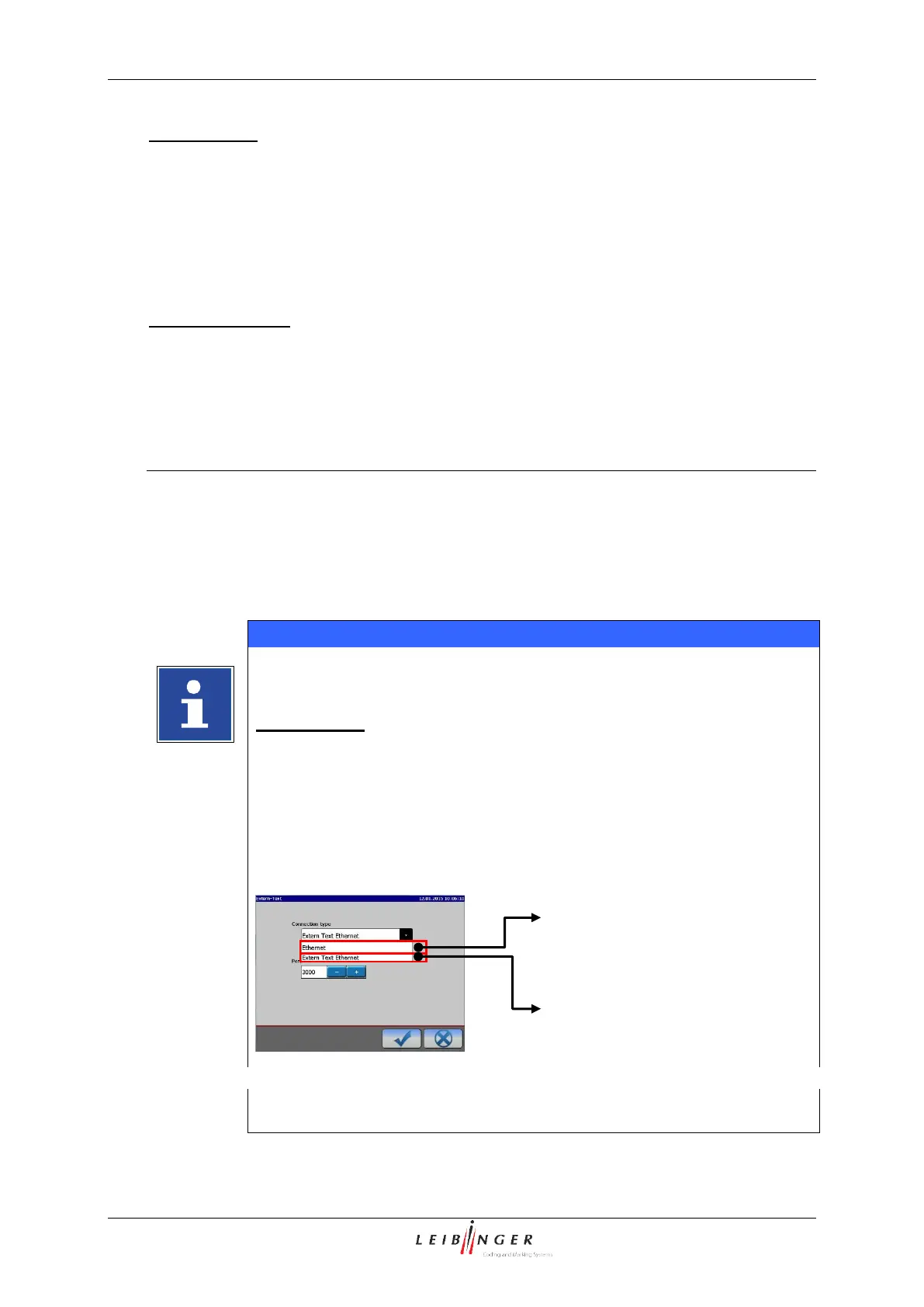
Interfaces for using
theJET2neo script language
Interface for the transmission
of pure data. The printer does
NOT expect any commands.



 To Next Page