Group 6 Operation – Elements and procedures Page 59
JET2 neo Release R1.12 en
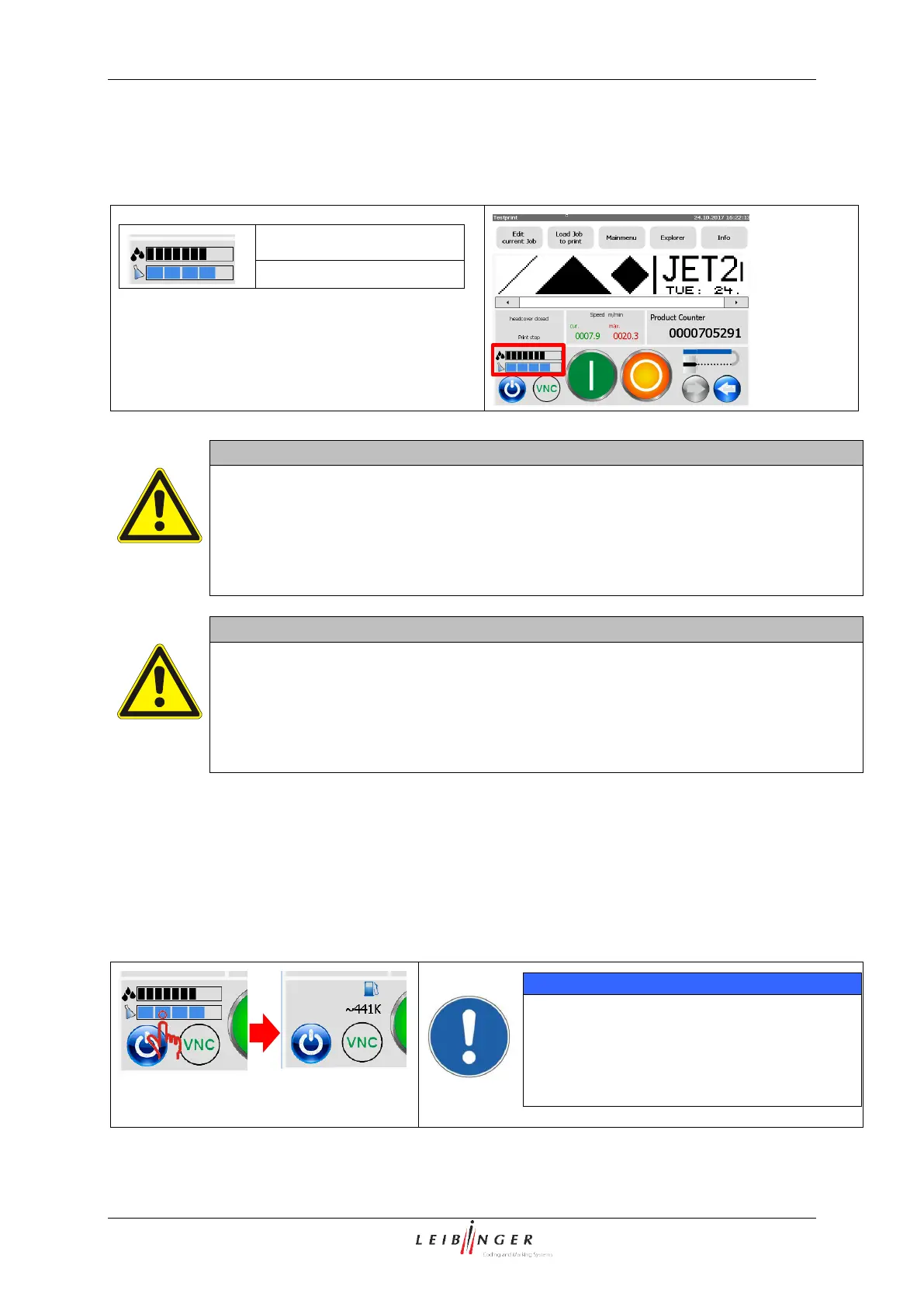
Filling level indicator (9):
The JET2neo was equipped with a filling level indicator for ink and solvent.
The indicators are located in the lower, left
corner of the main window.
The indicators only show approximated values of the respective filling levels.
The level metering is calibrated during each refilling with the activation of the
respective TAG.
If the TAG is activated at a subsequent date, this will lead to an erroneous filling level
indicator. Such kind of deviation can be corrected with the next refilling and TAG
activation.
The filling level indicators are meant for your guidance.
Ink or solvent must not be refilled as long as there is no respective message
displayed!
There is a high risk of overfilling if the operator carries out a refilling before the
respective message box indicates a refill!
Please follow the related hazard notes in the instruction manual.
Display of the remaining print outs
On the basis of the determined filling level and the data of the current print job the printer
provides a rough estimate of the remaining print outs. The determined value is displayed in
steps of thousands printouts: 441k 441000 print outs.
The indicator is displayed after a click on the filling level indicator.
The remaining print out are only indicated
if:
The nozzle is open
There must have been one print out at
least



 To Next Page