Page 60 Operation – Elements and procedures Group 6
Release R1.12 en JET2 neo
Button <Off> (10): With this button you can switch off the device.
You will find further information also in the Chapter Switch off device!
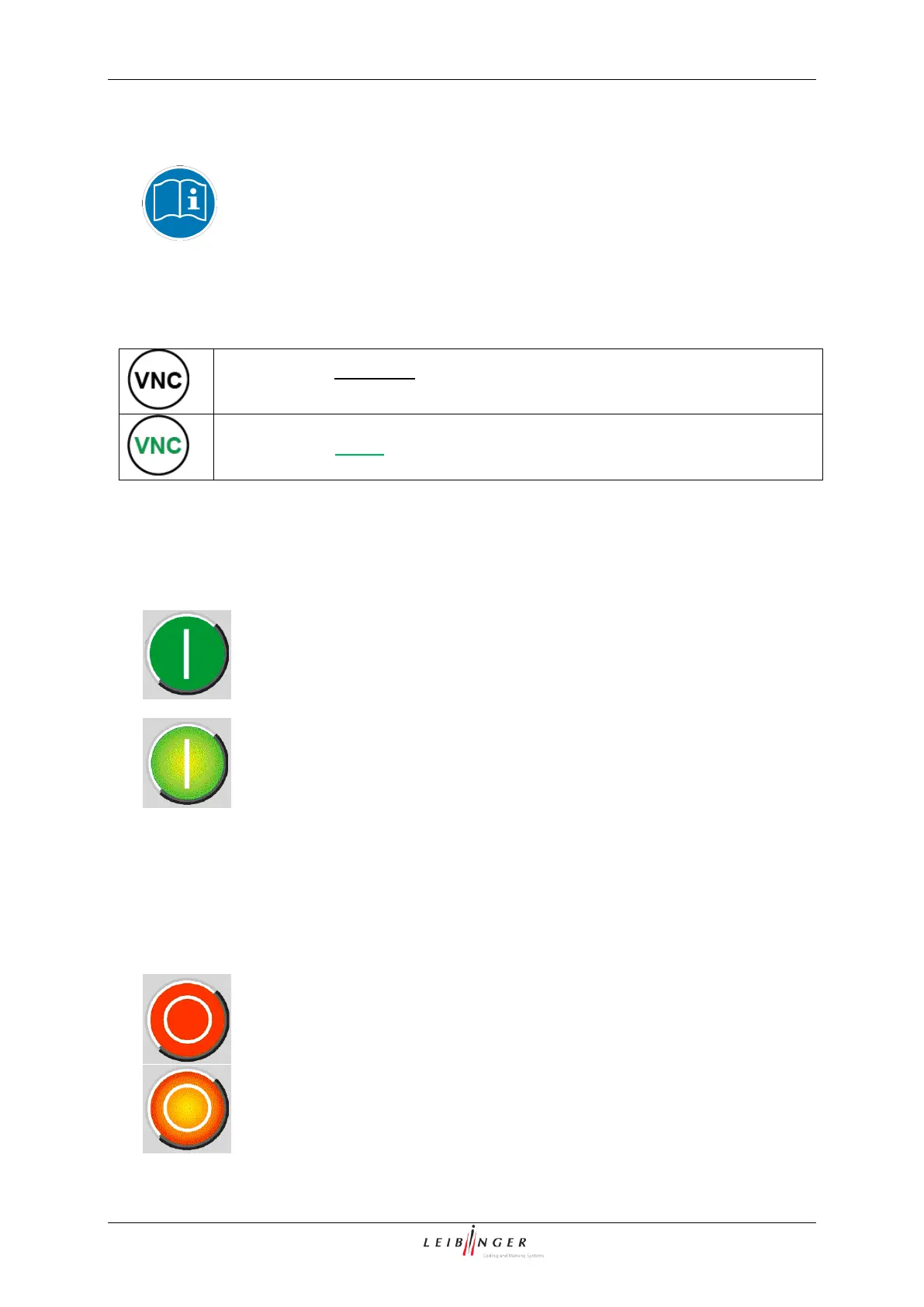
Button <Switch On/OFF VNC server> (11):
The VNC Server is activated by a button on main window.
The button also works as indicator:
VNC server is not active. If the button is pressed the VNC server is switched
on. And the labelling turns green.
Button <Printstart> (12): With this button the print job will be released for processing. If
a print job is activated, the button is displayed backlighted. It will be printed as soon as a
PrintGo is released.
= Print start inactive (Print job is not released for processing)
= Print start active (Printer is in active print mode)
To carry out a print process, you have to enter a text or you have to select an existing job. You
will find further information regarding this topic in the group Job editor.
Button <Printstop> (13): The released print job is stopped with this button. If a print stop
is activated, the button is displayed backlighted.
= Print stop active (current print job is stopped or no job for processing is
released)



 To Next Page