SERVICE PROGRAM MODE TABLES
B079/B082 5-52 SM
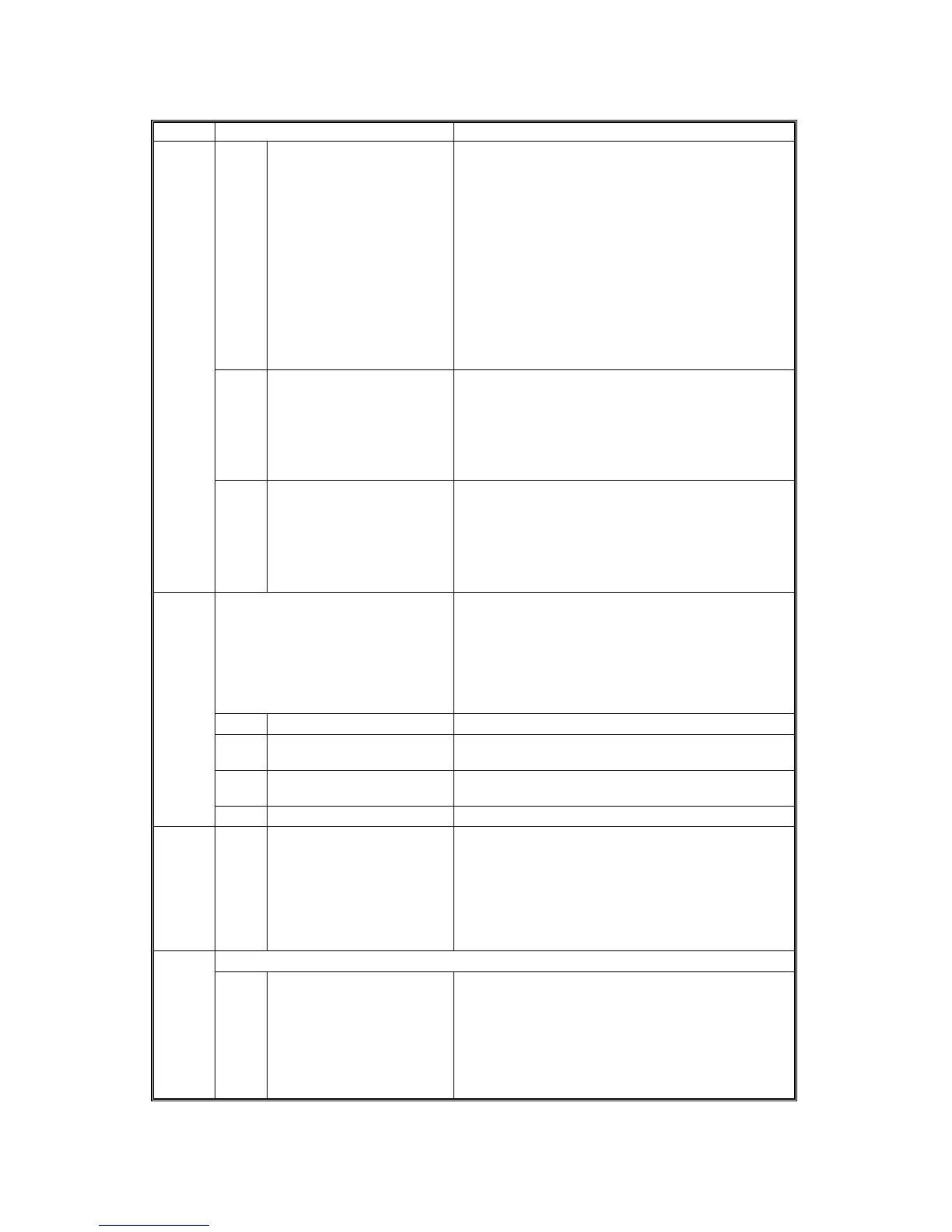
SP5 Mode Number Function and [Setting]
7 Channel MIN [Sets the minimum number of channels available
for data transmission via the wireless LAN. The
number of channels available varies according to
location. The default settings are set for the
minimum end of the range for each area. Adjust the
lower 4 bits to set the minimum number of
channels.
JA [1~14 / 1 / 1]
NA [1~11 / 1 / 1
EU [1~13 / 1 / 1]
China, Taiwan (Same as NA)
Displayed only when the option 802.11b for
wireless LAN is installed.
11 WEP Key Select Selects the WEP key.
[00~11 / 00 / 1 binary]
00: Key #1
01: Key #2 (Reserved)
10: Key #3 (Reserved)
11: Key #4 (Reserved)
5840
20 WEP Mode
Determines the operation mode of the WEP key.
[0~1/0/1]
0: Max. 64-bit (10 characters)
1: Max. 128-bit (10, 26 characters)
Displayed only when the option 801.11b for
wireless LAN is installed.
Supply Name Setting Allows setting the following items with the Soft
Keyboard after pressing the “Soft Keyboard” button
displayed for this SP code. The items you enter are
displayed after pressing “User Tools” and then
pressing the “Inquiry” button on the touch-panel
display.
1 Toner Name Setting: Black Enter the name of the toner in use.
5 Staple Standard Enter the name of the staples in use for normal
stapling (not booklet stapling)
6 Staple Bind Enter the name of the staples in use for booklet
stapling.
5841
7 Original Stamp Enter the names of original stamps.
5842 1 Net File Analysis Mode
Setting
Selects each debug output mode for NetFile
processing
[8 bits / 0011 1111 / Bit SW]
Bit 8 is reserved. Bit 7 is the debug output switch
for each mode.
Net files are jobs to be printed from the document
server using a PC and the DeskTopBinder software
USB 5844
1 Transfer Rate Sets the speed for USB data transmission.
[0x01~0x04 / 0x04 / 0]
0x01: Full Speed (12 Mbps fixed)
0x04: High Speed/Full Speed (480 Mbps/12 Mbps
auto adjust)











 To Next Page