3 - 39
IPN 074-397-P1G
HAPSITE Smart Operating Manual
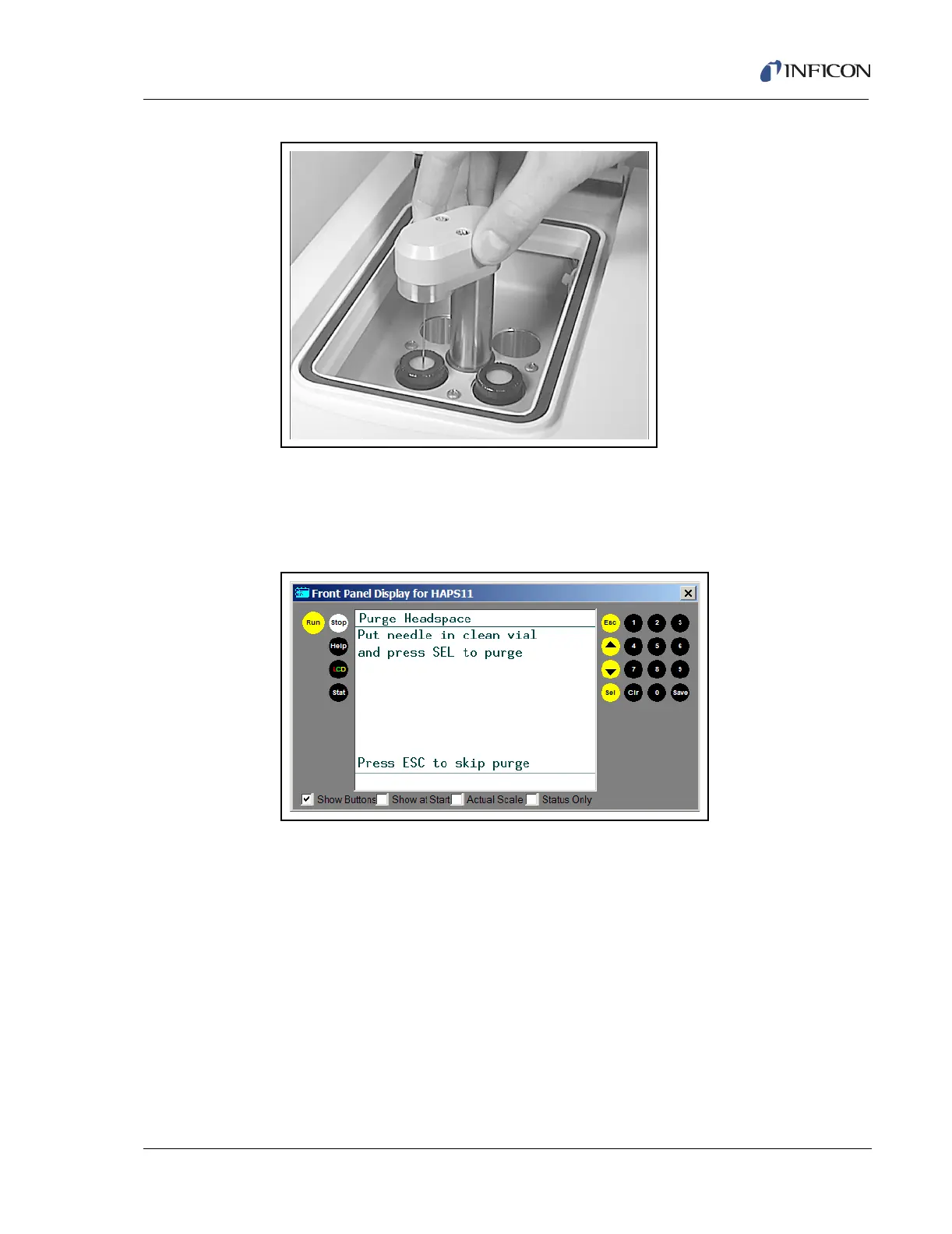
Figure 3-52 Headspace Needle
7 Press the Run button on the front panel of the HAPSITE.
8 When prompted (chromatogram completed), place the headspace needle in
the purge vial and press SEL. See Figure 3-53.
Figure 3-53 Purging the Head Space
9 Review data.













 To Next Page