7 - 26
IPN 074-397-P1G
HAPSITE Smart Operating Manual
7.6.1 Adjusting Base Peak Gain
1 Double-click on the Smart IQ icon. See Figure 7-30.
Figure 7-30 Smart IQ Icon
2 Double-click on the Tune Icon. See Figure 7-31.
HINT: Manual Tune can only be opened in Advanced User Mode.
Figure 7-31 Manual Tune Icon
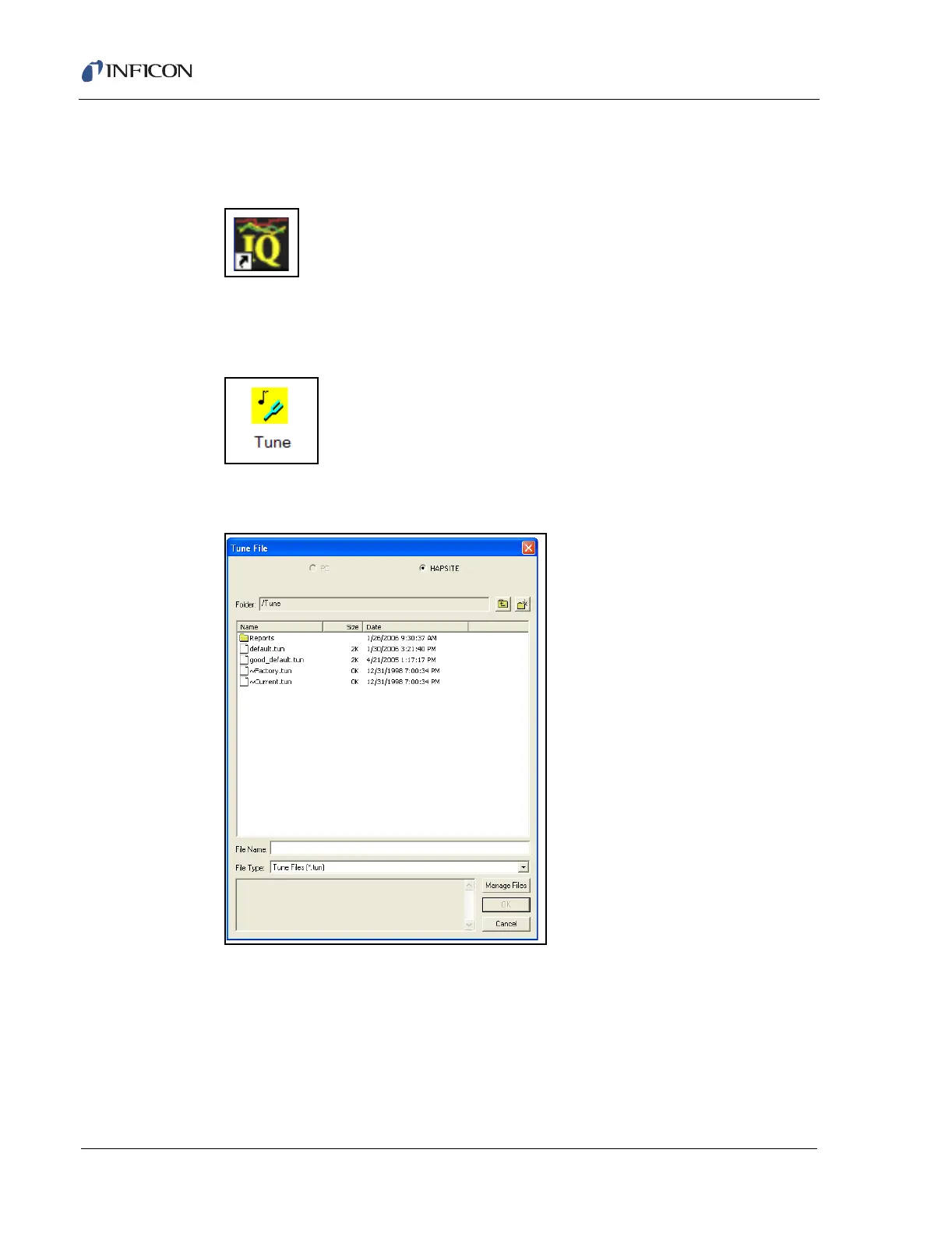
3 Select default.tun file and press OK. See Figure 7-32.
Figure 7-32 Select default.tun File
4 Wait for the automated process of opening the tune to complete.
5 Check the Base Peak Gain (BPG). Is the value between 0.8 and 2.0? See
Figure 7-33.













 To Next Page