3 - 22
IPN 074-397-P1G
HAPSITE Smart Operating Manual
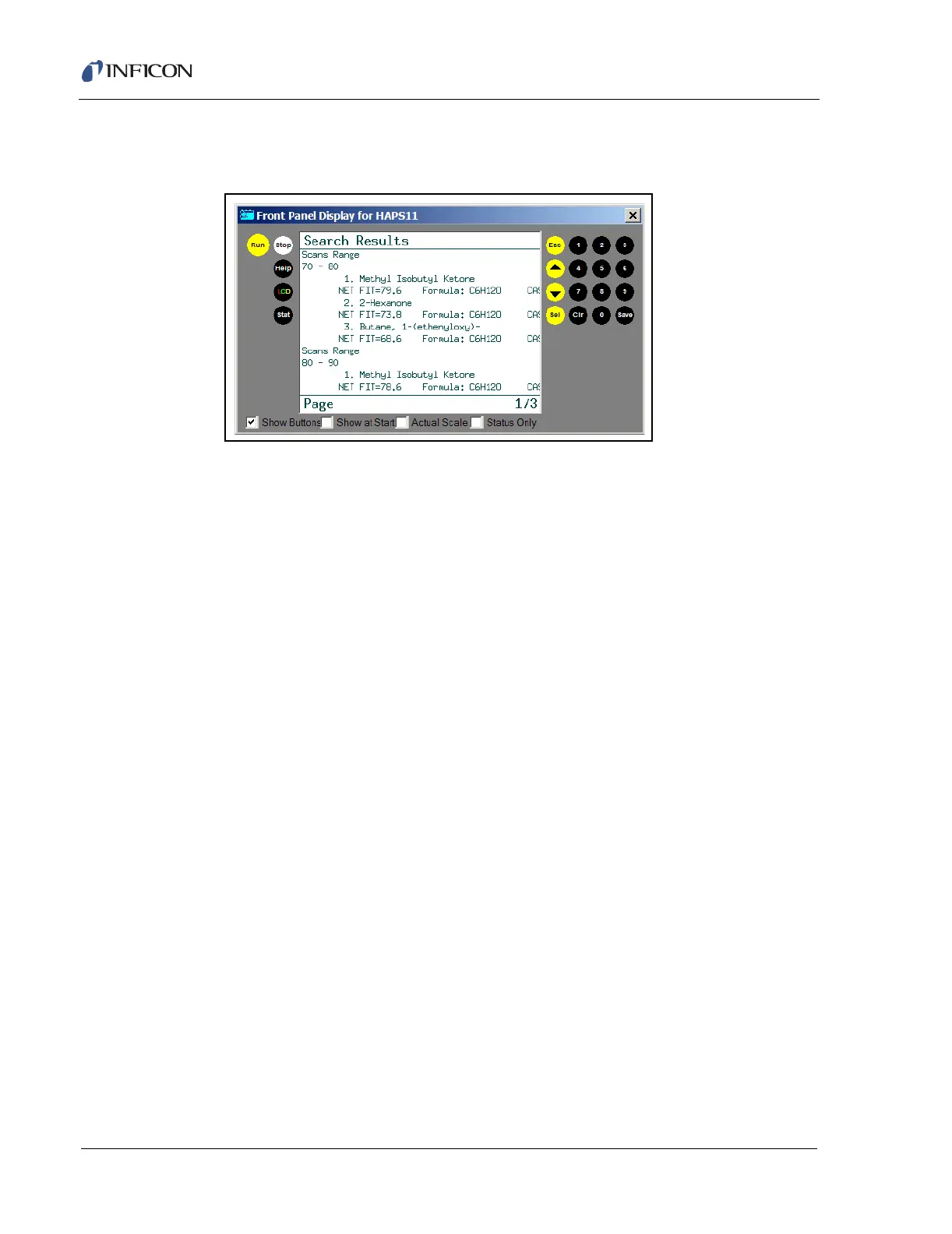
7 To view the report, press SEL. Use the arrow keys to scroll through the pages.
See Figure 3-28.
Figure 3-28 Search Results
NOTE: Remember, all results are tentative. Run a GC/MS method for
confirmation of the results.
3.3.1 Quick Reference SOP — Survey Method
1 From the main menu on the front panel highlight 1. Run Method and press
SEL.
2 Highlight Survey and press SEL.
3 Highlight Survey and press SEL
4 Wait for heaters to gain control of set temperatures.
5 Press RUN on the front panel or probe, wait one minute before sampling.
6 Hold the probe over the sample for one minute.
7 Press RUN to pause the sample and save the data.













 To Next Page