9 - 2
IPN 074-397-P1G
HAPSITE Smart Operating Manual
9.2 Accessing the Data Review Feature
The Data Review feature can be accessed as follows:
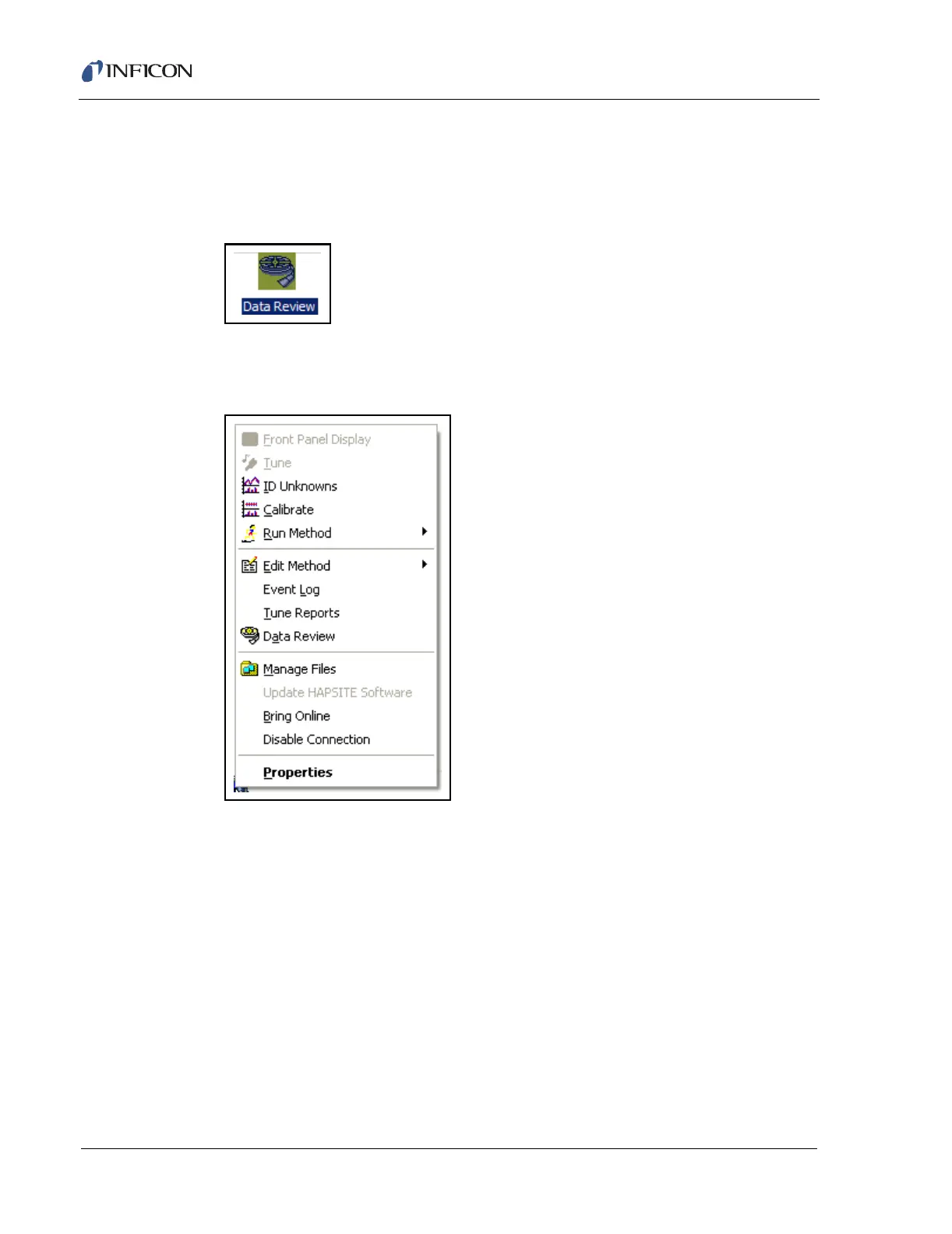
Double click the Data Review icon, see Figure 9-1, or
Figure 9-1 Data Review Icon
Right click the HAPSITE icon. The menu shown in Figure 9-2 will appear. Click
Data Review.
Figure 9-2 Data Review Menu













 To Next Page