7 - 24
IPN 074-397-P1G
HAPSITE Smart Operating Manual
Mass Centered Width. . . . . . . . . . . Width in AMU that correctly aligns the
calibration peak with the correct position on
the mass axis.
Lock Cursor to Peak . . . . . . . . . . . Locks the cursor to the mass peak for
adjustment of mass position.
Manual Scale . . . . . . . . . . . . . . . . . Allows the mass peak windows to be set to
user defined scale.
Common Scale . . . . . . . . . . . . . . . . Sets the mass peak scan windows to a
common scale based on mass 117.
Show Tune Parameters . . . . . . . . . Displays the EM voltage, Ionizer Control,
Baseline, Threshold and Rod Polarity
settings on the Control Panel.
Show Mass Tune Controls . . . . . . Displays the mass tune controls on the mass
peak scan windows.
Show Tune Status Panel . . . . . . . . Displays the tune status panel.
Show Mass Calibration Status . . . . . . . . Displays the mass calibration status
control panel
Control Panel . . . . . . . . . . . . . . . . . Displays the control panel.
Properties . . . . . . . . . . . . . . . . . . . . Displays the properties window.
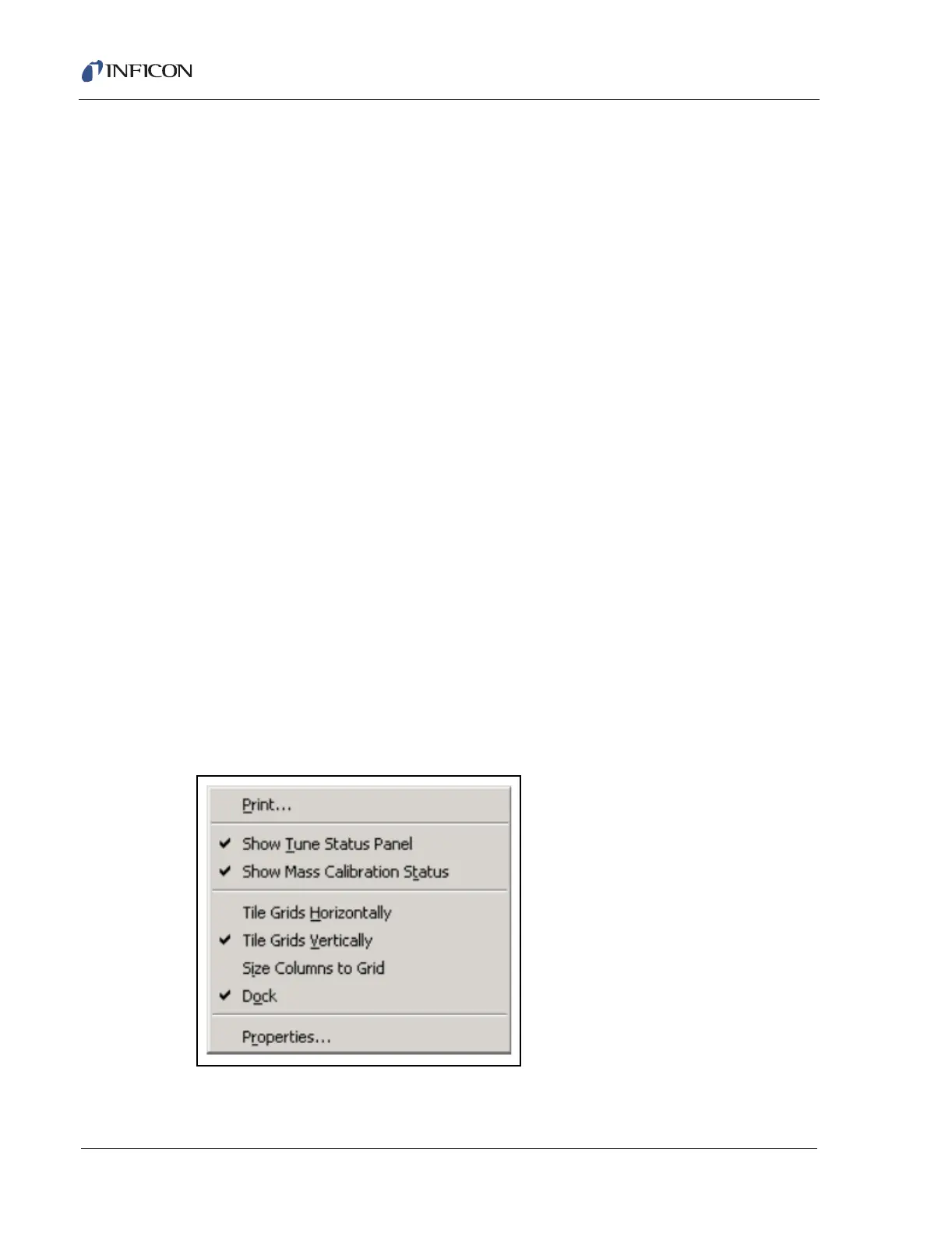
7.5.8.2 RMB in Tune Status Window
Placing the Mouse Cursor in the Tune Status panel or the Mass Calibration Status
panel and pressing the Right Mouse Button will display the menu shown in Figure
7-29.
Figure 7-29 RMB Menu in Tune Status Panel













 To Next Page