9 - 25
IPN 074-397-P1G
HAPSITE Smart Operating Manual
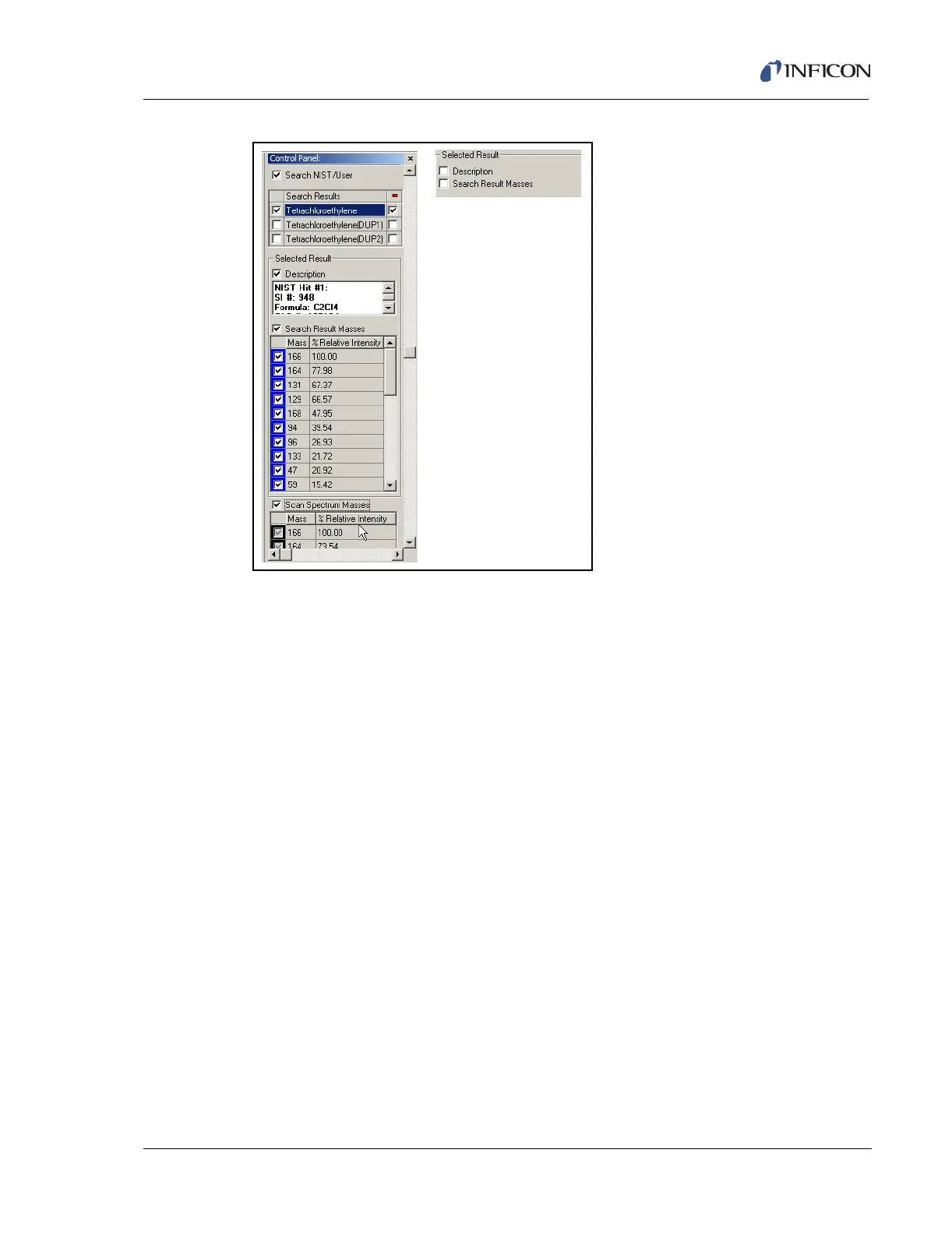
Figure 9-30 Comparison of NIST and Spectrum
If Description box is checked, the NIST header information such as Match Quality
(SI), Formula, and CAS number will be displayed.
If the Search Result Masses box is checked, the masses and relative intensities
are displayed for the NIST reference spectrum.
If the Scan Spectrum Masses box is checked, the HAPSITE Smart IQ masses
and relative intensities are displayed for the unknown spectrum.
9.8.1 Searching Peaks
The Search for Peaks function allows the analyst the capability to search the
entire TIC for qualitative identification of each peak detected by the search
function. The Search for Peaks function will also integrate each peak area that
meets the search criteria, then give the analyst a report showing the area percent
that peak contributed to the total area of all peaks found.
The Search for Peaks function is accessed by clicking the RMB on the TIC/RIC
window.
Select Peaks, then the submenu pops up displaying the choices. See Figure 9-31.













 To Next Page