3 - 27
IPN 074-397-P1G
HAPSITE Smart Operating Manual
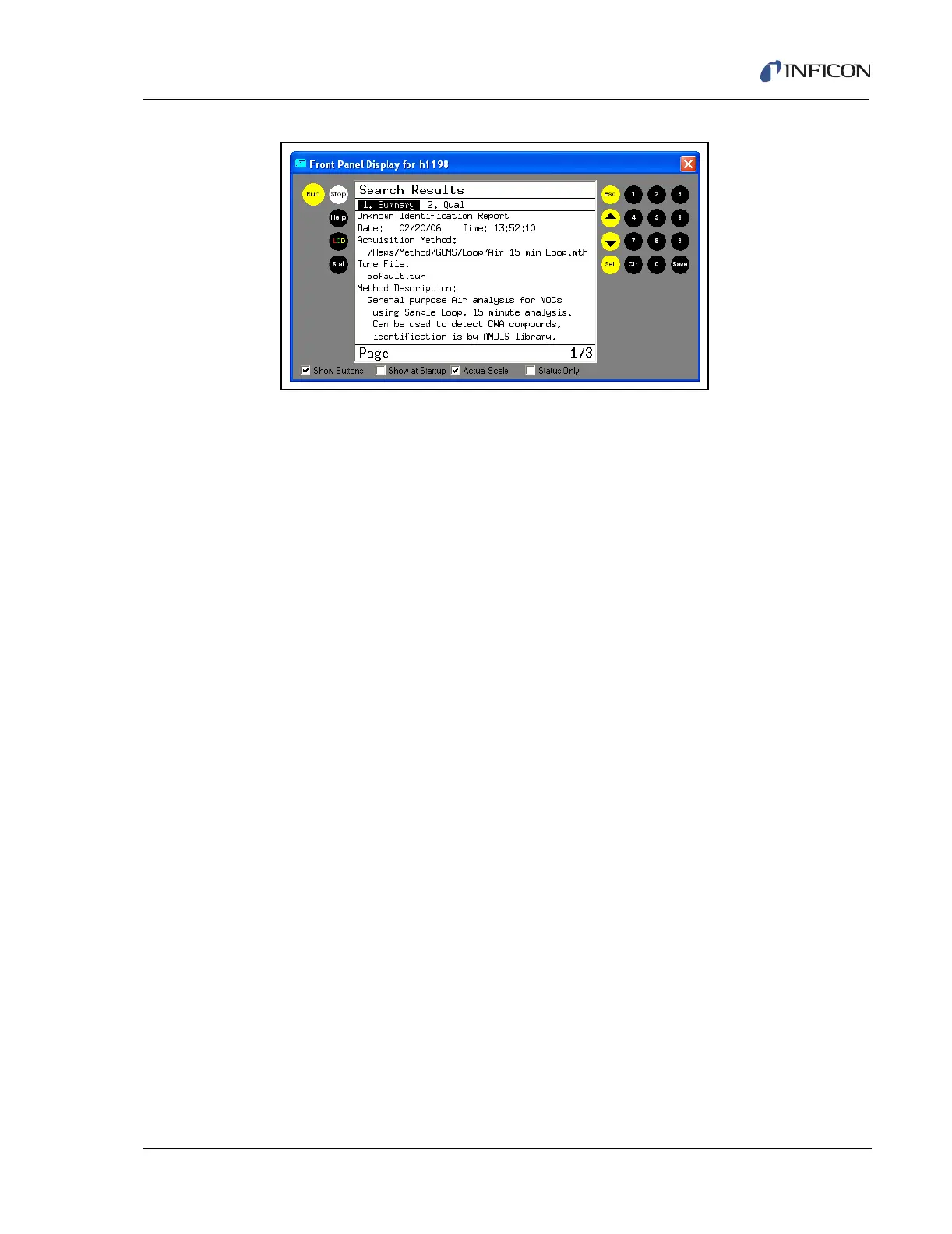
Figure 3-34 Front Panel Report
3.4.1 Quick Reference SOP — Loop Method
1 From the main menu on the front panel highlight Run Method and press SEL.
2 Highlight GCMS, and press SEL.
3 Highlight Loop, and press SEL.
4 Highlight the Air 15 min Loop method and press SEL.
5 Wait for heaters to gain control of set temperatures.
6 When prompted, press RUN from the front panel or Probe.
7 Hold the Probe over sample for the entire Loopfill event (one minute).
8 Review data at the end of run.













 To Next Page