3 - 26
IPN 074-397-P1G
HAPSITE Smart Operating Manual
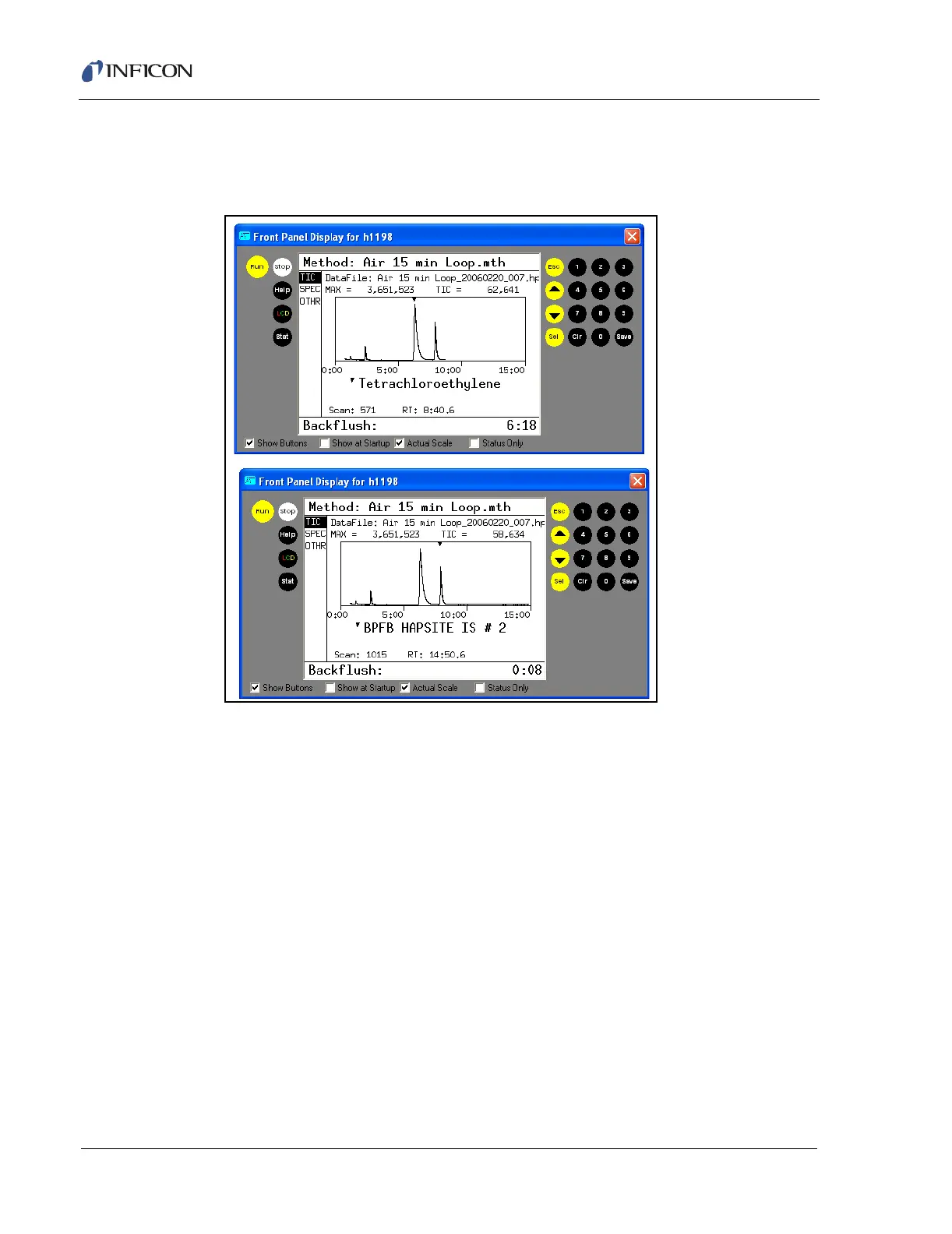
5 The HAPSITE will now take 15 minutes for the sample to be processed through
the HAPSITE. The chromatogram will appear on the Front Panel. See Figure
3-33 to see an example of a run in progress.
Figure 3-33 Progression of a Loop Run
HINT: Another GC/MS method can be started directly after one has
completed. Depending on the temperature profile, the column
temperature must down before the software will allow another run to
begin.
6 Once the Run is complete, a report can be viewed on the Front Panel of the
HAPSITE. Press SEL for the report and use the arrow keys to navigate through
the pages of the report. See Figure 3-34.
HINT: The results page shows option 1. Summary and option 2. Qual. The
Summary report gives the basic information from the run in a few pages.
The Qual report gives more detail about the identified compounds. Use
the numeric keys to access each report.













 To Next Page