15 - 32
IPN 074-397-P1G
HAPSITE Smart Operating Manual
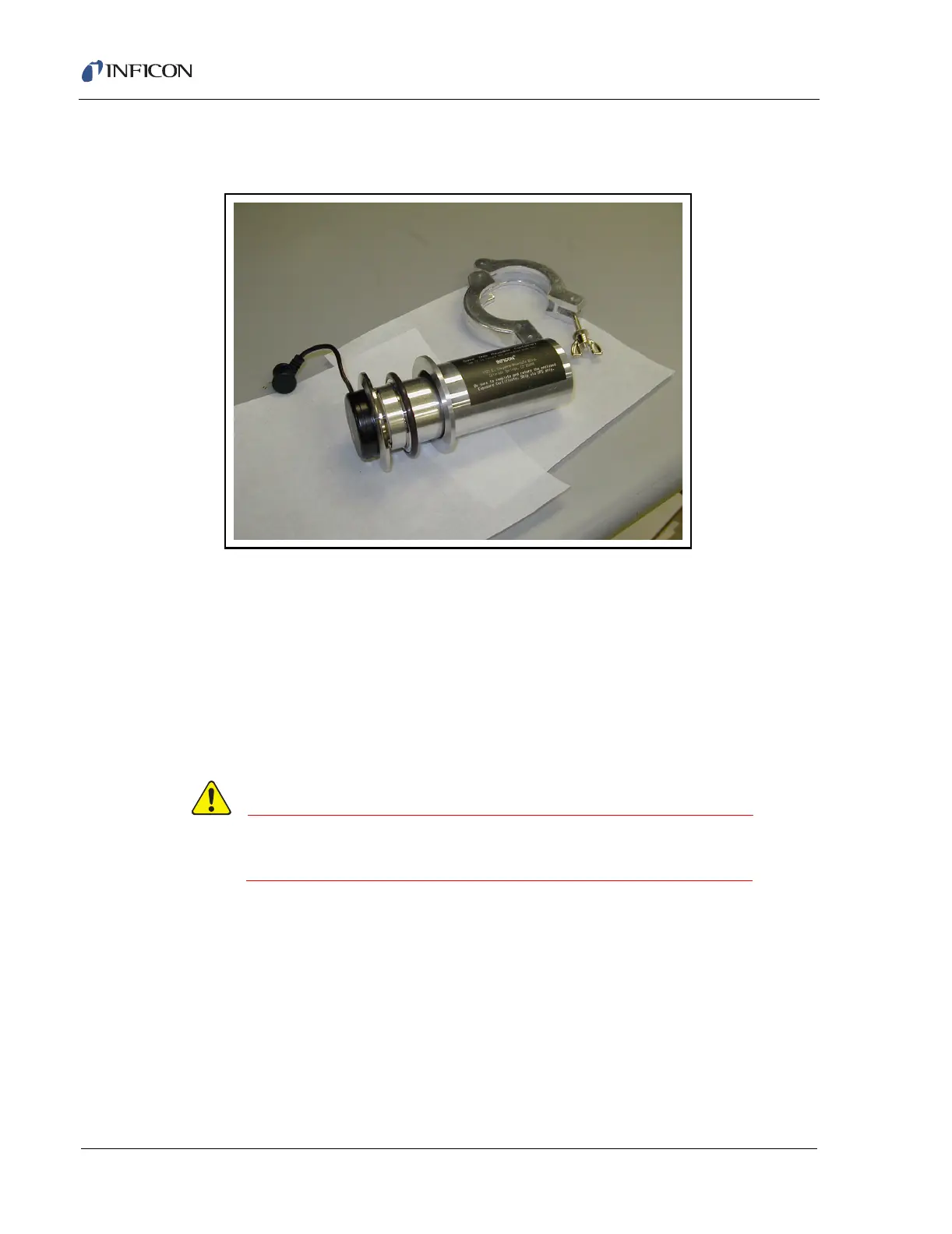
10 Place the old NEG Pump into the protective container with the o-ring
assembly and place back in the box. See Figure 15-30.
Figure 15-30 Old NEG Pump
11 Perform an Attach function by selecting the Attach button from the Service
Window on the Service Module tab of the Properties section in the Smart IQ
software. Refer to section 14.7, Attaching the HAPSITE to the Service Module,
on page 14-12.
12 Follow with section 15.7.5, Part 4: Leak Check of the Vacuum System, on page
15-32.
15.7.5 Part 4: Leak Check of the Vacuum System
Checking for leaks is very important. Air leaks will
shorten NEG Pump life.
NOTE: In this instruction a MicroDuster® will be used to locate the leaks. Any
aerosol type ’canned air’ or dust cleaner will work as long as the canned
air has the following component: 1,1,1,2-tetrafluorefloroethane. Please
check the label for contents. If using a duster with different ingredients,
the range and target masses will have to be adjusted to the major ions
contained.
1 After the HAPSITE has pumped down for at least two hours, double-click on the
Smart IQ icon. See Figure 15-31.













 To Next Page