7 - 4
IPN 074-397-P1G
HAPSITE Smart Operating Manual
7.2.1 Starting Autotune from the Manual Tune Screen
1 Double-click on the Smart IQ icon. See Figure 7-5.
Figure 7-5 Smart IQ Icon
2 Double-click on the Tune Icon. See Figure 7-6.
HINT: Only the Advanced Access level can run Manual Tune.
Figure 7-6 Manual Tune Icon
3 Wait until the EM and Emission buttons in the control panel turn green, then
click the Short Tune icon. See Figure 7-7.
Figure 7-7 Short Tune Icon
Adjusting other parameters without proper training may
damage the instrument.
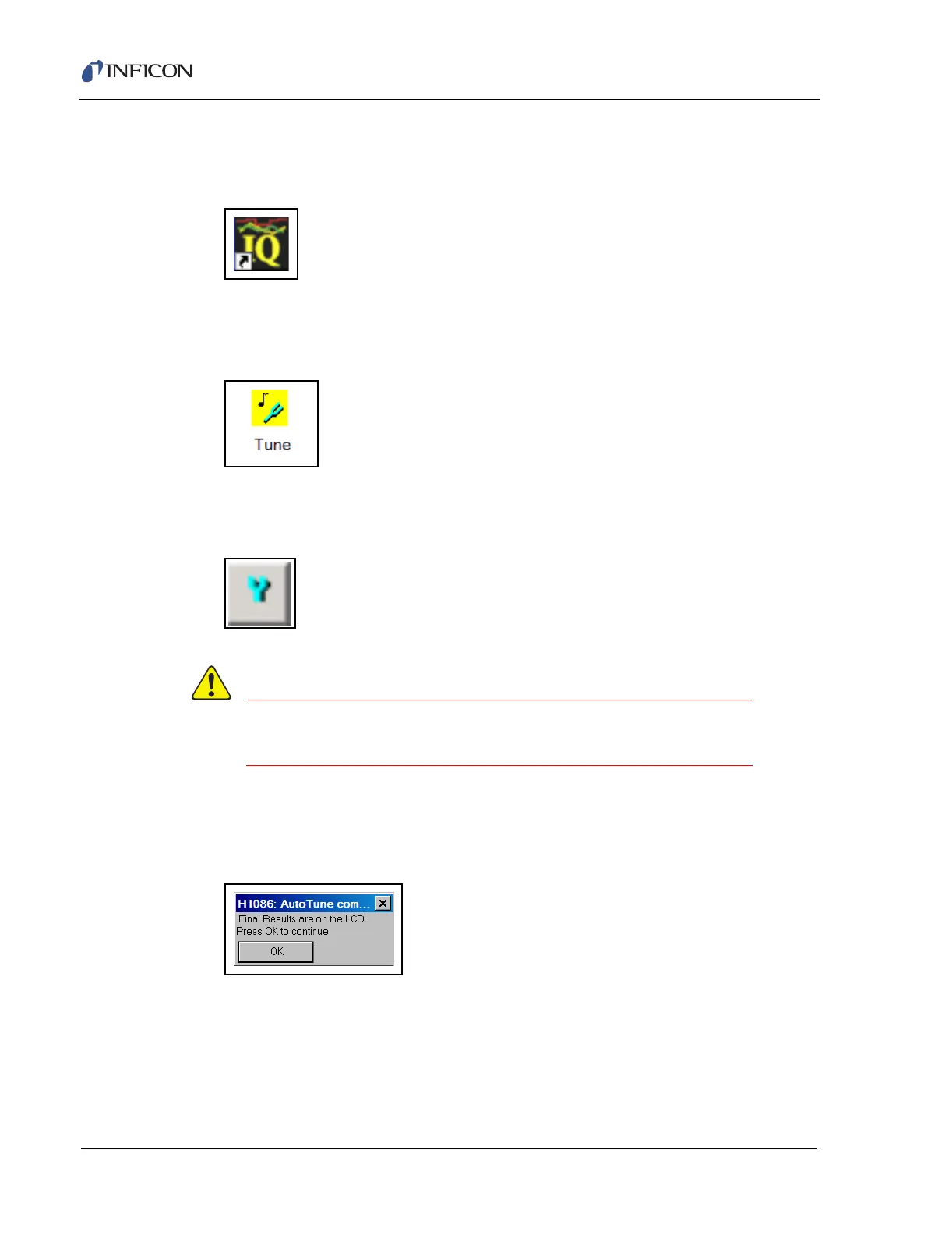
4 Allow the Short Autotune to run to completion and click OK and close the
Manual Tune after receiving the message Final Results are on the LCD. See
Figure 7-8.
Figure 7-8 Autotune Complete













 To Next Page