3 - 14
IPN 074-397-P1G
HAPSITE Smart Operating Manual
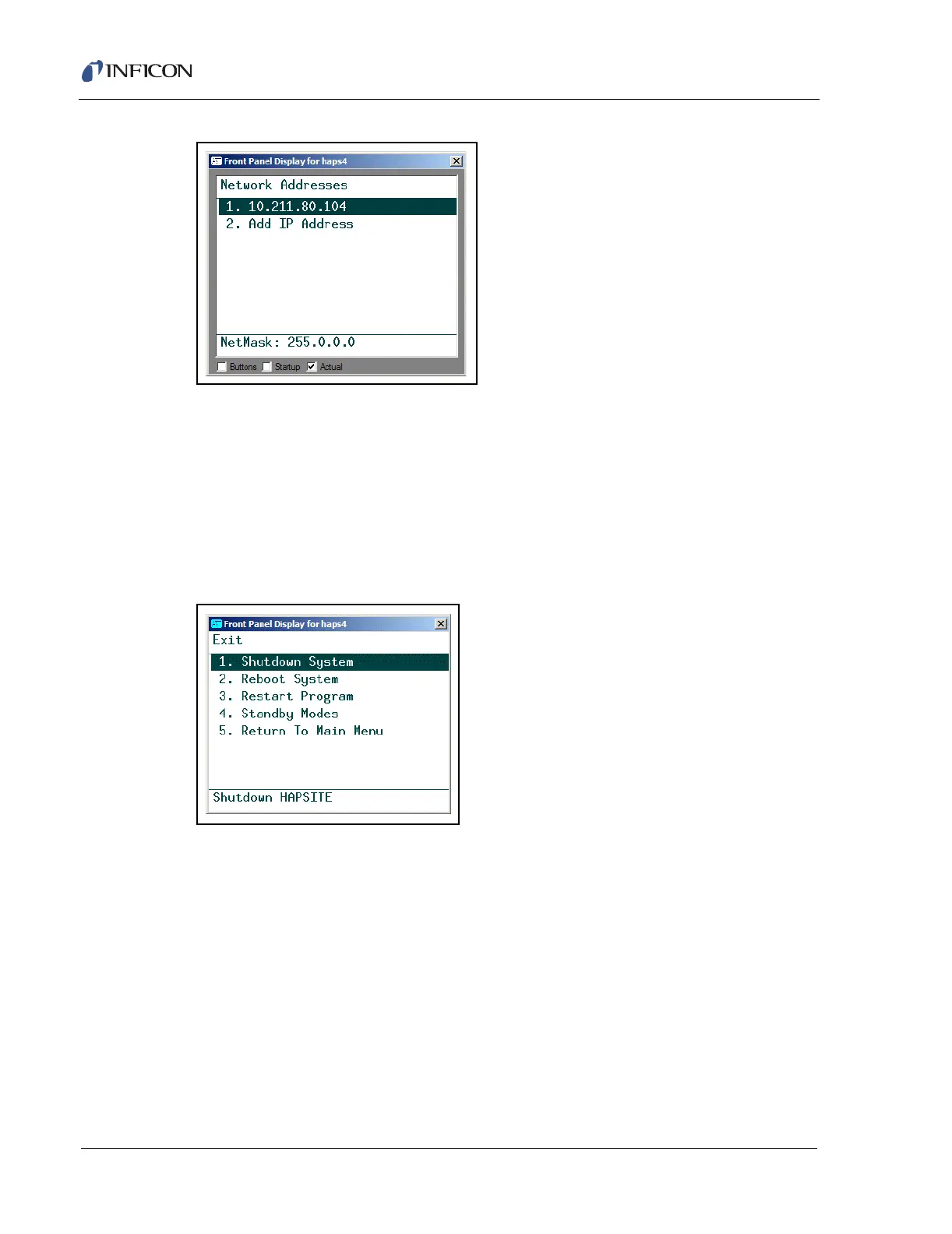
Figure 3-20 Network Addresses Screen
System menu selection number 7, Silent Mode turns off the audible alarms. (This
function only works with Probe and Front Panel firmware versions 1.10 and higher.)
3.2.5 Exit
HAPSITE Main Menu selection number 5, Exit, provides the options shown in
Figure 3-21. Detailed procedures for the Exit sub-menu can be found in Section
3.10, Exit Options, on page 3-46.
Figure 3-21 Exit Menu Selected
Shutdown System . . . . . . . . . . . . . Shuts down and powers off the system.
Reboot System . . . . . . . . . . . . . . . . Reboots the system. Completes power down
and restart cycle.
Restart Program . . . . . . . . . . . . . . . Restarts the HAPSITE Smart software.













 To Next Page