5 - 17
IPN 074-397-P1G
HAPSITE Smart Operating Manual
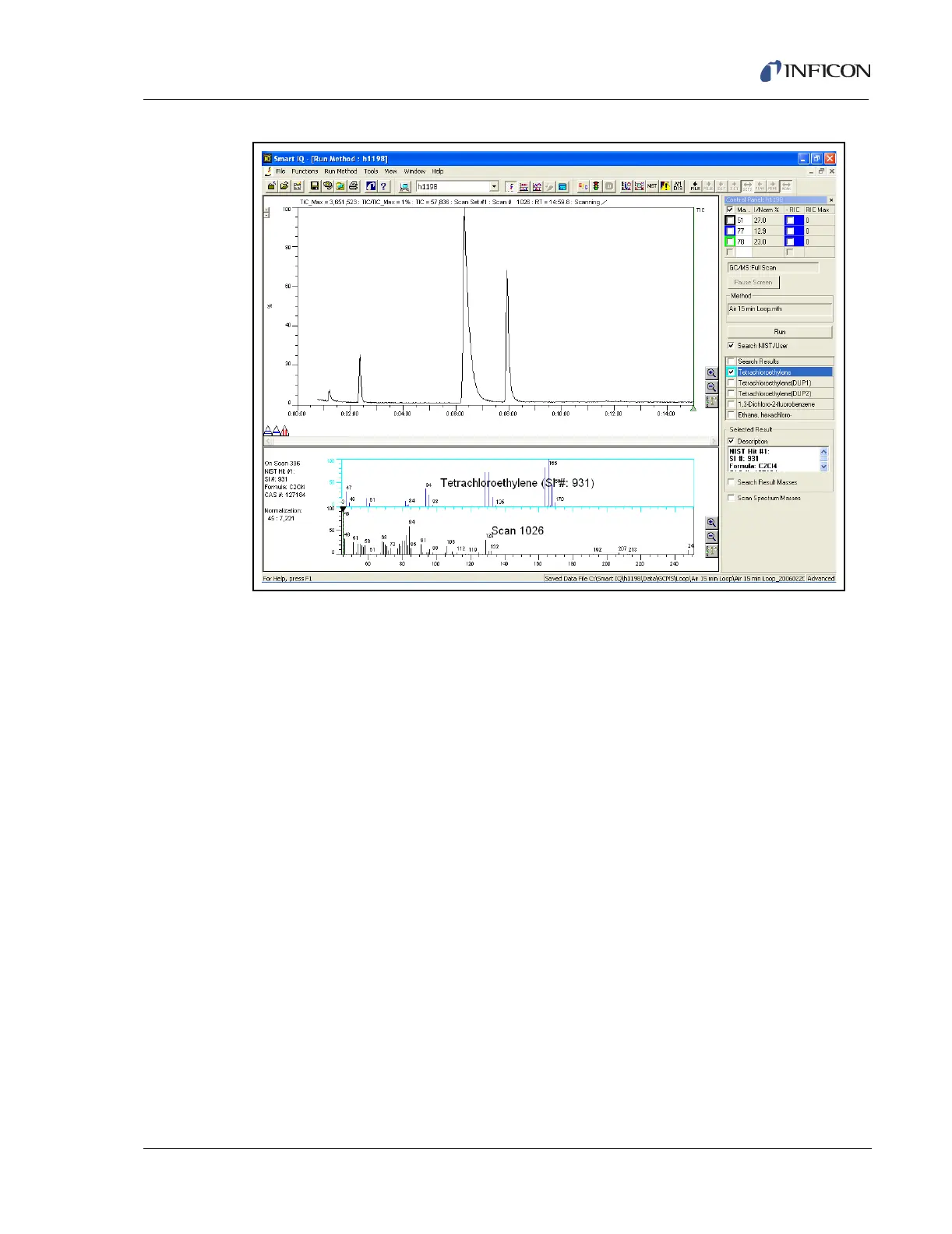
Figure 5-24 Complete Air 15 min Loop
9 Review results at the end of the run.
5.3.1 Quick Reference SOP — Running GCMS Loop Method
1 Double-click the Smart IQ icon to open the software.
2 Double-click the Run Method icon.
3 Double-click the GCMS folder.
4 Double-click the Loop folder.
5 Double-click the Air 15 min Loop method.
6 Wait for heaters to gain control of set temperatures.
7 Click the Run button in the pop-up window of the software
8 Hold the probe over the sample for the entire Loopfill event.
9 Review data when run is complete.













 To Next Page