11 - 48
IPN 074-397-P1G
HAPSITE Smart Operating Manual
7a If creating a new folder, name the new folder and then open the new folder
before saving the Method file.
Saving the new method file with the original name will
overwrite (replace) the method that was used as the
template.
8 Once the location and name have been chosen, press OK to save the file.
Refer to Figure 11-48 or Figure 11-47.
11.12 How to Sequence Methods
Sequencing methods is very useful when a group of methods needs to be run
unattended, repeatedly, or at timed intervals.
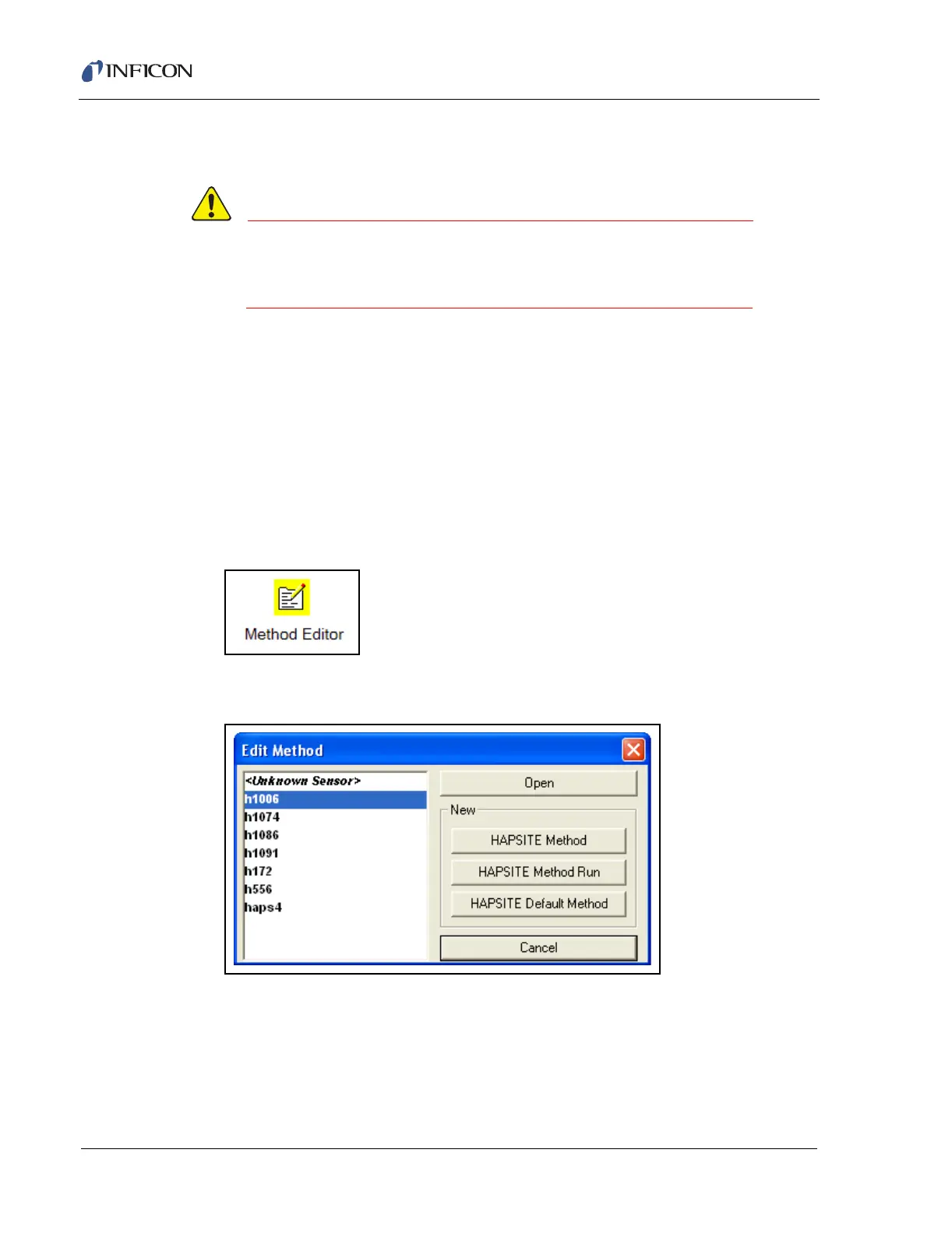
1 From the Smart IQ system setup screen, double-click the Method Editor Icon.
See Figure 11-50.
Figure 11-50 Method Editor Icon
2 Select "HAPSITE Method Run". SeeFigure 11-51.
Figure 11-51 Method Editor Open Window













 To Next Page