9 - 37
IPN 074-397-P1G
HAPSITE Smart Operating Manual
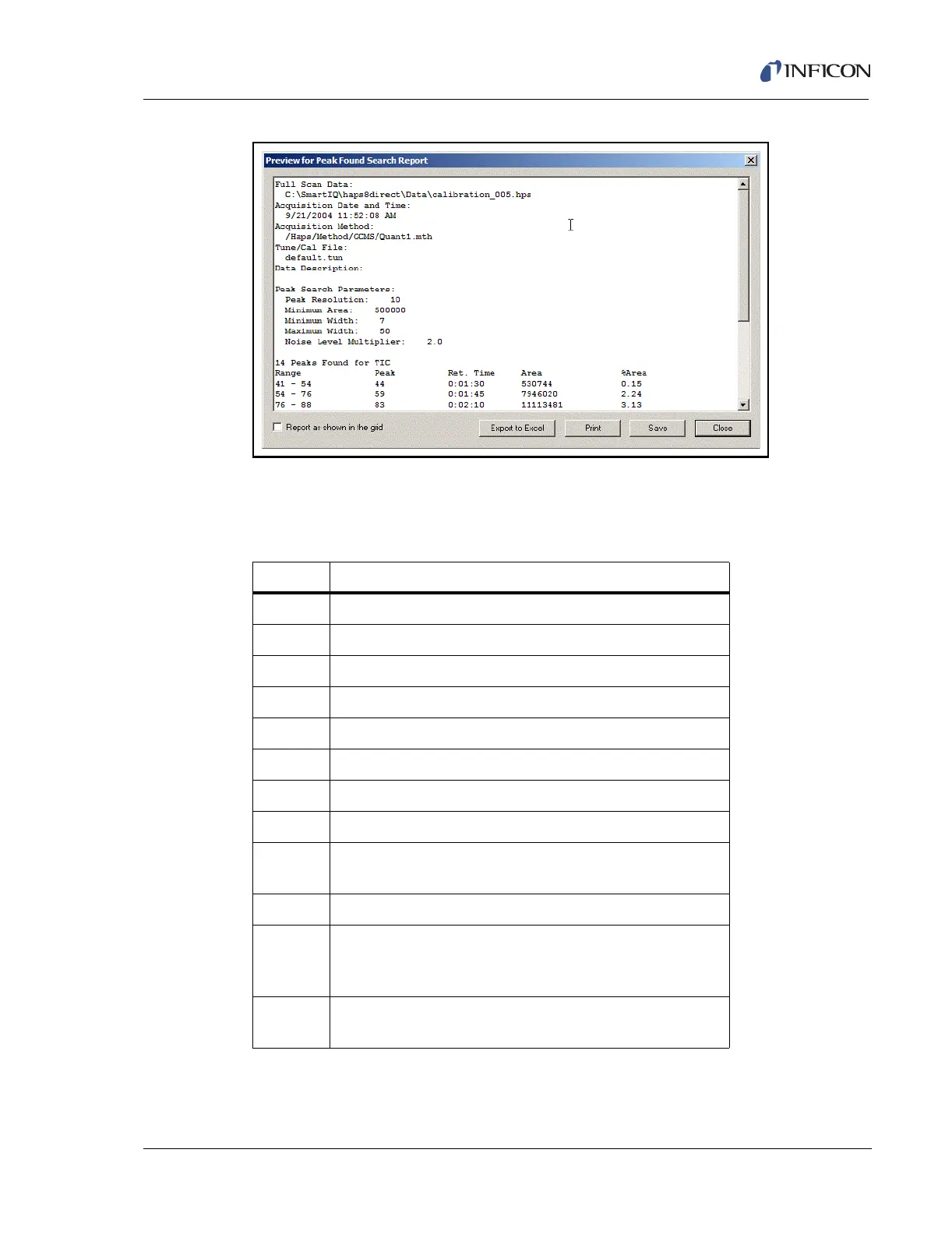
Figure 9-45 Peak Found Search Report
9.10 Smart IQ Hot Keys
Table 9-1 Smart IQ Hot Keys
Keys Functions
Crtl+o Open data file
F3 Datafile Info
F7 Search NIST (when a peak is selected)
Alt+N Next NIST Hit (when NIST is showing)
Alt+P Previous NIST Hit (when NIST is showing)
F8 Switch to NIST Program
F9 Grab spectrum for NIST
Shift+F8 Switch to AMDIS
F11 Full Plot (resumes chromatogram to live data, or restores
a zoomed area)
Ctrl+P Print
Page up Expands the Y Axis view to show twice the current max
scale (if it was 100%,it will show 200% after it is
pressed-up to 800%)
Page
down
Zooms the Y Axis view to show half the current max
setting (if it was 100%, it will show 50%-down to 0.4%)













 To Next Page