12 - 3
IPN 074-397-P1G
HAPSITE Smart Operating Manual
Conc/Factor. . . . . . . . . . . . . . . . Data file concentration of analytes if Global is
selected, or Concentration Multiplier if
Analyte is selected.
Selection . . . . . . . . . . . . . . . . . . If checked, file will be processed when Start
is pressed.
Display. . . . . . . . . . . . . . . . . . . . . . . Displays the chromatogram for the selected
data file.
Reset Library . . . . . . . . . . . . . . . . . If checked, will reset the calibration curve,
deleting all points currently contained in the
library.
12.2.3 Peak Search
Search . . . . . . . . . . . . . . . . . . . . . . . Performs two functions, depending on
whether Build/Edit Template or Calibrate
Library is selected. When Build/Edit is
selected, the Search performs a peak
detection and integration on the selected files
and loads the results into the library
template. When Calibrate is selected, search
performs the calibration of the library and
calculates response factors.
Recalculate . . . . . . . . . . . . . . . . . . . Recalculates the peak areas and response
factors without performing a peak search.
This is most useful following manual editing
of peak baseline points.
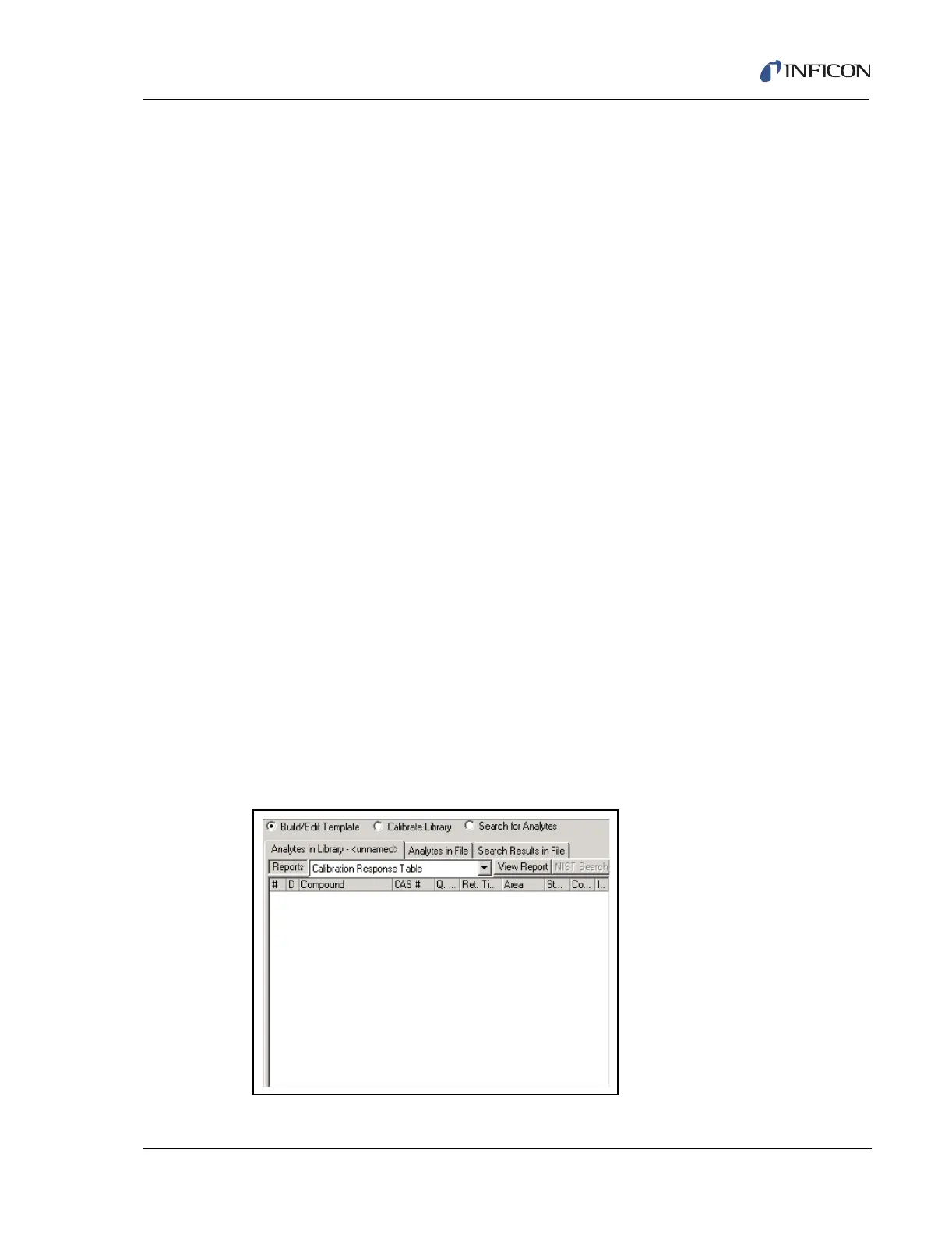
Start . . . . . . . . . . . . . . . . . . . . . . . . . Initiates the Search or Recalculation. See
Figure 12-2.
Figure 12-2 Search for Recalculation













 To Next Page