15 - 11
IPN 074-397-P1G
HAPSITE Smart Operating Manual
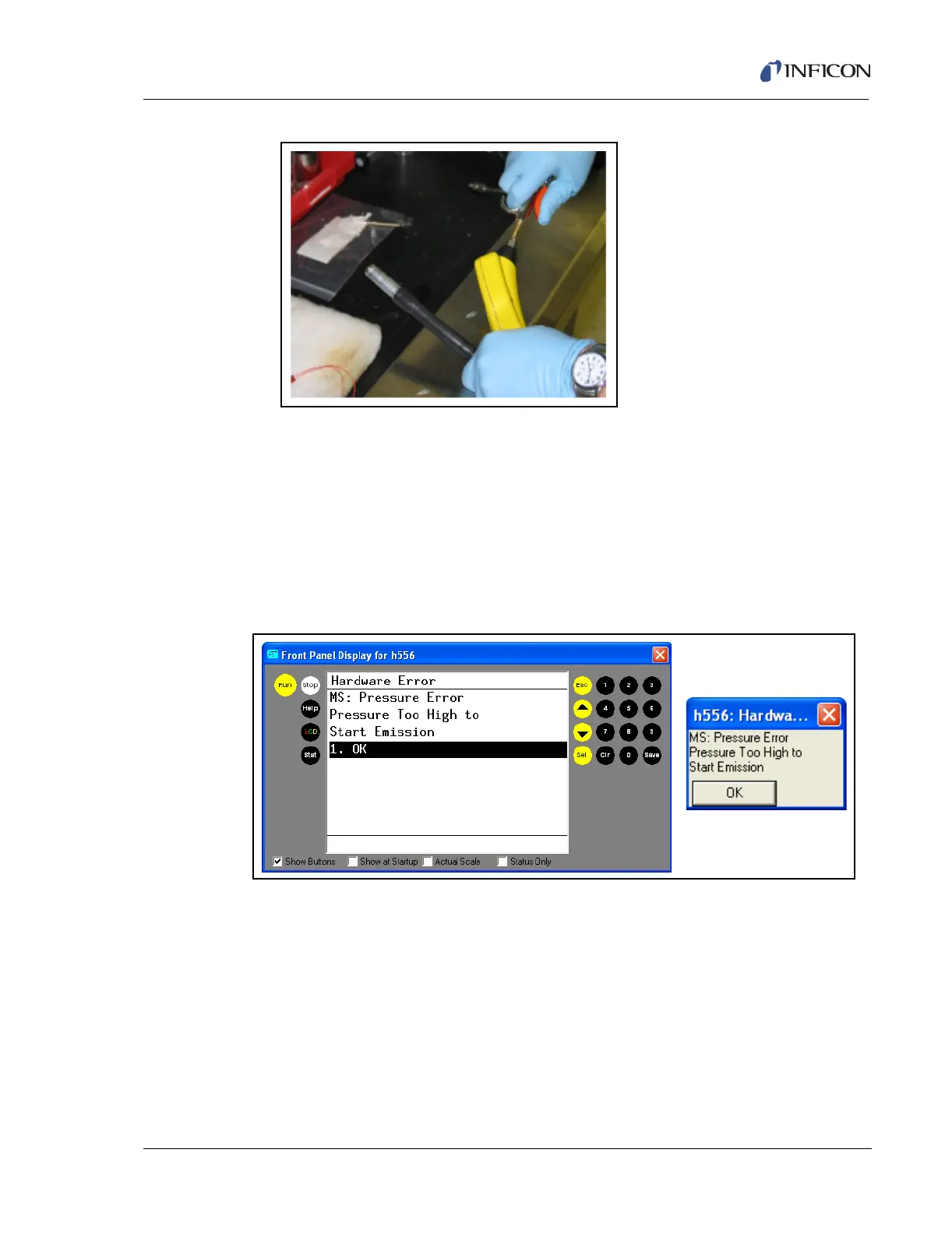
Figure 15-4 Blow Out Probe Line and Probe with N2
7 Re-attach probe line to HAPSITE.
15.6 NEG Troubleshooting
If an MS Pressure Warning message is received on the Front Panel of the
HAPSITE or on the laptop (see Figure 15-5), go to the PRES option under the
STAT menu or to the Service Module Tab in the Properties menu on the laptop
in Smart IQ to check the MS Pressure. See Figure 15-6 and Figure 15-7.
Figure 15-5 MS Pressure Error













 To Next Page