9 - 34
IPN 074-397-P1G
HAPSITE Smart Operating Manual
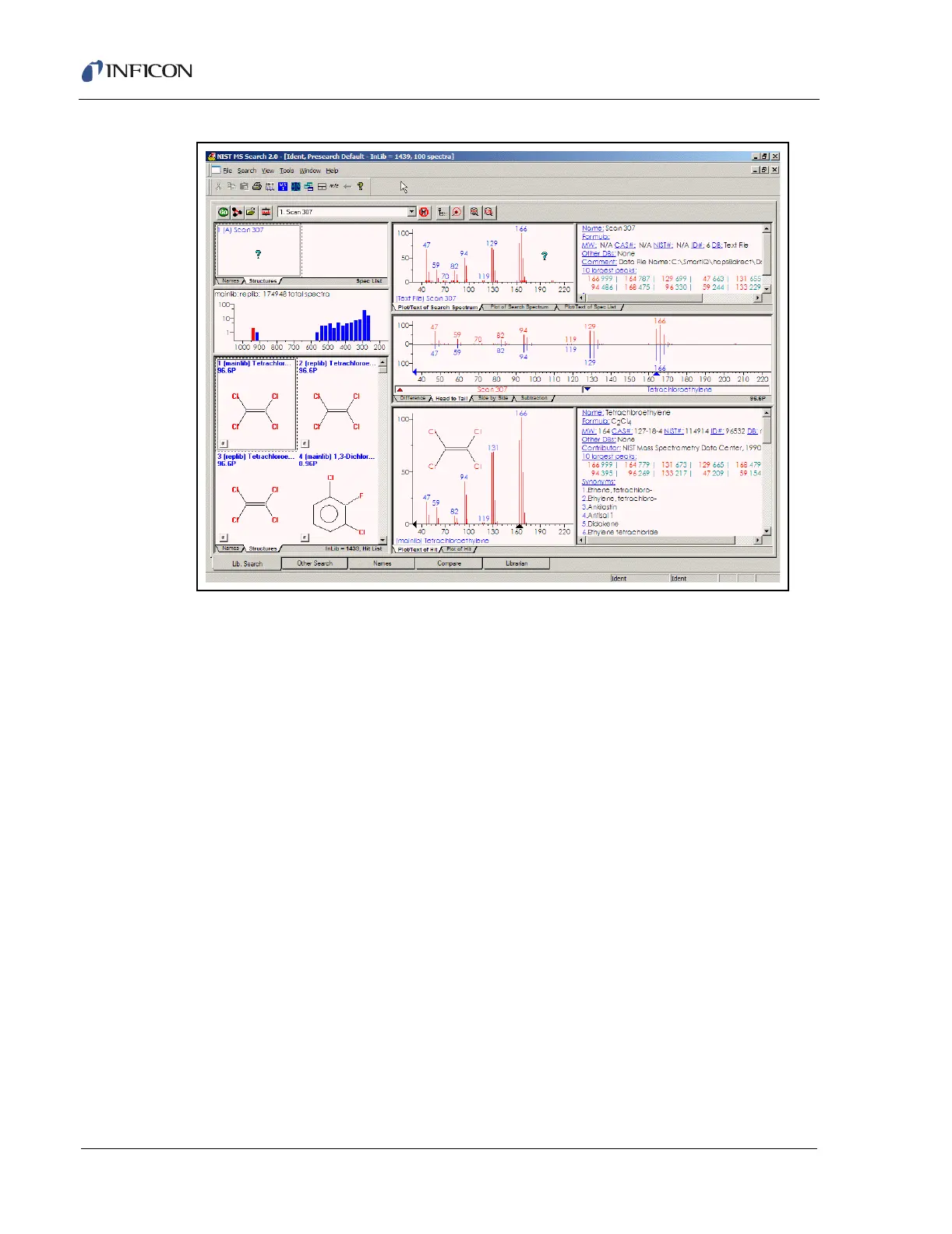
Figure 9-42 NIST Database
Notice the tabs at the bottom of the NIST window. These are multiple windows that
make use of all the functions in the NIST software.
The NIST program is a third-party software that comes with the HAPSITE Smart IQ
software. Instructions on how to fully utilize the NIST and AMDIS software are
included in the NIST Mass Spectral Database folder on the laptop and the HELP
selection of either program from the Menu selection.
9.9 Reporting and Printing Data
Reports are generated in Data Review utilizing the HAPSITE Smart IQ software by:
the method that acquired the data.
utilizing the Search for Peaks function.
print a report.
9.9.1 Method Generated Reports
To access reports generated by the method that acquired the data being reviewed,
the View Search Results icon should be accessed from the Results screen.
Alternately, View Search Results may be accessed in the Data Review pull down
menu. It will display the screen shown in Figure 9-43













 To Next Page