8 - 39
IPN 074-397-P1G
HAPSITE Smart Operating Manual
HAPSITEs use HAPSITE Smart software. Laptops use SMART IQ software. Even
though the two programs usually are distributed on the same CD, the programs are
not the same and require separate installations. Refer to Section 8.3, Installing and
Updating the HAPSITE Smart and Smart IQ Software, on page 8-2.
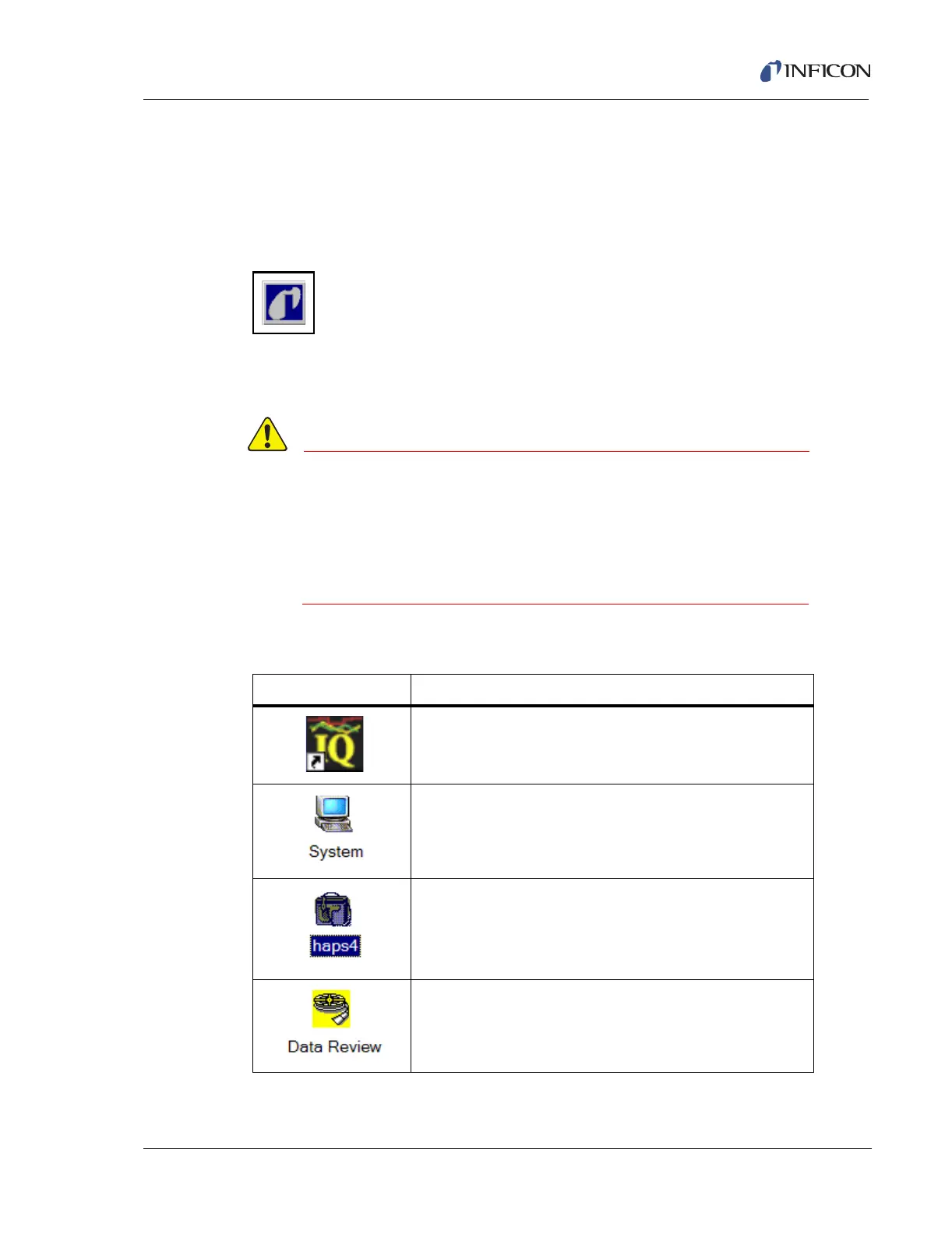
Click on the Smart IQ Information icon to check the software version for the laptop.
Figure 8-69 Smart IQ Information Icon
Refer to Section 3.2.6, STAT, on page 3-16 to determine how to check the version
of the HAPSITE Smart software installed on the HAPSITE.
If possible both the laptop and HAPSITE should always
have installed the most current version of the software
available. The chart above shows the compatibility of the
Smart IQ and HAPSITE Smart software. Do not try to run
incompatible versions of software together. (For example
Smart IQ 1.05 and HAPSITE Smart 1.16)
8.13 HAPSITE Icons
Icon Description
Starts Smart IQ Software from Desktop.
System Properties (Communications, Display,
Miscellaneous).
HAPSITE Sensor. Right Mouse Button to access menu.
Data Review. Accesses all saved data.













 To Next Page