3 - 7
IPN 074-397-P1G
HAPSITE Smart Operating Manual
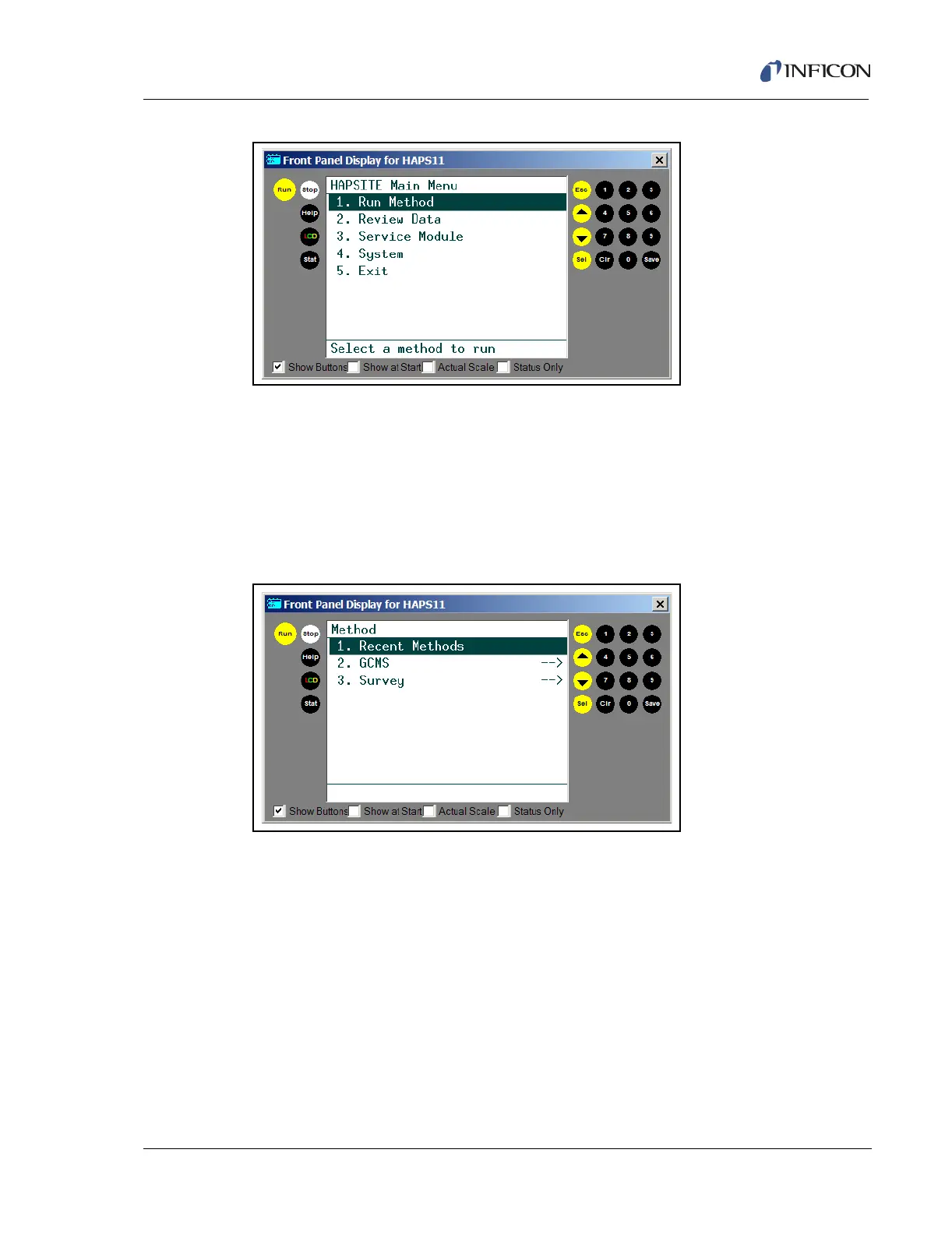
Figure 3-7 HAPSITE Front Panel LCD Main Menu
3.2.1 Run Method
The method menu has three options, as shown in Figure 3-8. After selecting Run
Method, the Method window appears.
NOTE: The Method Menu is user configurable. The standard configuration is
shown in this manual.
Figure 3-8 Method Menu
Recent Methods . . . . . . . . . . . . . . . Selecting entry 1 will display a list of up to 10
most recently used methods.
GCMS. . . . . . . . . . . . . . . . . . . . . . . . Selecting entry 2 will show a of list folders
containing the available GCMS methods.
Survey . . . . . . . . . . . . . . . . . . . . . . . Selecting entry 3 will show a list of available
Survey methods.
3.2.2 Review Data
The Review Data menu provides access to the data files. After selecting Review
Data, the Data Review: Method window appears.













 To Next Page