11 - 10
IPN 074-397-P1G
HAPSITE Smart Operating Manual
11.3.2 SituProbe
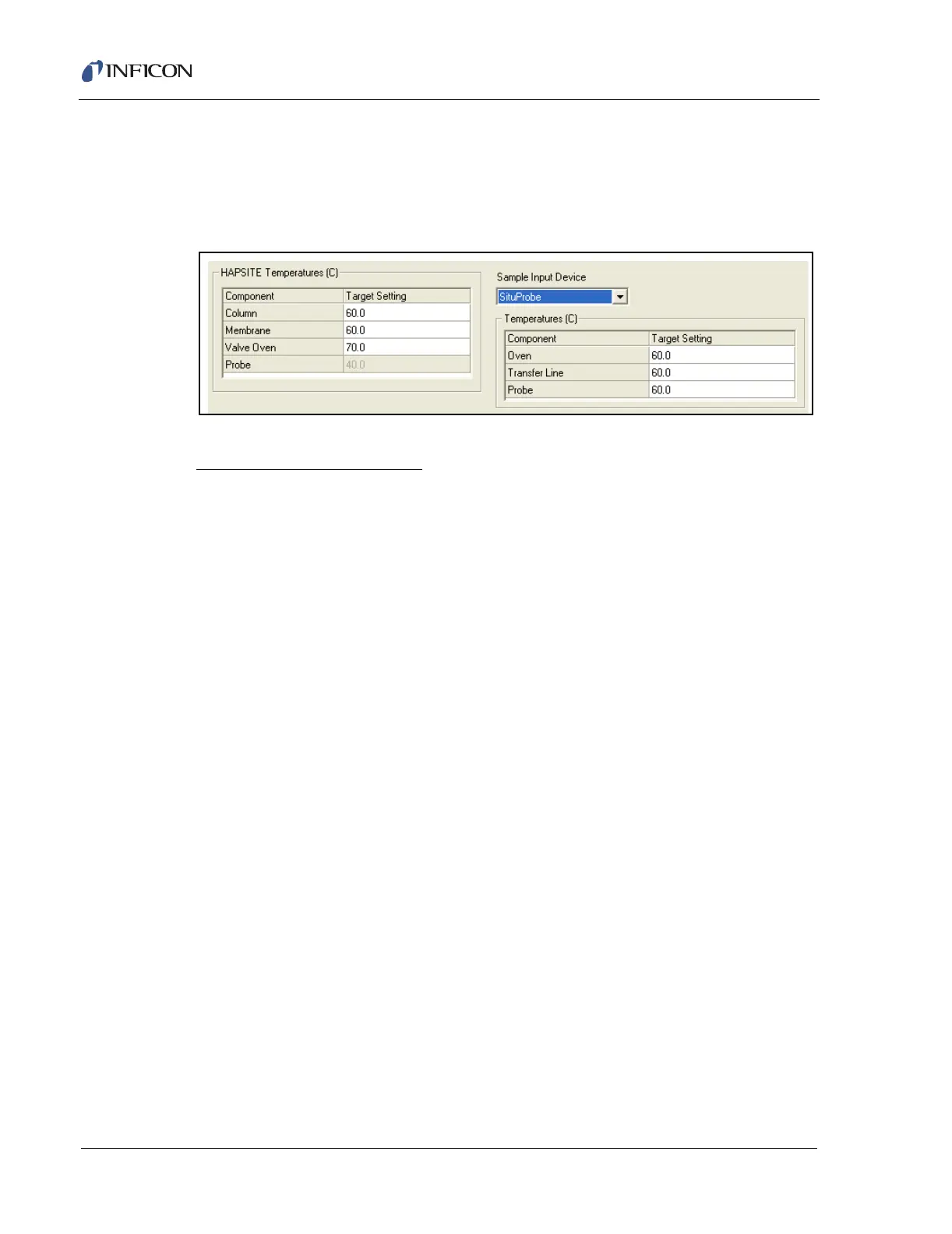
To create a SituProbe method, choose the SituProbe Sample Input Device. This
will bring up another temperature setting window for setting the SituProbe oven and
transfer line temperatures. See Figure 11-9.
Figure 11-9 SituProbe Parameters
SituProbe Temperatures (C)
Oven . . . . . . . . . . . . . . . . . . . . . . . . The target temperature the system will
achieve in the Oven before starting data
acquisition. This setting is not available when
the SituProbe or Headspace is disabled.
Transfer Line. . . . . . . . . . . . . . . . . . The target temperature the system will
achieve on the Transfer Line before starting
data acquisition. This setting is not available
when the SItuProbe or Headspace is
disabled.
Probe . . . . . . . . . . . . . . . . . . . . . . . . The target temperature the system will
achieve in the SituProbe before starting data
acquisition.
11.4 Inlet Page
NOTE: The Inlet page is not used (or displayed) when creating survey methods.
Figure 11-10 shows the default settings for the Inlet page for a GC/MS Full Scan
Method. From this page, the Inlet States, GC Temperature Profiles and Run Time
are integrated and synchronized to form the Inlet Component of the Method.
Changing one item on this page often affects others and that effect is shown in the
profile, at the bottom of the page, for clarity. There is a direct connection on this
page between the start time of the Standby Inlet Event, the total time of the
Temperature Profile, and the Run Time. Changing a time related to one of these
items will automatically change a related time in the other items, in most cases.













 To Next Page